VoIP
Keyyo
Connect Keyyo to Leexi to automatically import your recorded calls.
| Who is this for? | Required permissions and licenses |
|---|---|
| • Administrators who manage company integrations. | • License required: depending on your plan, check availability in Settings > Integrations. • Administrator rights on your Leexi and Keyyo accounts. |
How to use it
Add the Keyyo integration in Leexi
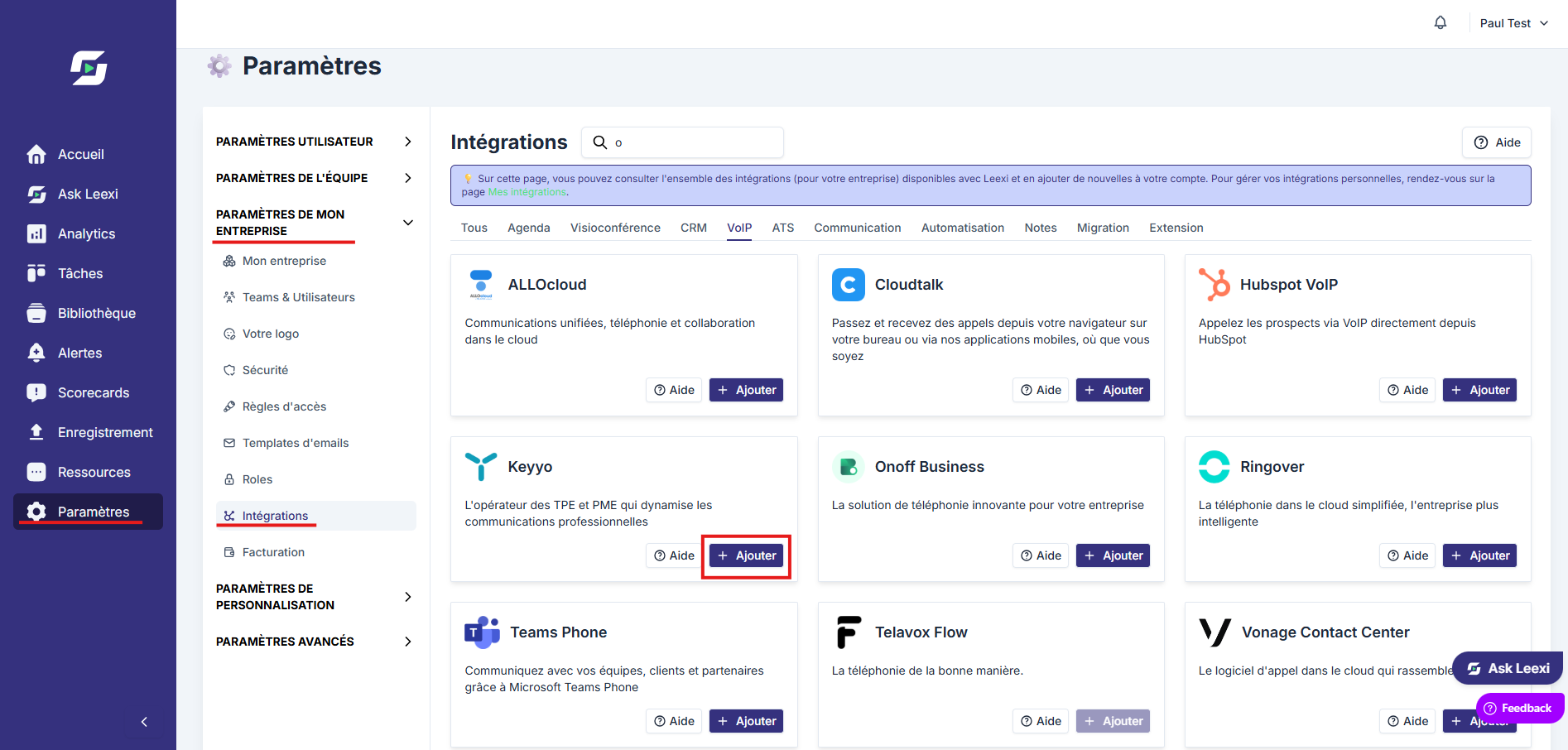
- From your Leexi account, go to Settings > Integrations.
- Click Add on the Keyyo integration.
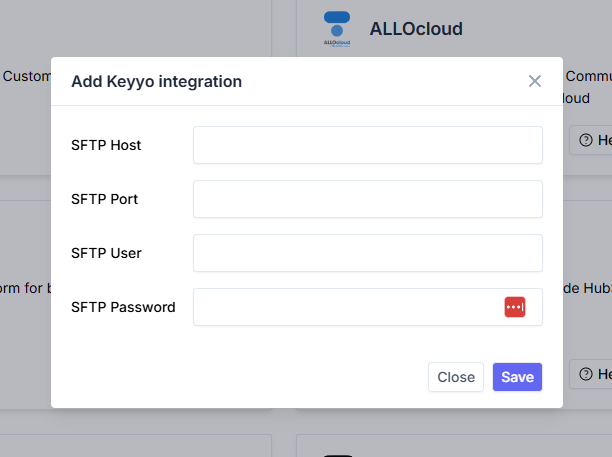
Fill in the required information
To find all the requested information, check the Keyyo documentation on the call recording option.
Authorize Leexi on your Keyyo account
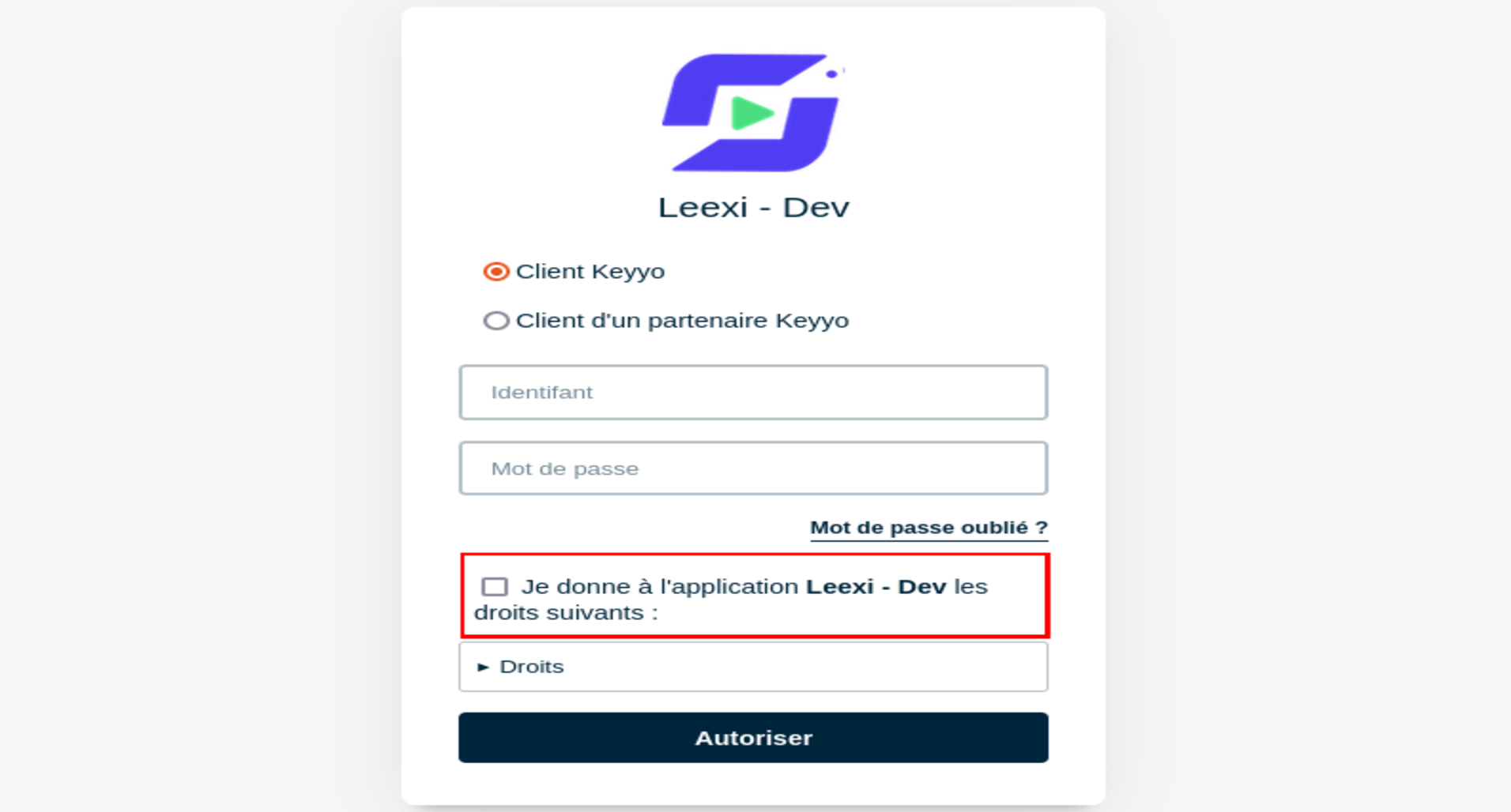
Once all fields are filled in, click Save. You will be redirected to a Keyyo authentication page: enter your credentials and check "I grant the Leexi application the following rights".