Notifications
Teams Notifications
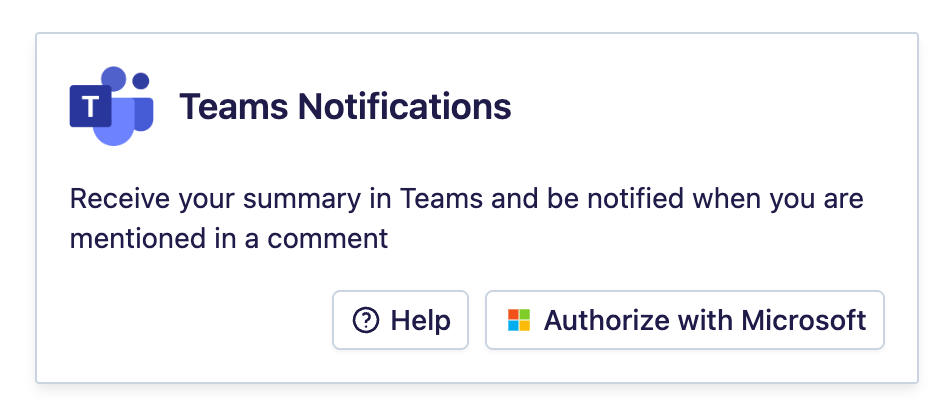
Connect Microsoft Teams to Leexi to receive your call notifications directly in Teams.
| Who is this for? | Required permissions and licenses |
|---|---|
| • Administrators who manage the company's integrations. | • Administrator rights on your Leexi and Microsoft Teams accounts. • Estimated setup time: about 5 minutes. |
How to use it
Enable the Teams Notifications integration
Start activating the Teams Notifications integration from Leexi and complete the Microsoft authentication flow.
Confirm you receive notifications
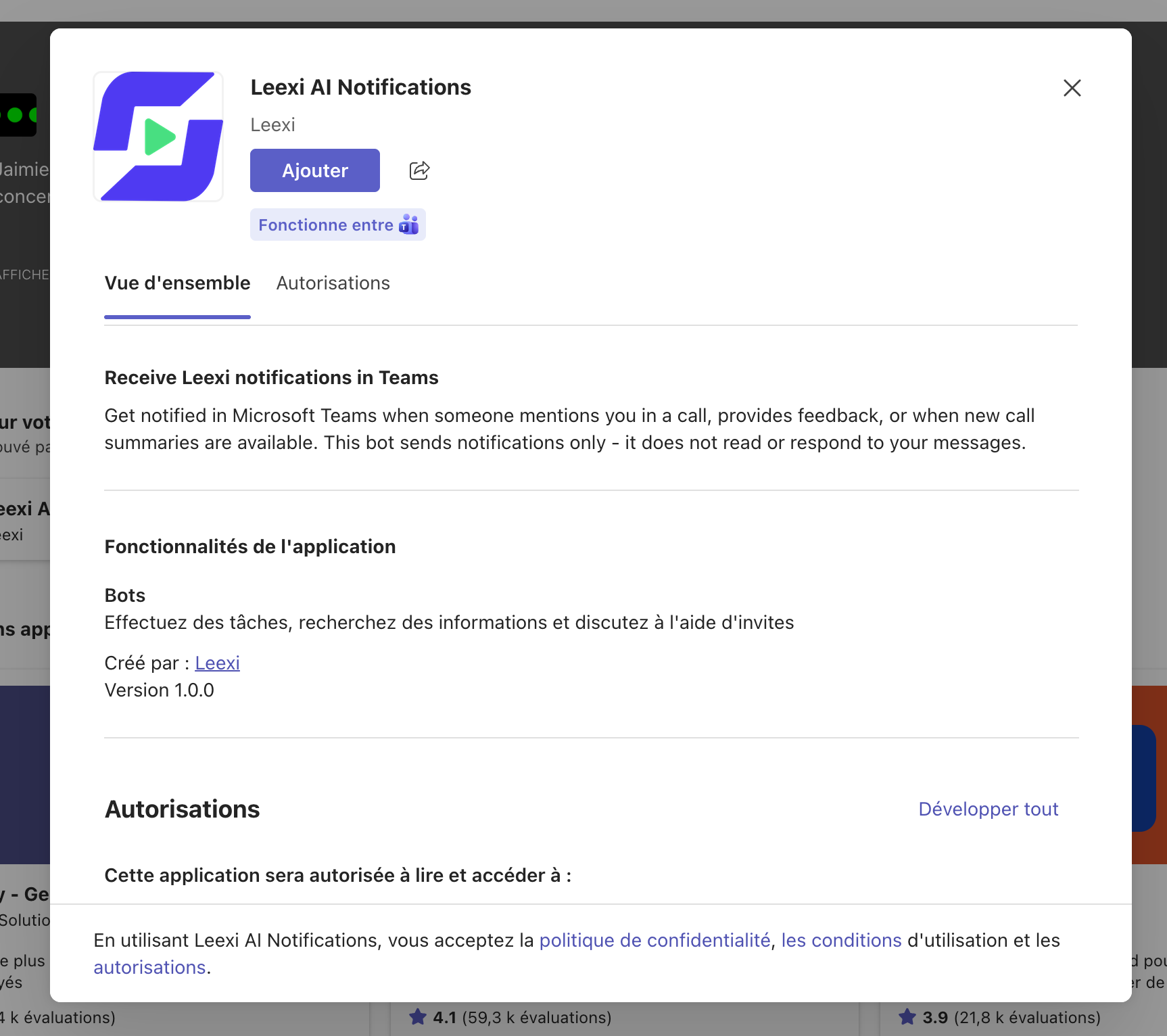
Once the integration is activated, your Leexi call notifications appear in Microsoft Teams.
Frequently asked questions
Contact your Microsoft administrator: they will need to approve the app by following the procedure for reviewing admin consent requests. Once the app is approved, restart the activation flow. Your Microsoft administrator can grant admin consent to the Leexi app so that each user can activate the integration without individual approval.
Your Microsoft administrator needs to perform the following steps:
- sign in to the Azure portal;
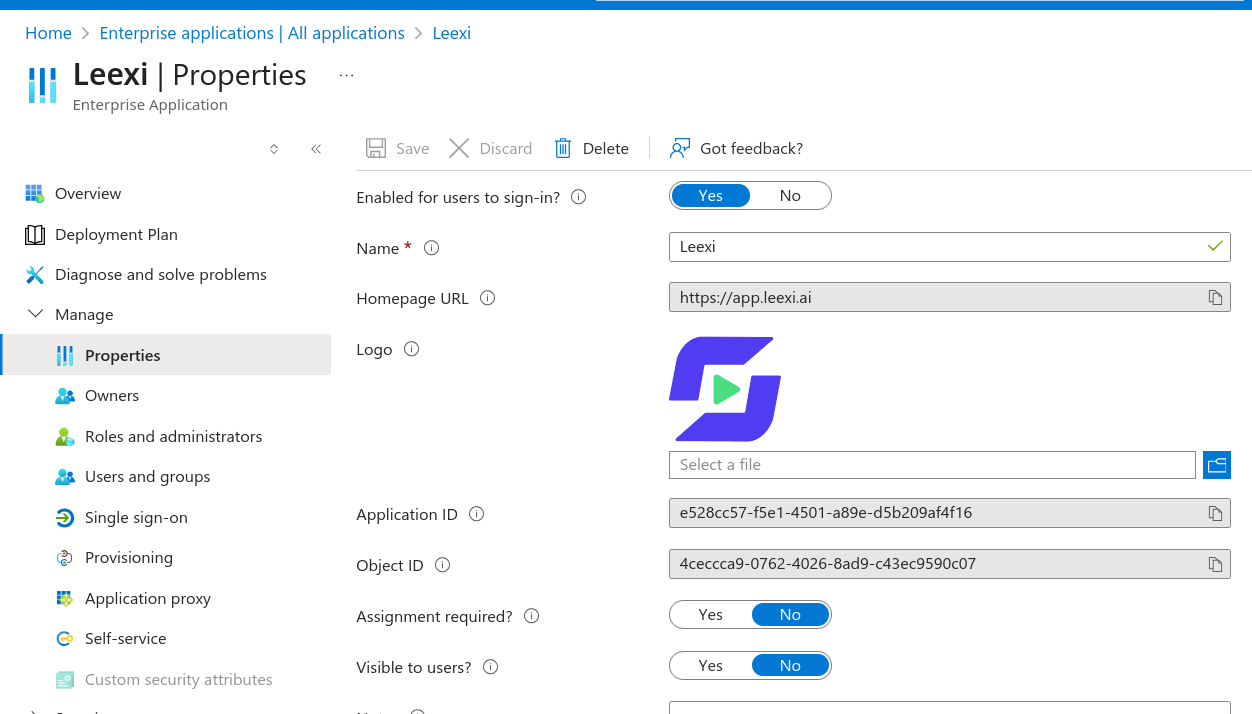
- go to Enterprise Applications and select the Leexi application;
- under Manage → Properties, make sure Assignment required? is set to No.
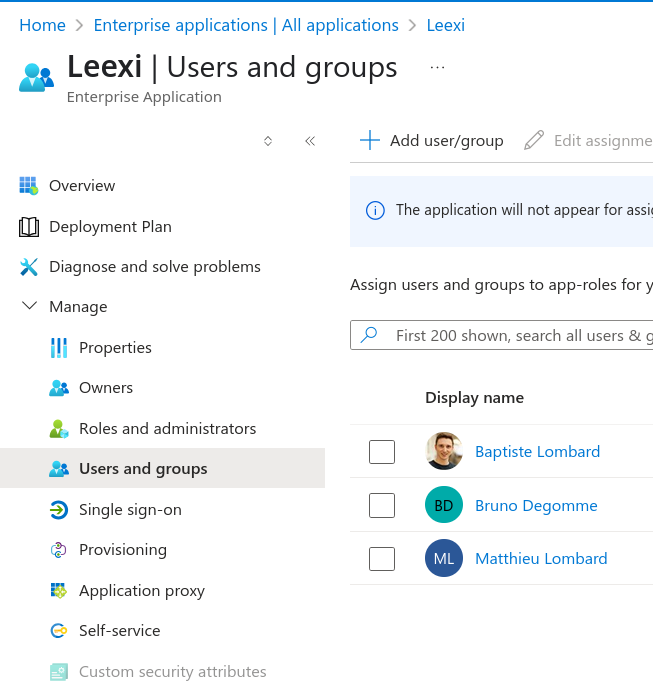
Another option: under Users and groups, add the relevant user.