Automation
Zapier
Connect Leexi to Zapier to automatically send your new recordings to your internal tools.
| Who is this for? | Required permissions and licenses |
|---|---|
| • For users who want to automate workflows between Leexi and their other tools via Zapier. | • A Zapier account. • A Leexi API key, created from your account settings. • License required: depending on your plan, check availability in Settings > Integrations. |
How to use it
Estimated time: 5 minutes.
Accept the Leexi invitation on Zapier
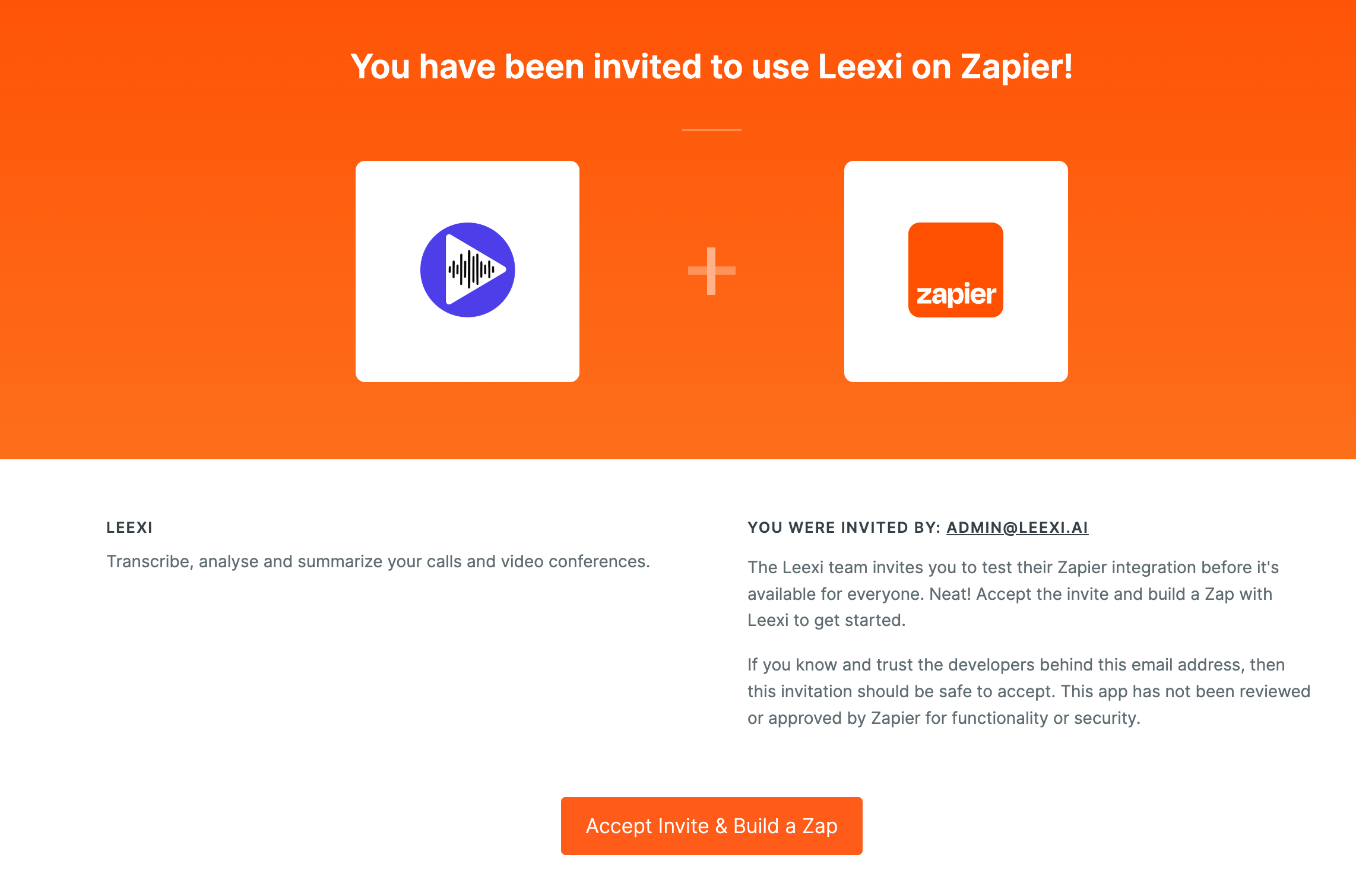
Click this invitation link, then click Accept Invite & Build a Zap.
Select the New Recording event
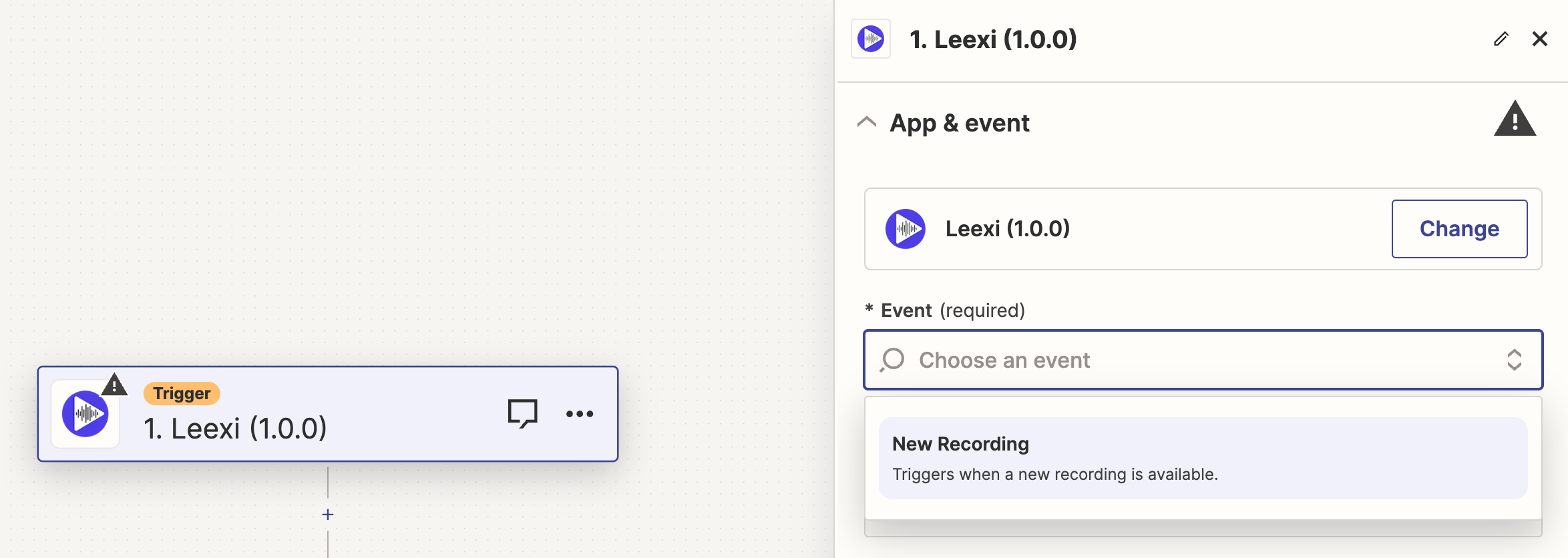
In the trigger configuration, select the New Recording event.
Enter your Leexi API key
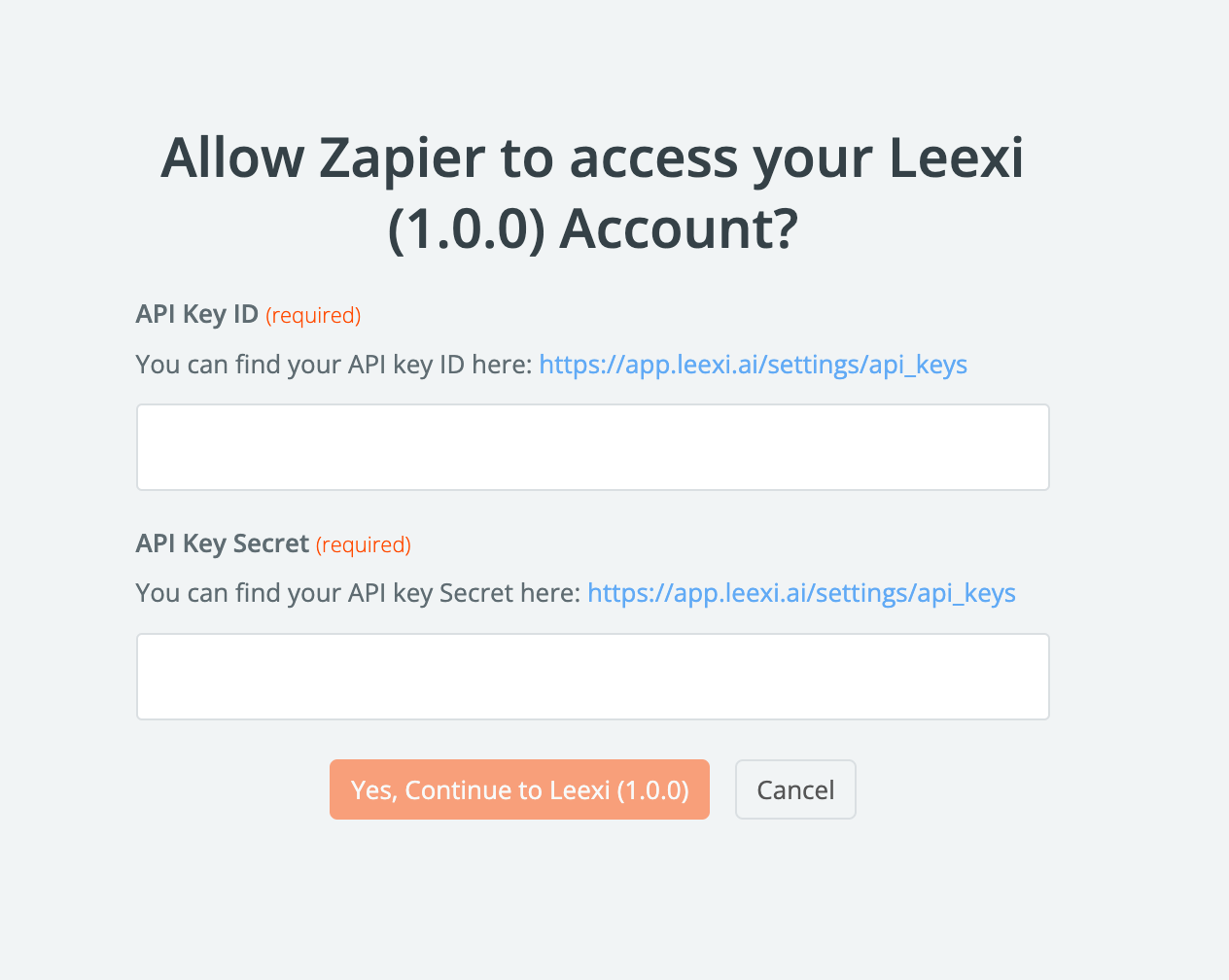
Add the ID and secret of your Leexi API key, which you can generate here.
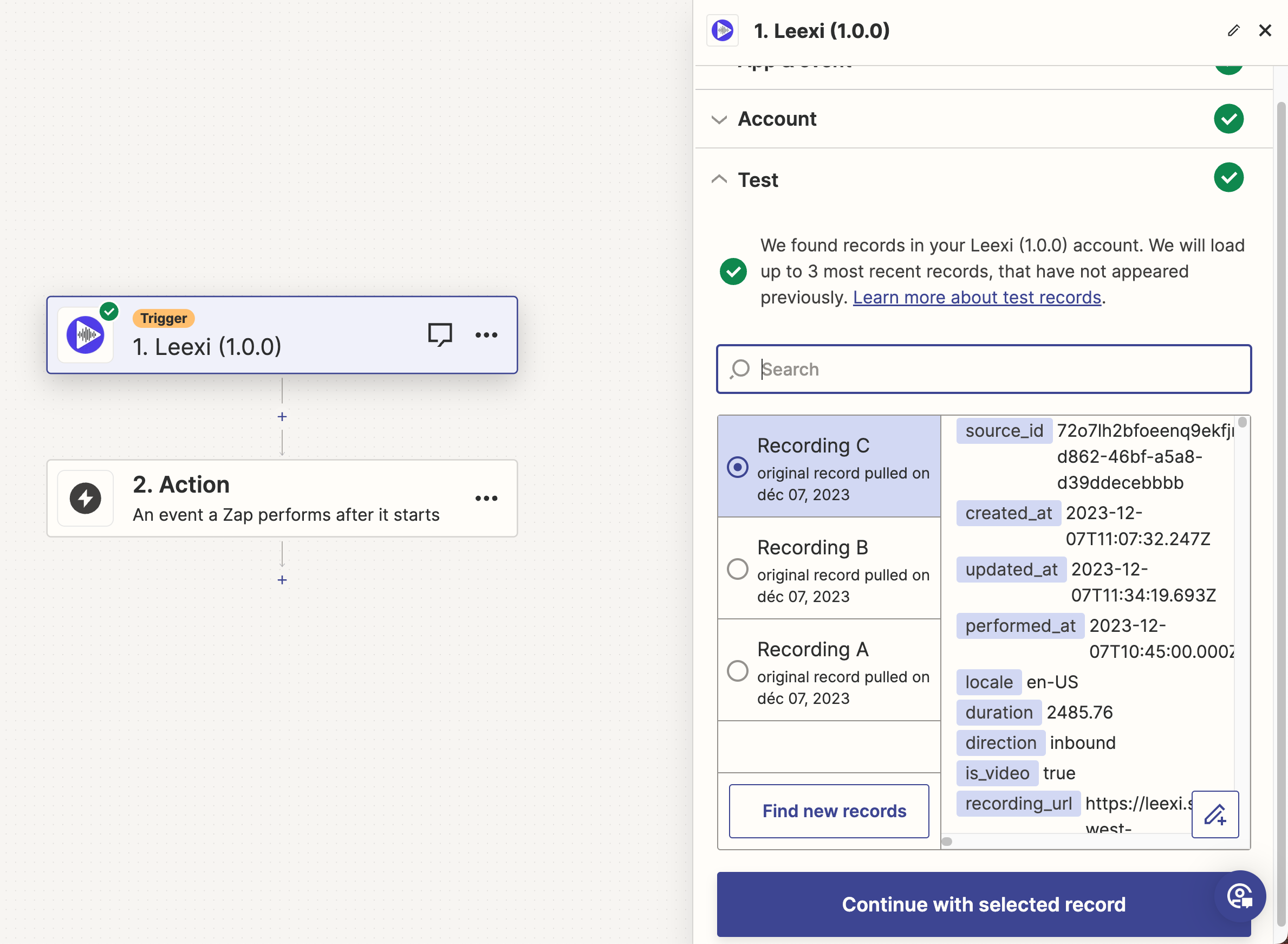
Test the trigger
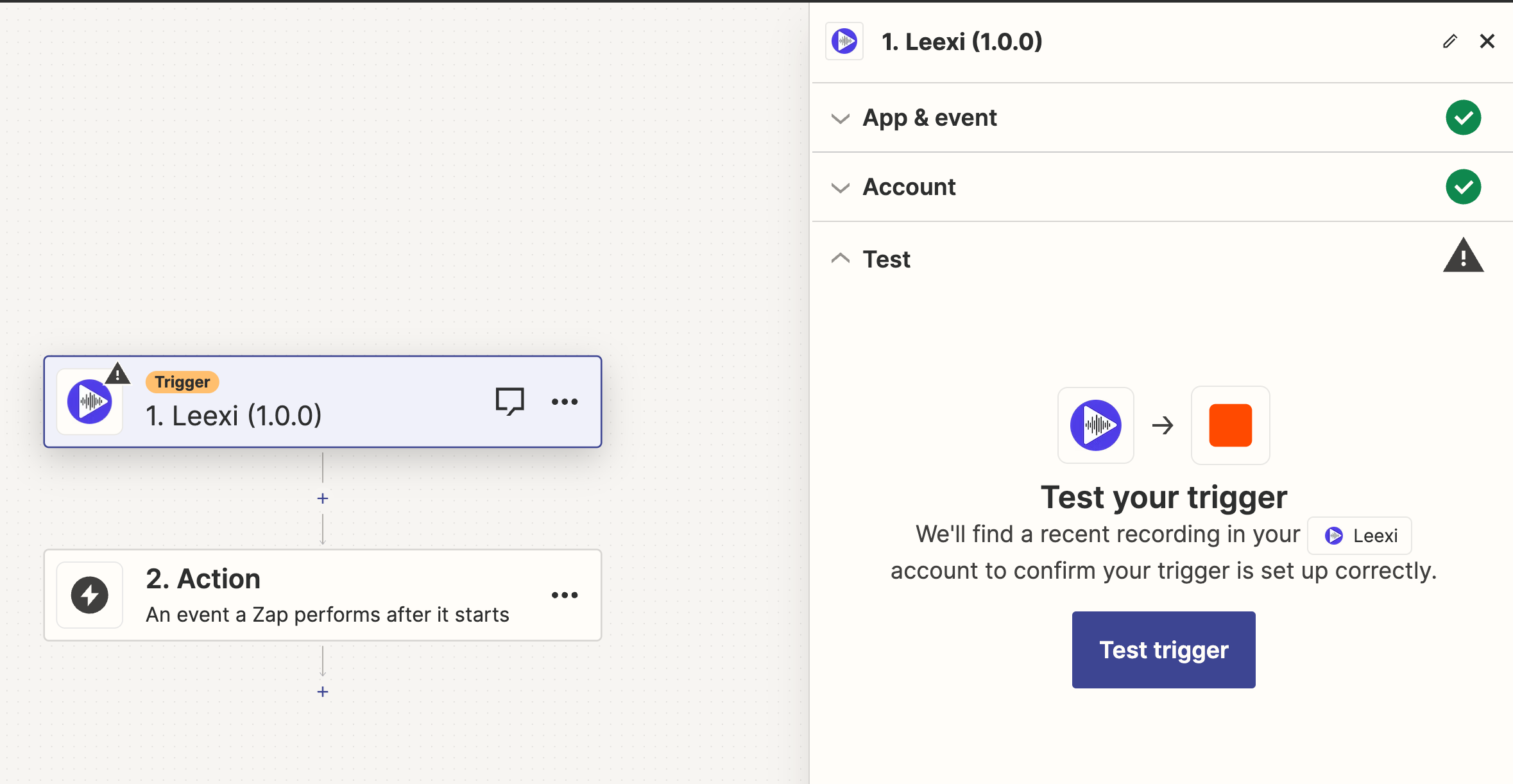
Run the test for your trigger.
Connect your internal tools
You should see your latest calls and meetings. Click Continue with selected record and add the connector to your internal tools.
Your next calls and meetings will appear in your internal tool!