Google Meet (legacy)
| Who is this for? | Required permissions and licenses |
|---|---|
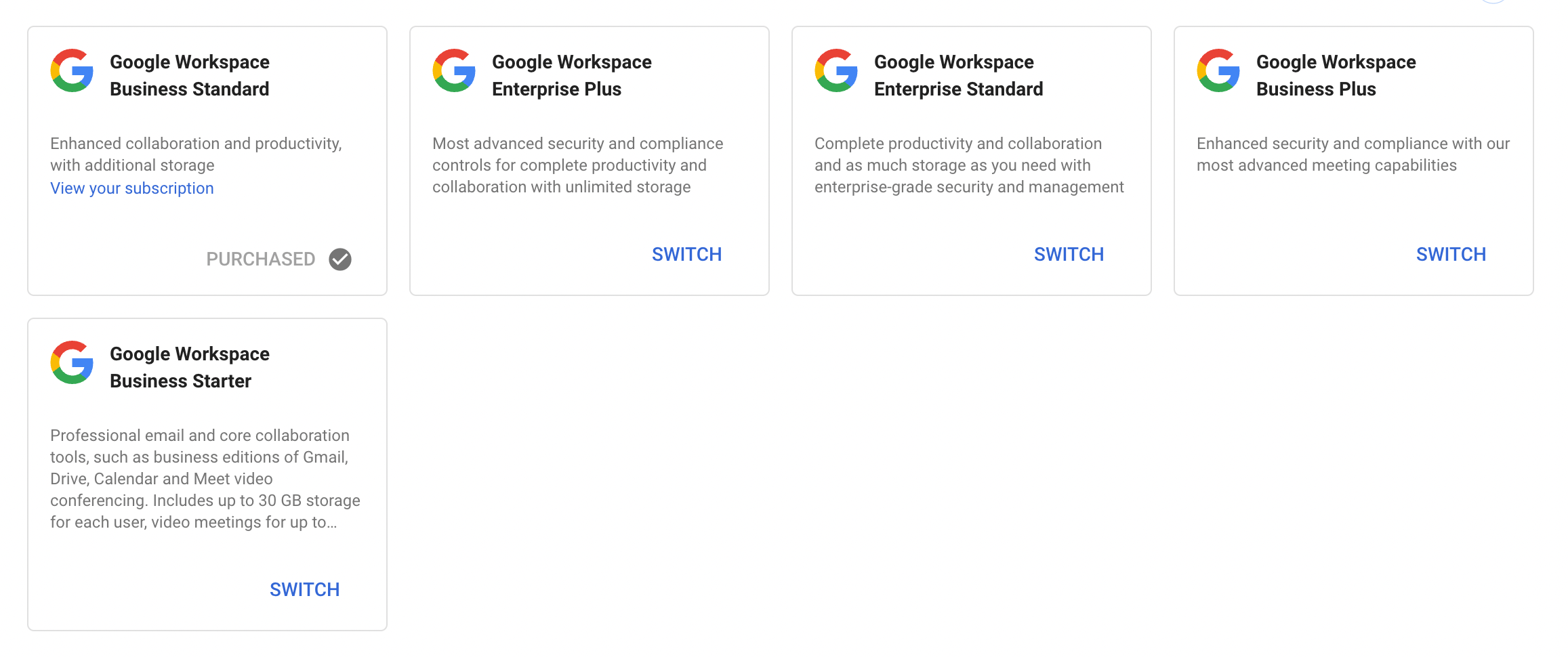
| • For all account users who record their Google Meet meetings. | • Google Workspace Business Standard. • License required: depending on your plan, check availability in Settings > Integrations. |
How to use it
Give access to your Google calendar
Each user, from their computer, logs into their Leexi account then goes to Settings > My integrations and gives access to their Google Calendar (careful: check the calendar sharing box).
Give access to your Google Drive
Give access to your personal Google Drive via meet@leexi.ai: detailed instructions are provided when you share your drive.
This step is not required if you never intend to use Google Meet's native recording feature and only use the meeting assistant.
Download the Leexi extension
Going further
Automatically archive recording notification emails
This configuration is only necessary if you have enabled the Google Drive integration.
Open Gmail search options
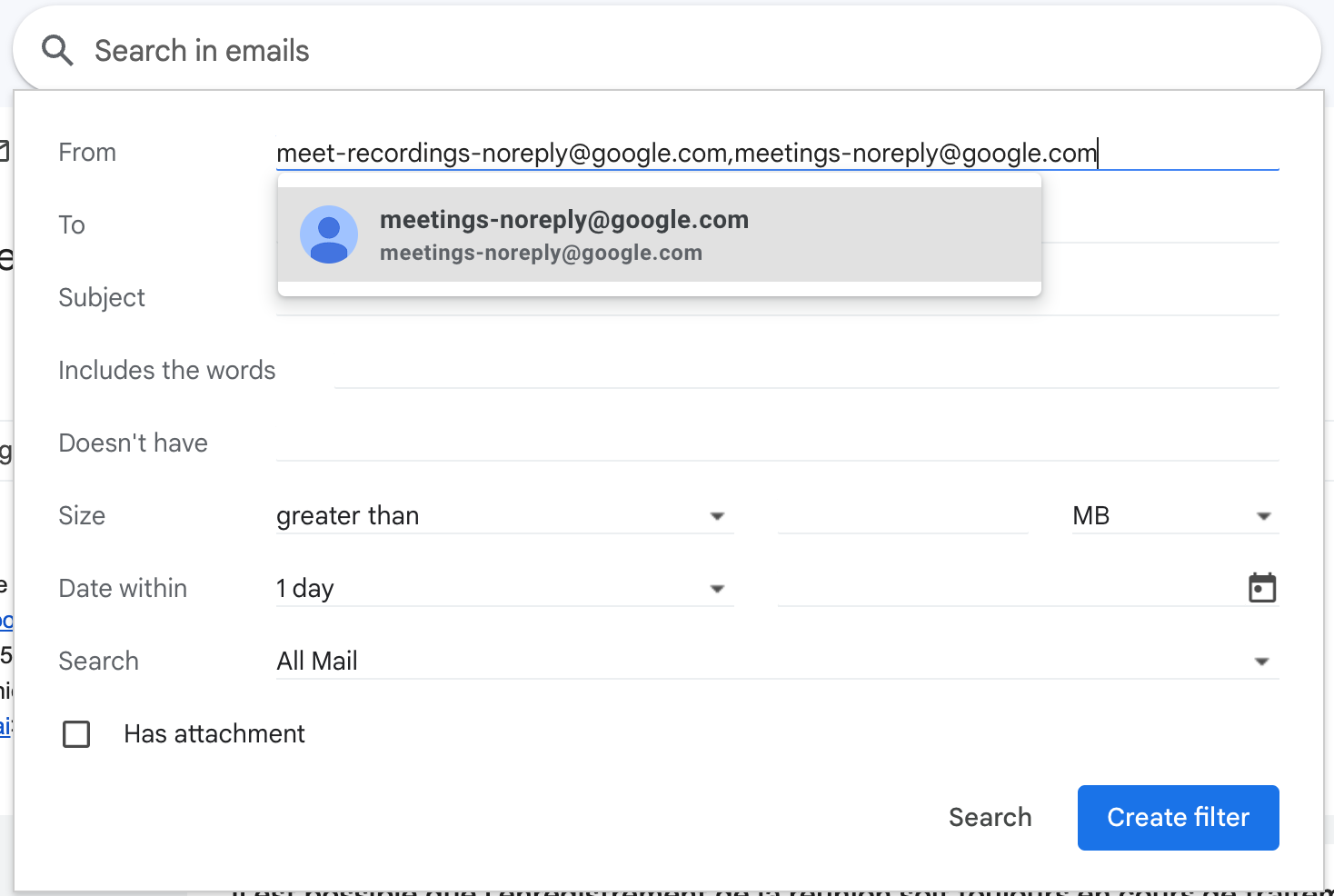
Click Show search options.

Create a filter on senders
Copy and paste meet-recordings-noreply@google.com,meetings-noreply@google.com into the From field, then click Create filter.
Archive automatically
Check the Skip the inbox (Archive it) box, then click Create filter.
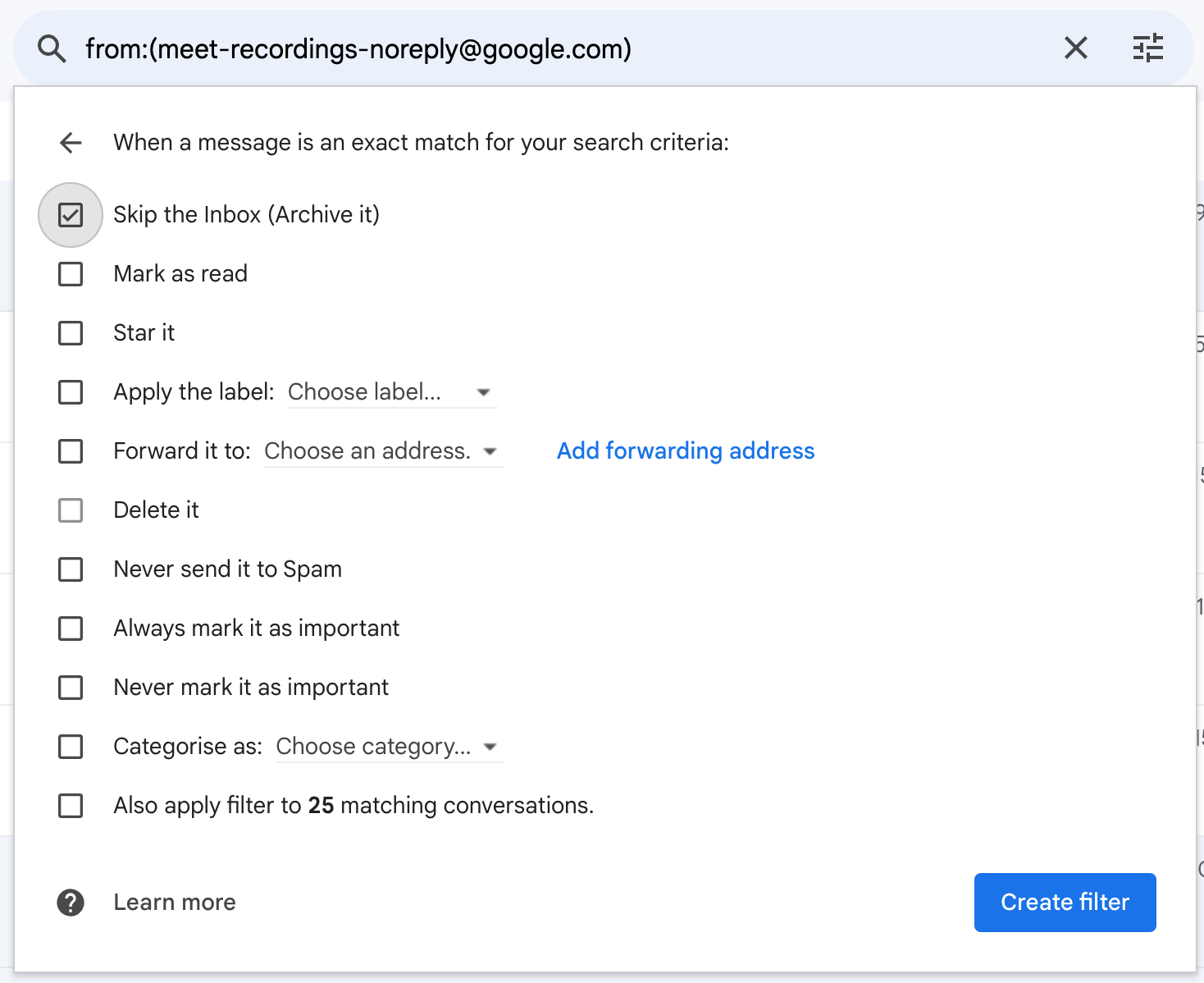
You will no longer be spammed by Google Meet recording emails.