Notes and storage
Google Doc
Automatically send your meetings' AI meeting notes to a dedicated Google Drive folder.
| Who is this for? | Required permissions and licenses |
|---|---|
| • For all users who want to find their meeting notes in Google Drive. | • License required: depending on your plan, check availability in Settings > Integrations. • Each user connects their own Google account from their personal integrations. |
How to use it
Open your personal integrations
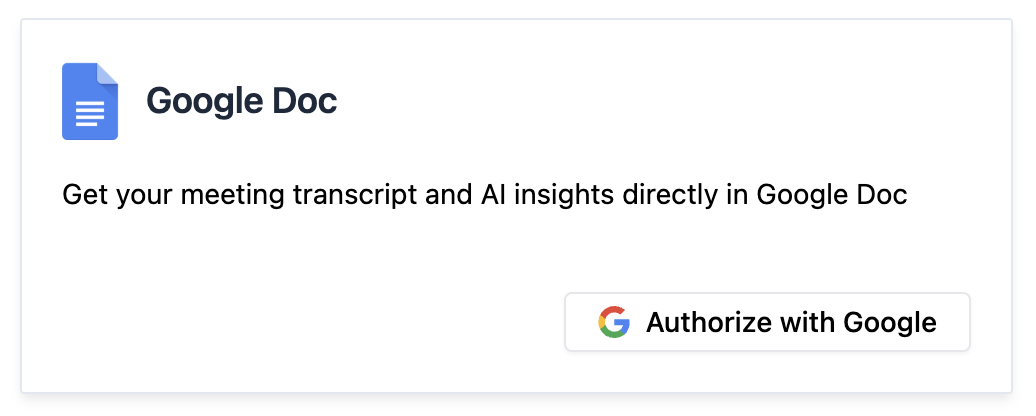
From your Leexi account, go to My integrations and, on the Google Doc card, click Authorize with Google.
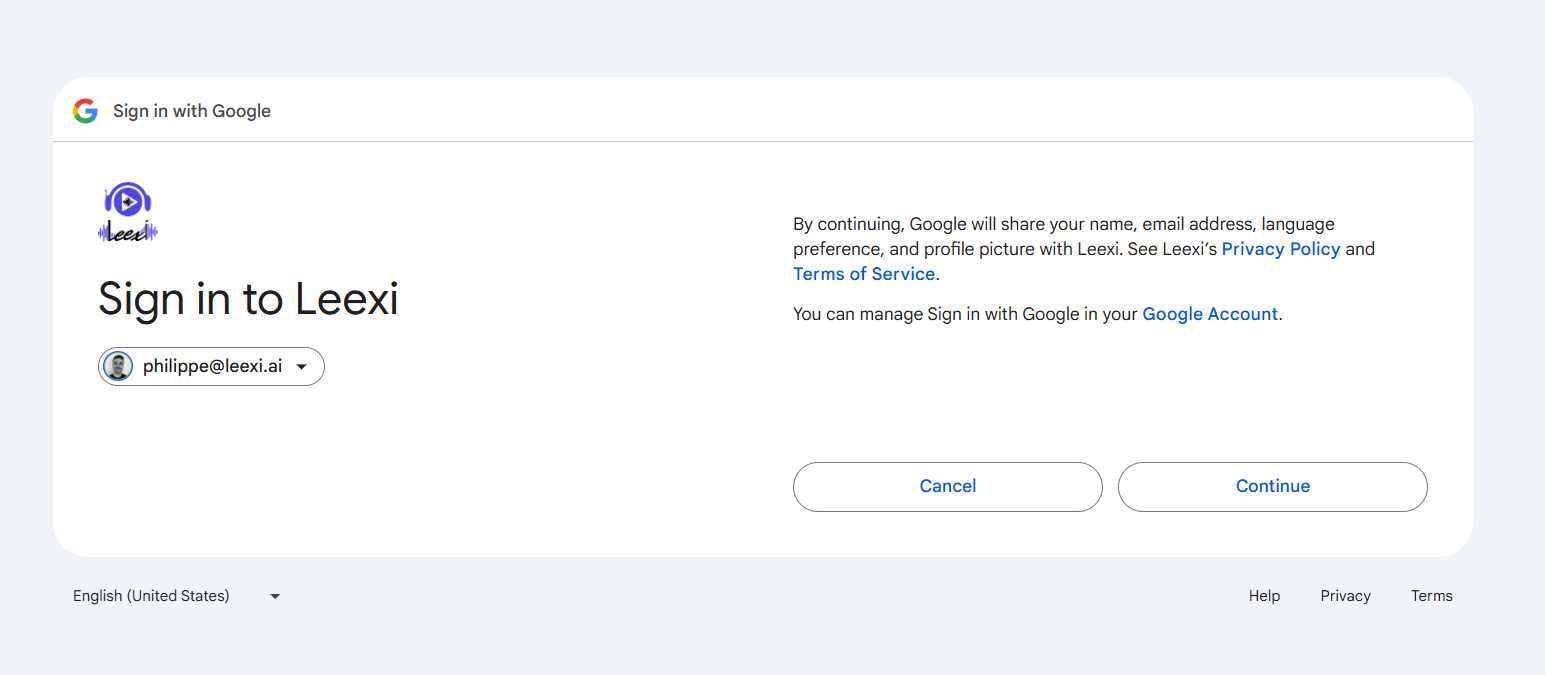
Continue the authentication flow
Click Continue.
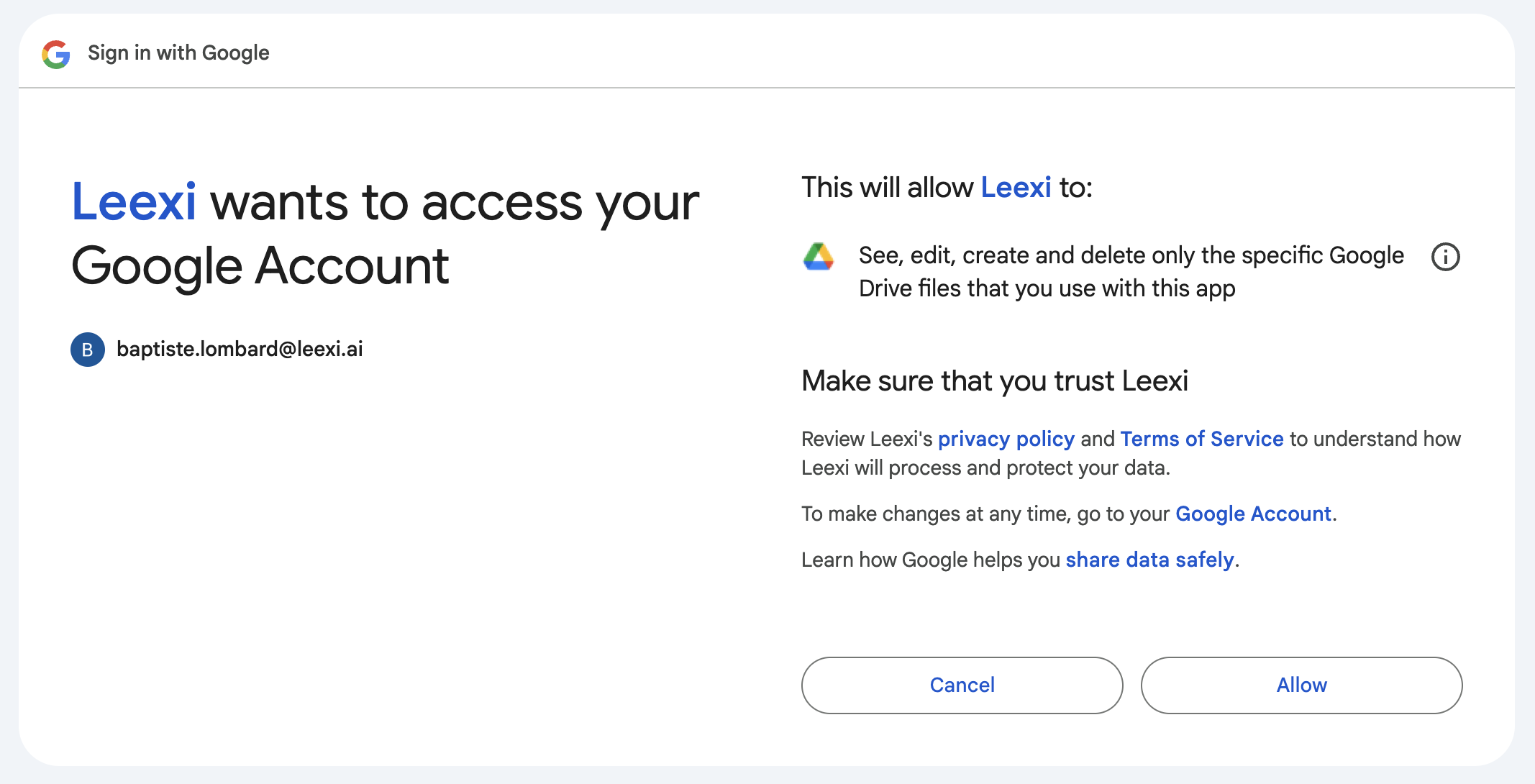
Authorize the requested access
Accept the selected access scope.
Find the "Leexi Recordings" folder
You now have access to a Leexi Recordings folder in your Google Drive.

View your meeting notes
Your meeting notes are accessible in this folder.

Frequently asked questions
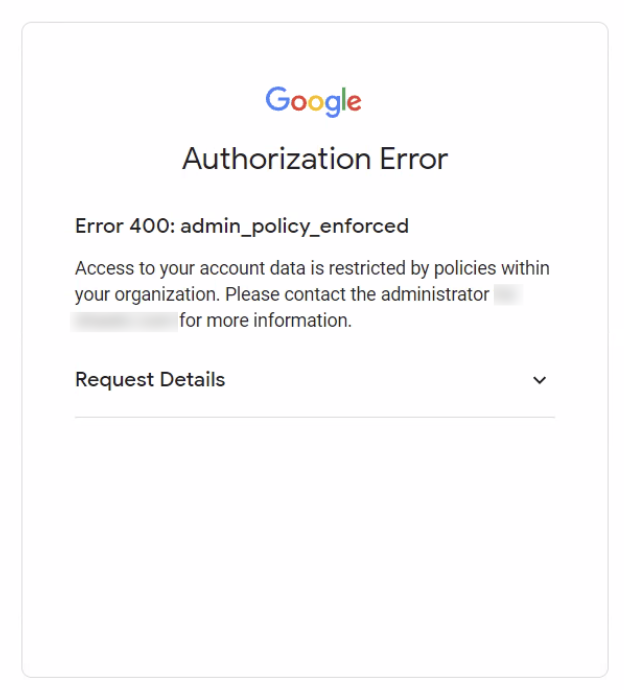
Your organization's policies prevent you from enabling the Google Doc integration yourself. A Google administrator from your organization must go to the Google Admin console, Security > Access and data controls > API controls > Manage third-party app access, and then:
- select Configure a new app and choose OAuth app name or client ID ;
- use the following client ID:
1896081579-lrhtmgv5h0eglthrniim41cb0jfkku7p; - click Select and mark the application as Approved.