Google Meet
| Who is this for? | Required permissions and licenses |
|---|---|
| • All users who organize or attend Google Meet meetings. | • License required: depending on your plan, check availability in Settings > Integrations. • Each user connects their own calendar, no special role is required. |
How to use it
Open your personal integrations
From your Leexi account, go to My integrations.
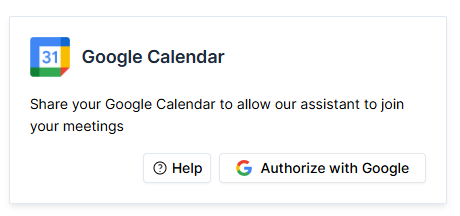
Authorize the Google Calendar integration
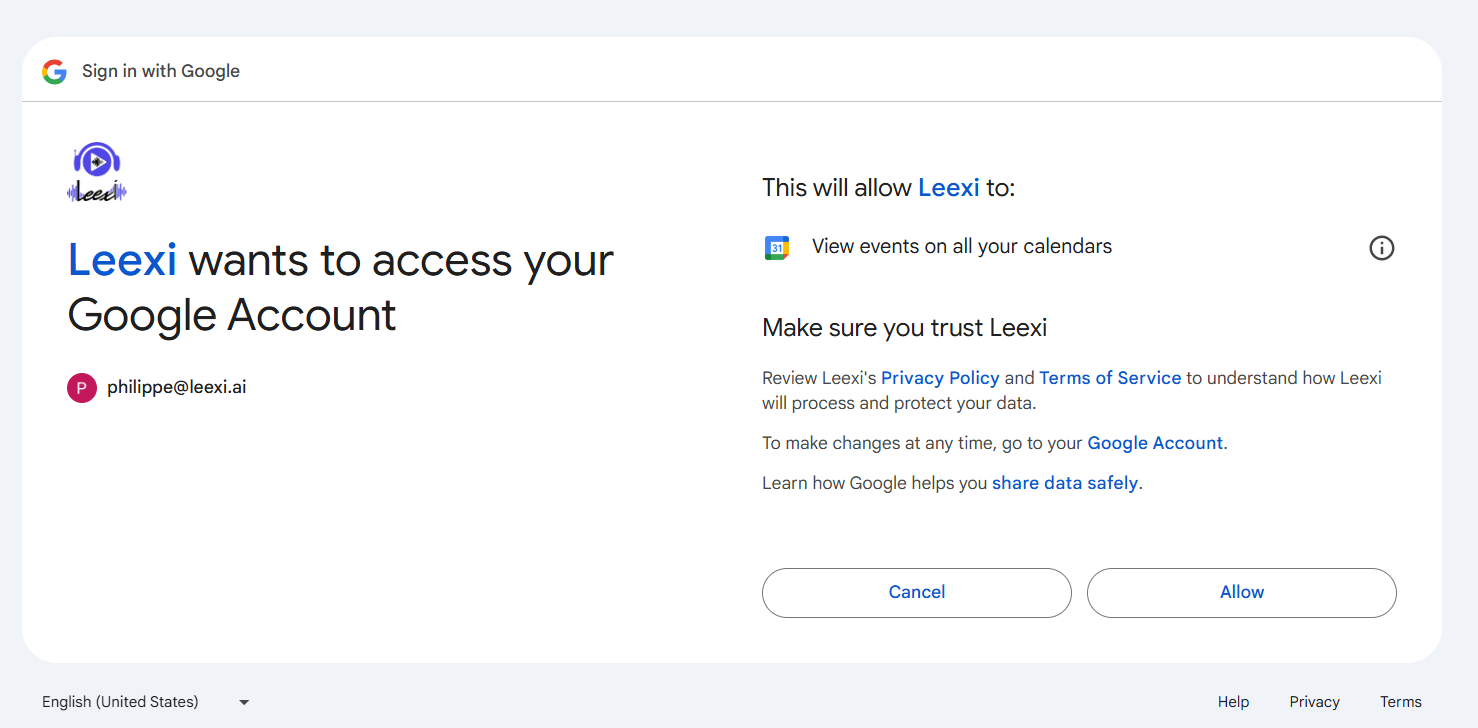
On the Google Calendar card, click Authorize. Access to your calendar allows Leexi to automatically send the assistant to record your meetings.
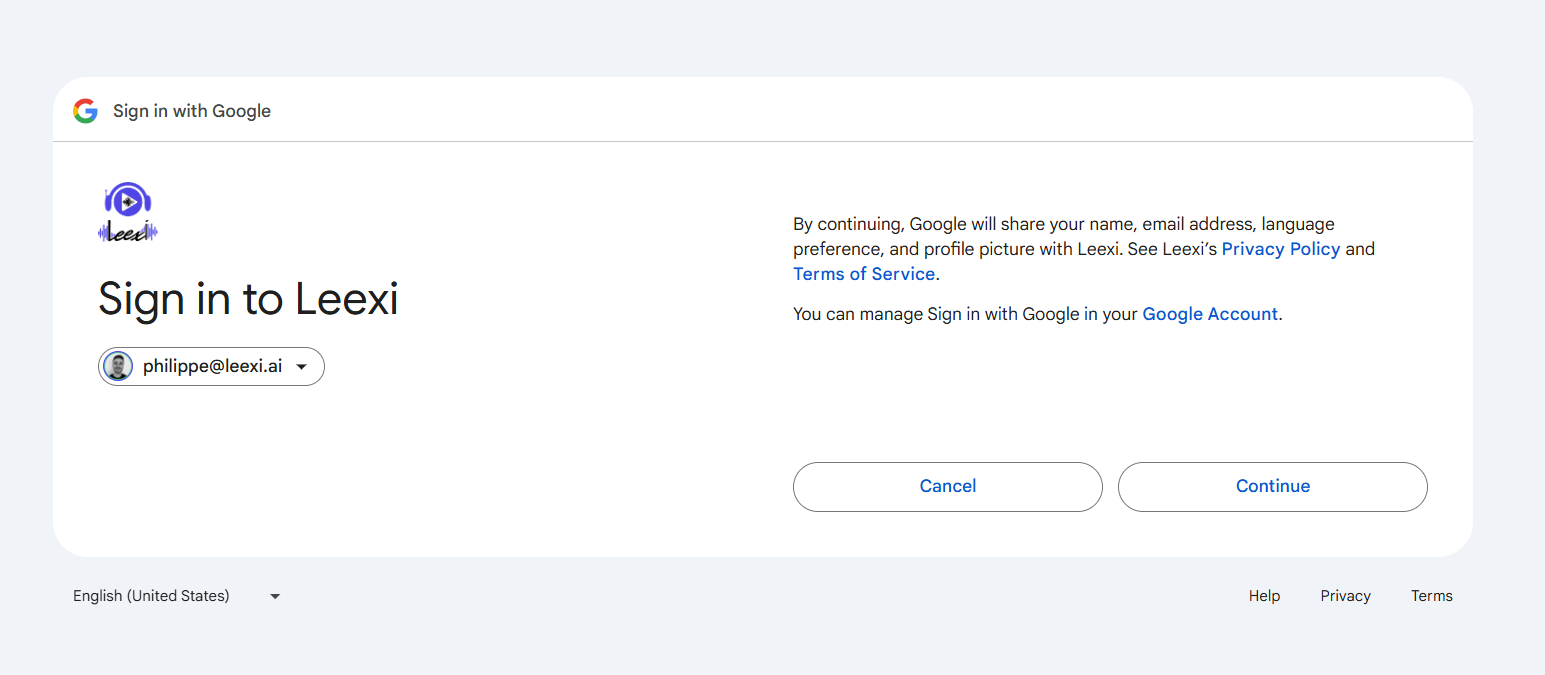
Let the assistant join your meetings
Once the calendar is connected, your upcoming Google Meet meetings are detected and the assistant joins them automatically.
Going further
Pausing the recording
You can pause the recording from the assistant by typing /pause in the meeting chat, then /resume to resume it. The assistant confirms the pause and resume in the chat.
Frequently asked questions
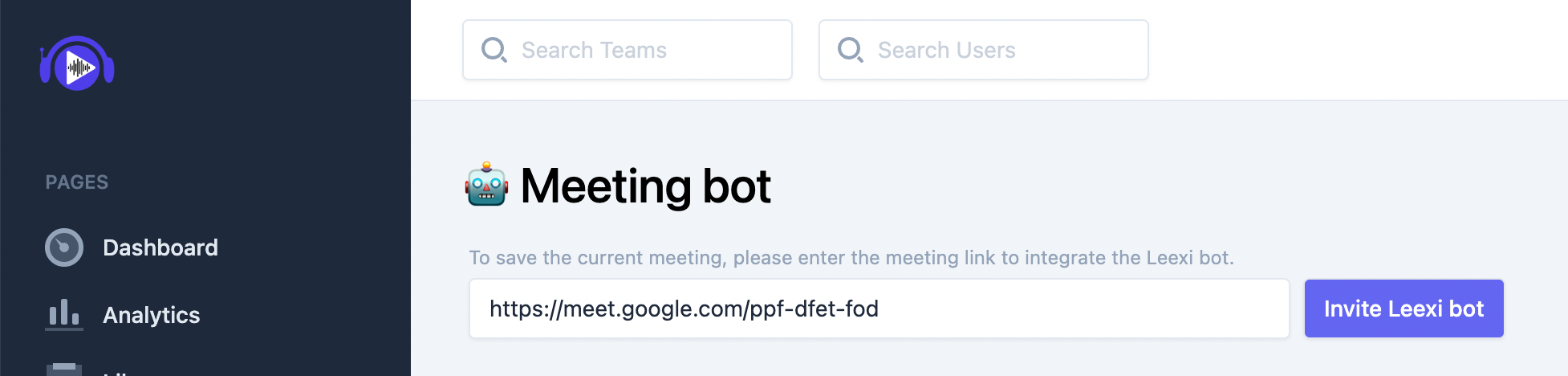
- Copy the meeting URL.
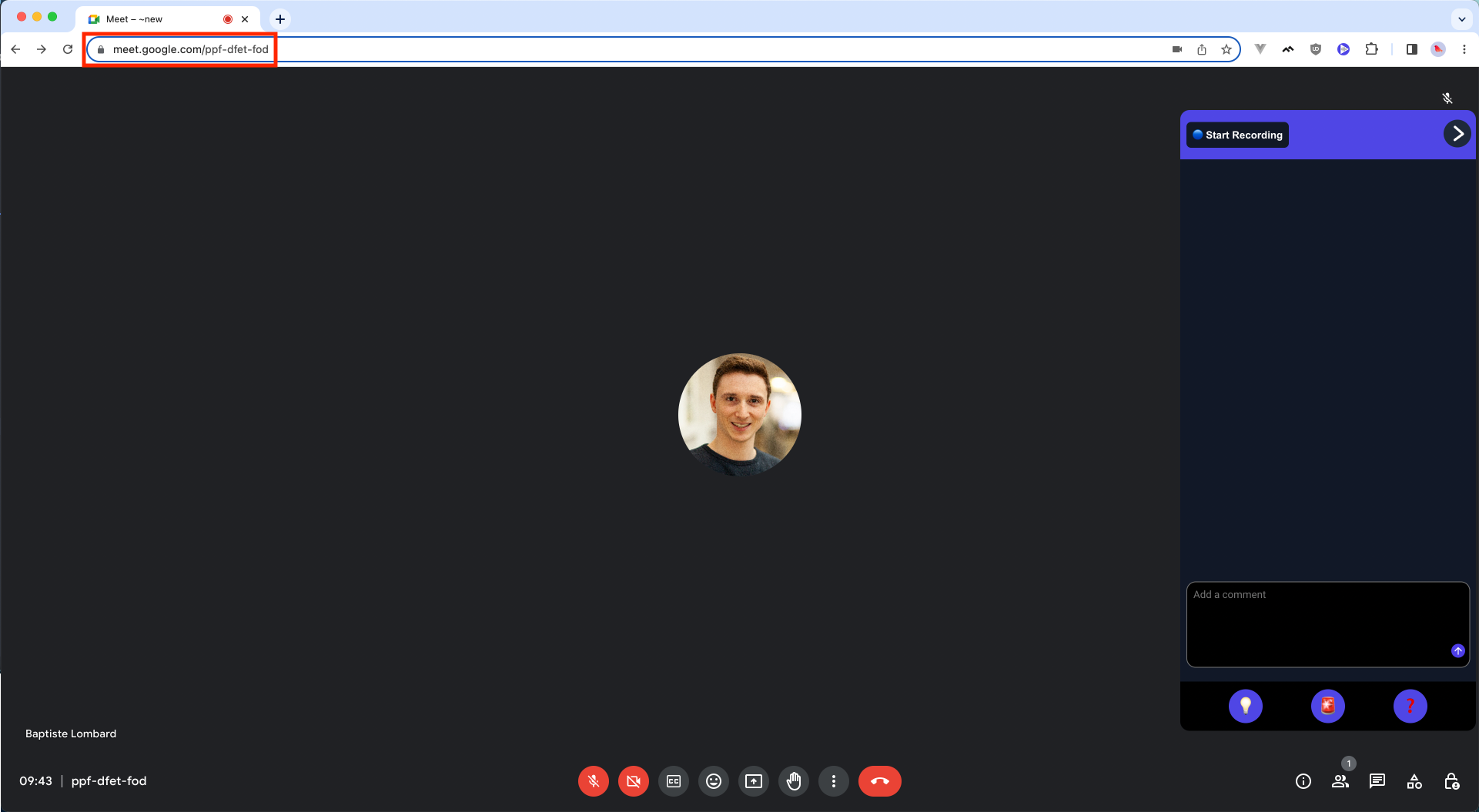
- Paste the URL into Leexi.
- Finally, click Invite the Leexi bot.
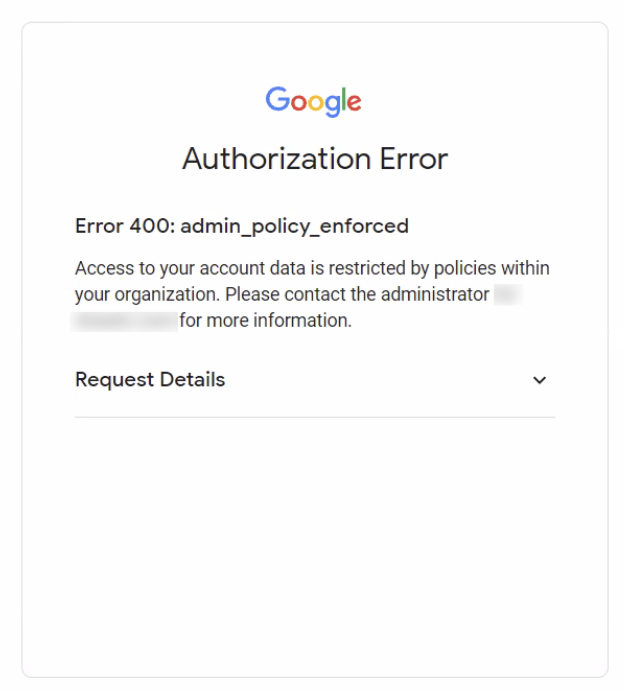
Your organization's policies prevent you from enabling the calendar integration yourself. A Google administrator from your organization must go to the Google Admin console, Security > Access and data controls > API controls > Manage third-party app access, and then:
- select Configure a new app and choose OAuth app name or client ID ;
- use the following client ID:
672685658175-iqusj52o6e70rrt6mj7cjeki9ktq8rrp; - click Select and mark the application as Approved.
Go to https://app.leexi.ai. Under Your upcoming meetings, click the meeting the assistant didn't join: the reason for the failure is displayed.
If the reason shown is "Sign-in required":

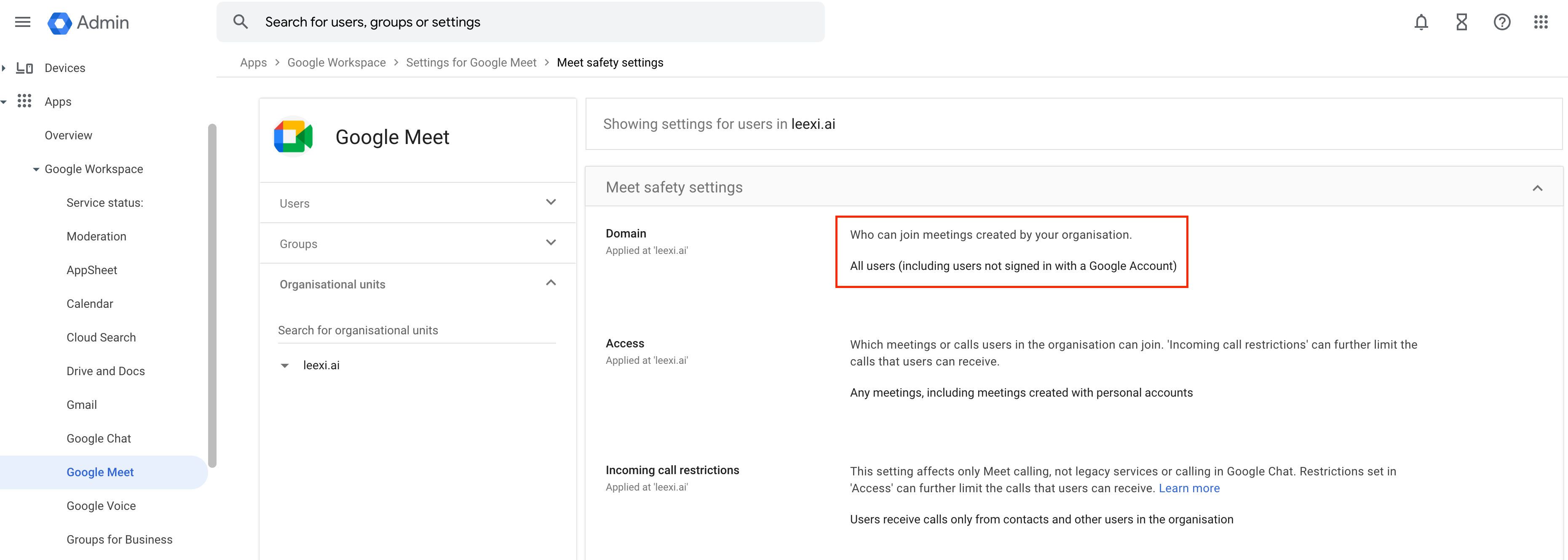
You need to allow guest access to your Google Meet meetings: the assistant joins meetings as a guest (not as a signed-in user). To easily check that your meetings are accessible to guests, start a meeting, get the sharing link, open a private browsing window, and try to join the meeting as a guest.
Your domain administrator must enable the All users (including users not signed in to a Google account) option. This setting is available with administrator credentials in the admin console, Apps > Google Workspace > Google Meet > Meet safety settings.
Things to watch out for
- The assistant joins meetings as a guest: if guest access is disabled on your Google Workspace domain, it won't be able to enter ("Sign-in required").
- Calendar events without a usable meeting URL are not detected: the assistant can't be automatically sent to them.