ERP
Boond
Connect BoondManager to Leexi to sync your ERP data and receive call notes on the right candidates, deals, and organizations.
| Who is this for? | Required permissions and licenses |
|---|---|
| • For administrators who manage the company's integrations. | • Administrator rights on your Leexi and Boond accounts. • License required: depending on your plan, check availability in Settings > Integrations. • Estimated time: 5 minutes. |
How to use it
Open the Boond marketplace
On your Boond account, go to apps / marketplace → BoondManager.
Install the Leexi app
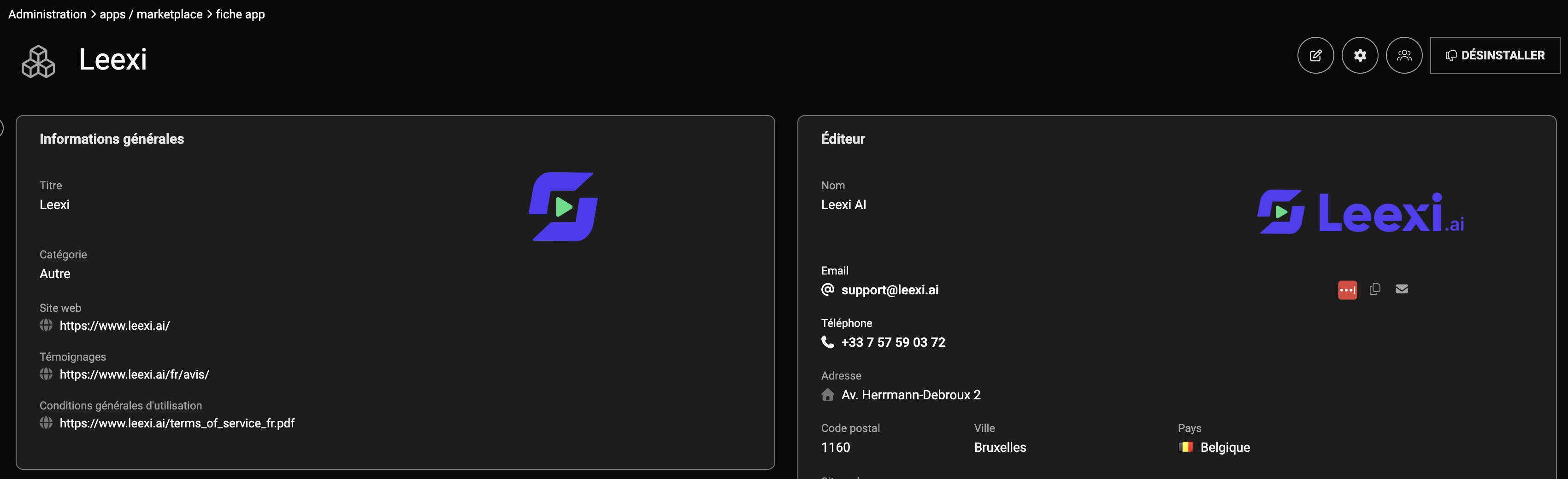
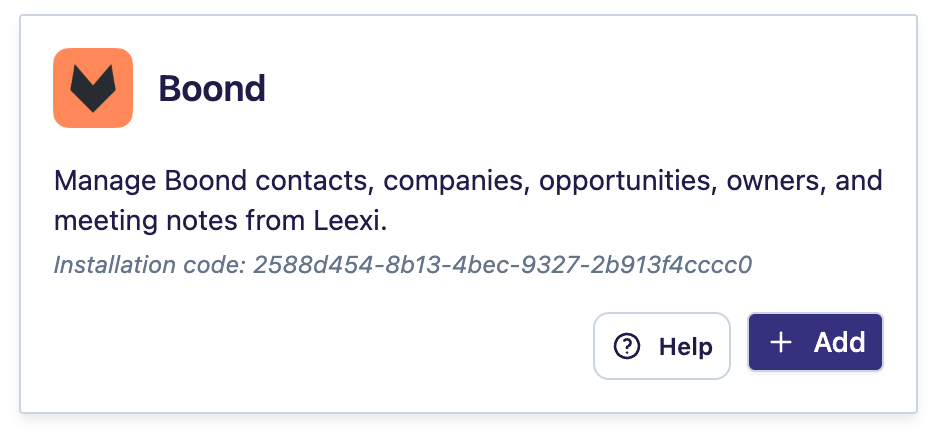
Search for the Leexi app and install it. The installation code can be found in Leexi.
Add the integration in Leexi
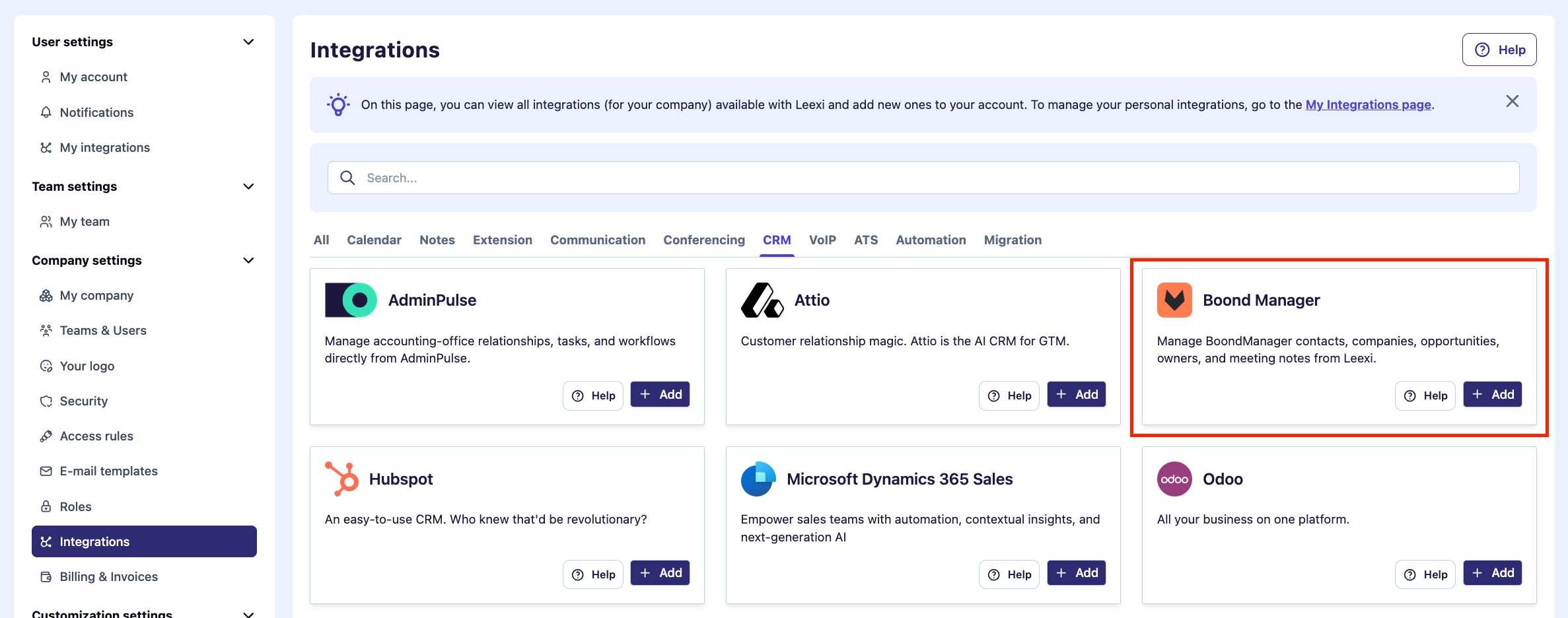
On your Leexi account, go to Settings → Company settings → Integrations, then click Add on the Boond integration.
Accept the permissions
Accept the requested permissions.
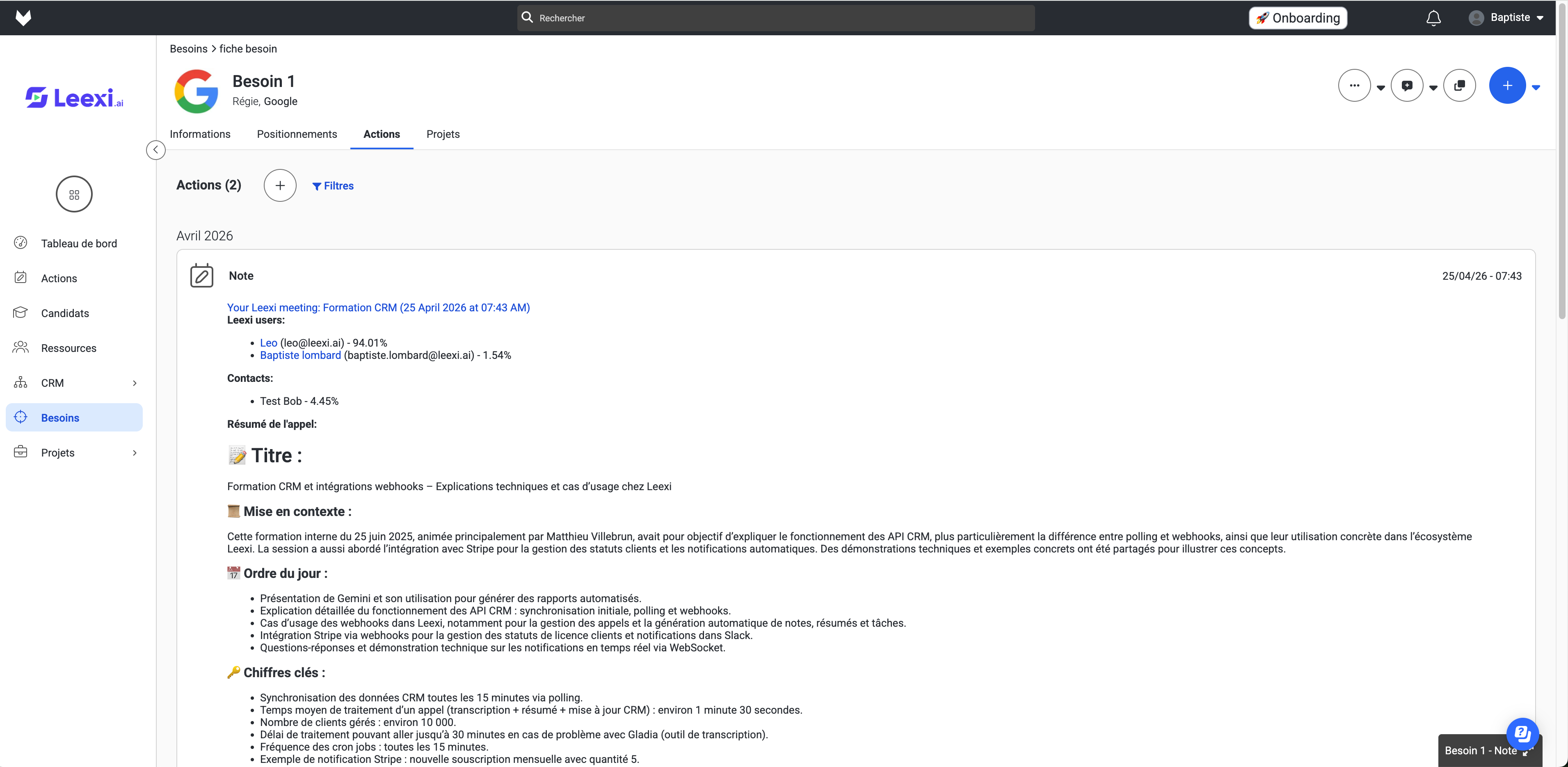
That's it! Your ERP data is now synced with Leexi and you will receive call notes on the relevant ATS candidates as well as on the relevant CRM deals, customers, and organizations. Here is the type of note you will see in Boond: