Aircall
| Who is this for? | Required permissions and licenses |
|---|---|
| • Administrators who manage company integrations. | • Administrator rights required on your Leexi and Aircall accounts. • License required: depending on your plan, check availability in Settings > Integrations. |
How to use it
Open the company integrations
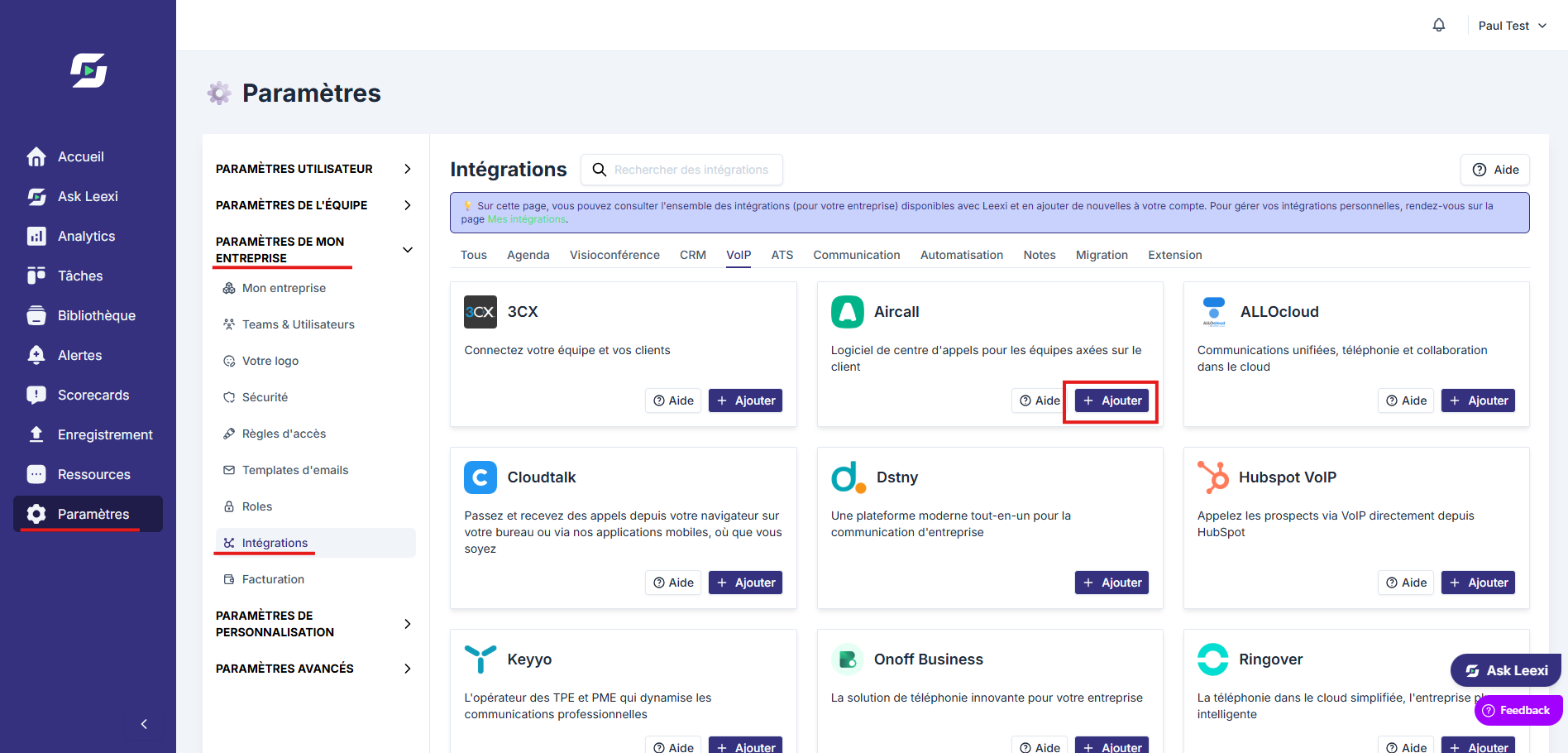
From your Leexi account, go to Settings → Company Settings → Integrations, then click Add on the Aircall card.
Authorize Leexi in Aircall
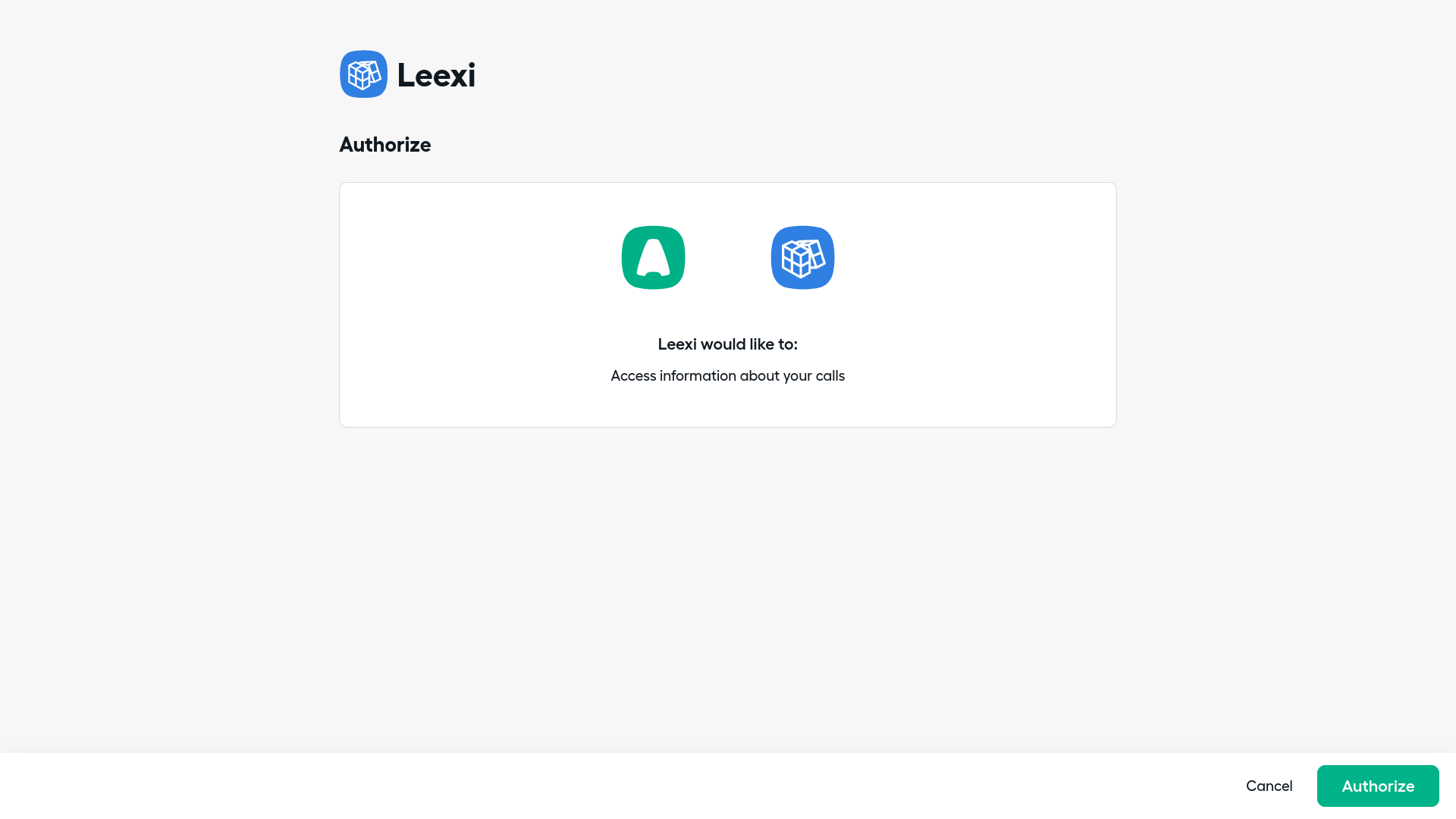
Click Authorize to grant access to Leexi.
Add your numbers
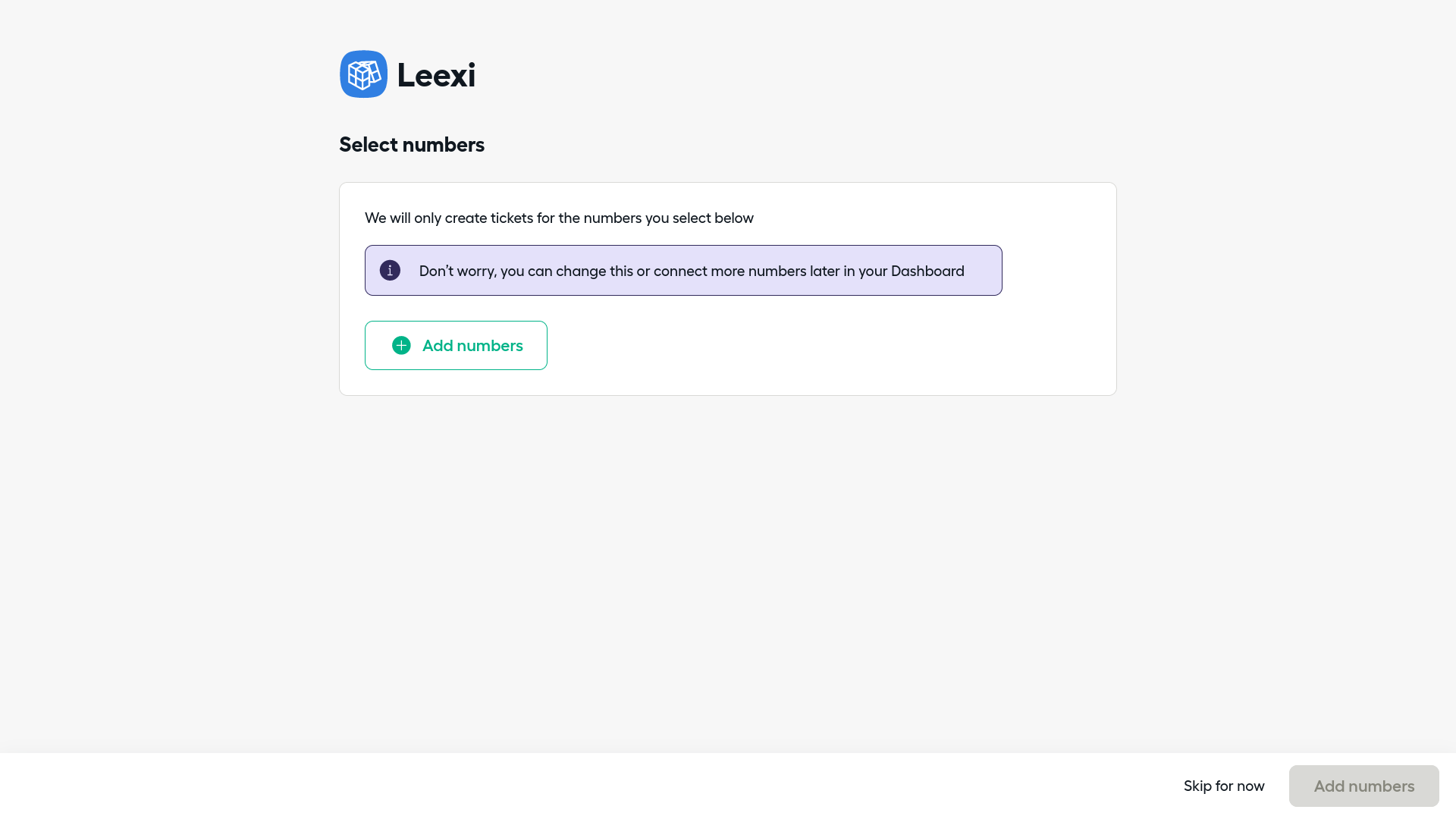
Click Add numbers.
Select the numbers to record
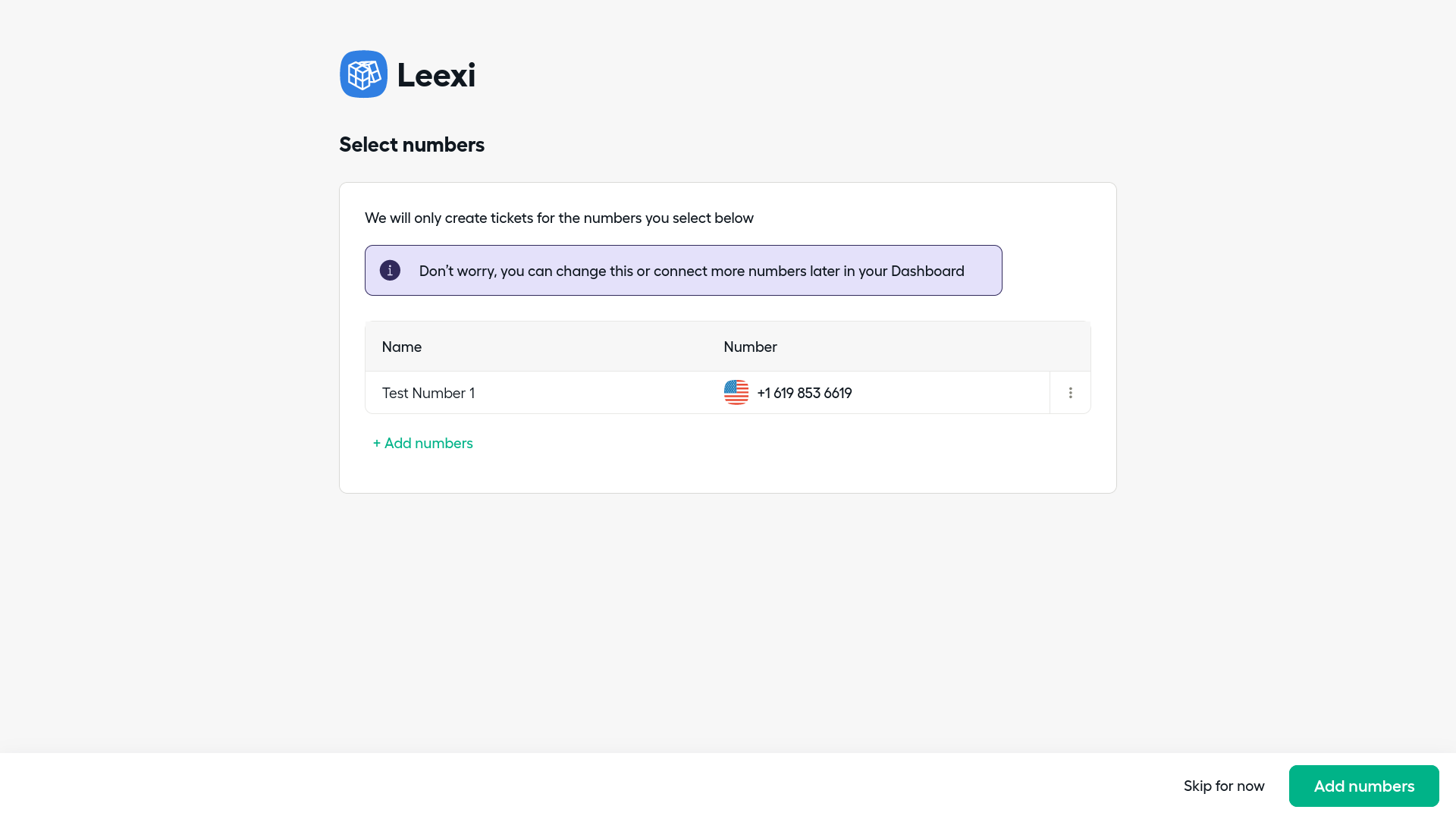
Select all the numbers whose calls should be sent to Leexi, then click Confirm. You are then redirected to the Leexi integrations page.
Link Leexi and Aircall users
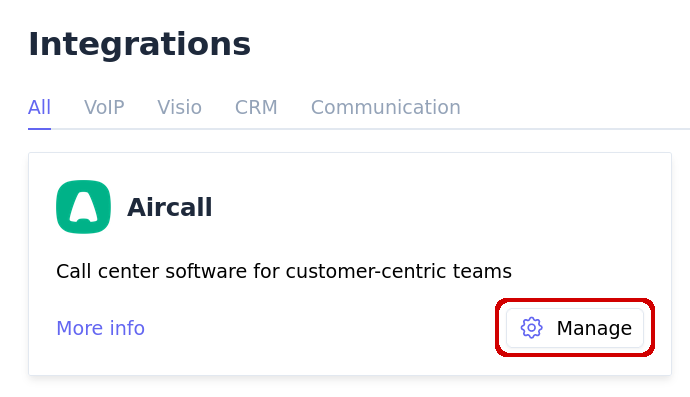
Important: click the Manage button of the integration in Leexi and check that your Leexi users are correctly matched to the corresponding Aircall users.
Going further
Make sure your calls are recorded
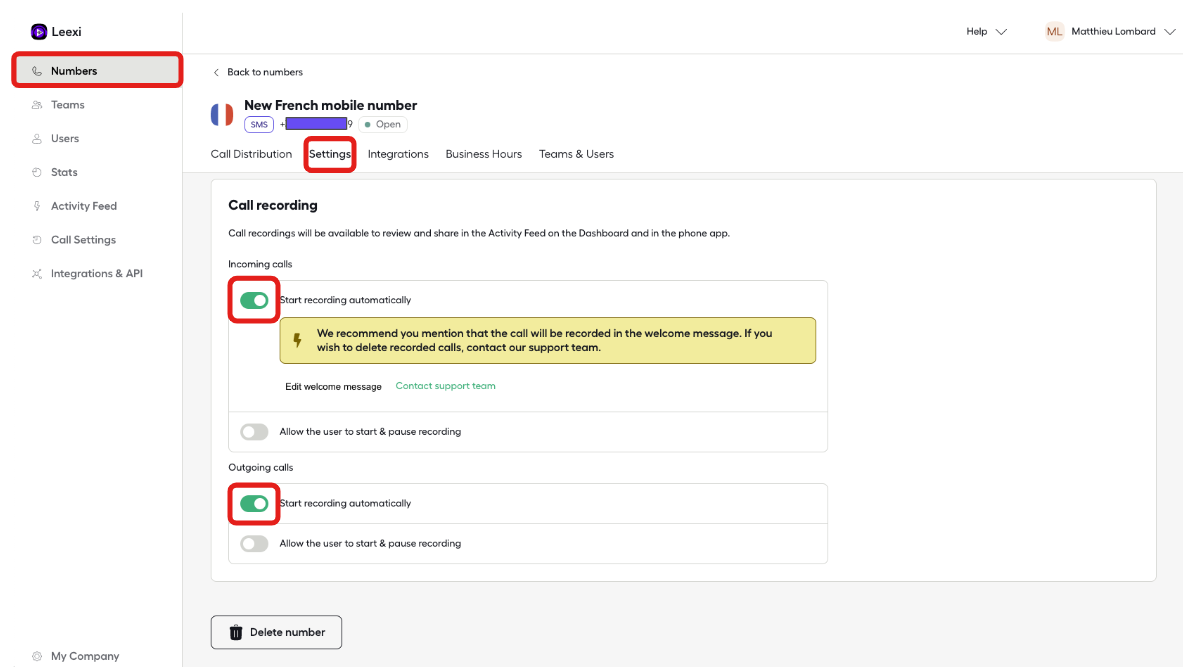
In Aircall, under Numbers then Settings, check that the "Start recording automatically" option is checked for every number used with Leexi.
Add numbers later on
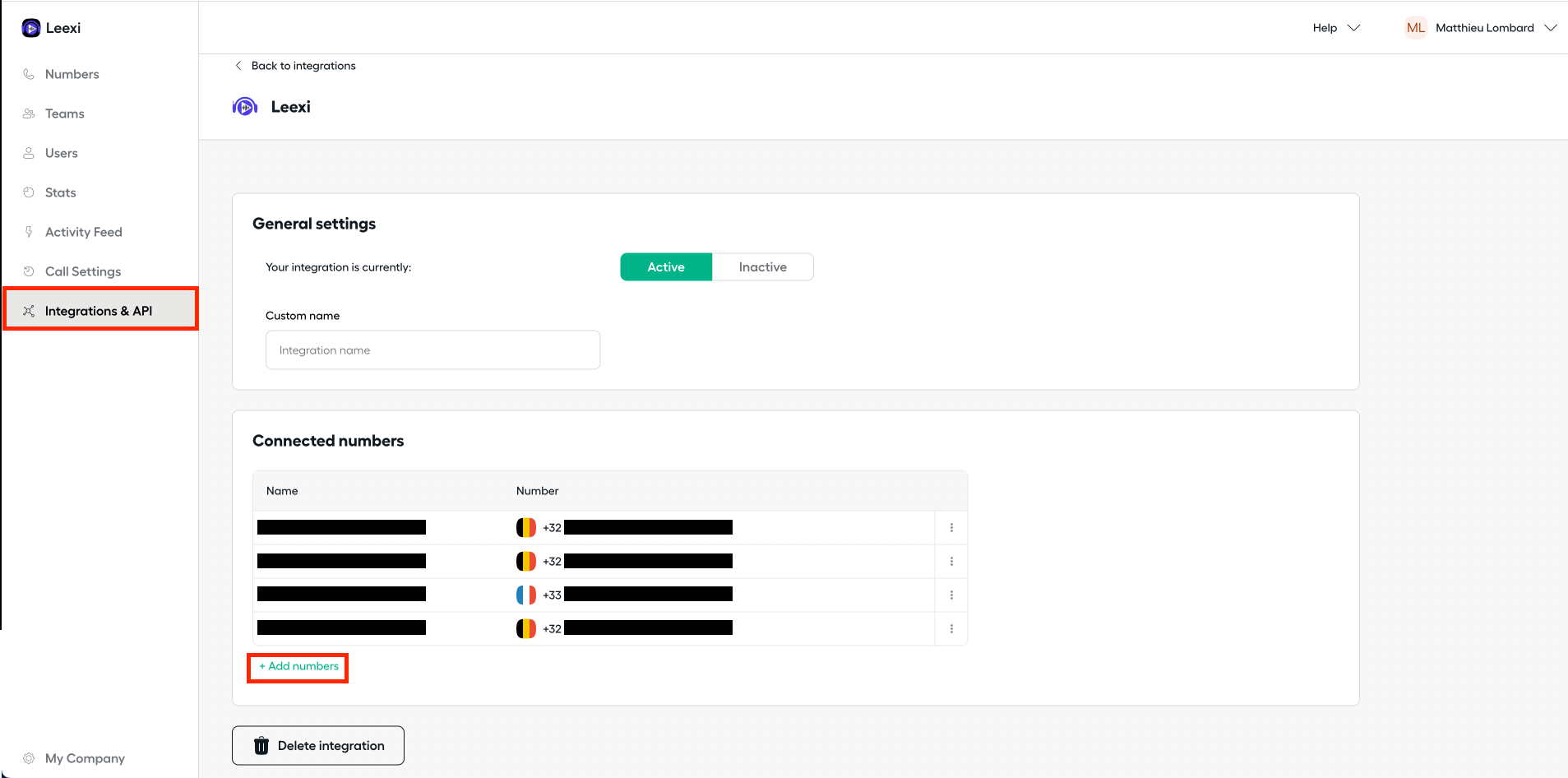
In Aircall, under Integrations & API, select Leexi, then in Connected numbers click Add numbers.
Remove the integration
To remove the integration, go to the Aircall dashboard → Integrations & API, open Leexi and click Delete Integration.
Things to watch out for
- If automatic recording is not enabled on a number, its calls will not appear in Leexi.
- Remember to check the matching between Leexi users and Aircall users via the Manage button, otherwise calls may not be attributed to the right people.