Extensions
Chrome Extension
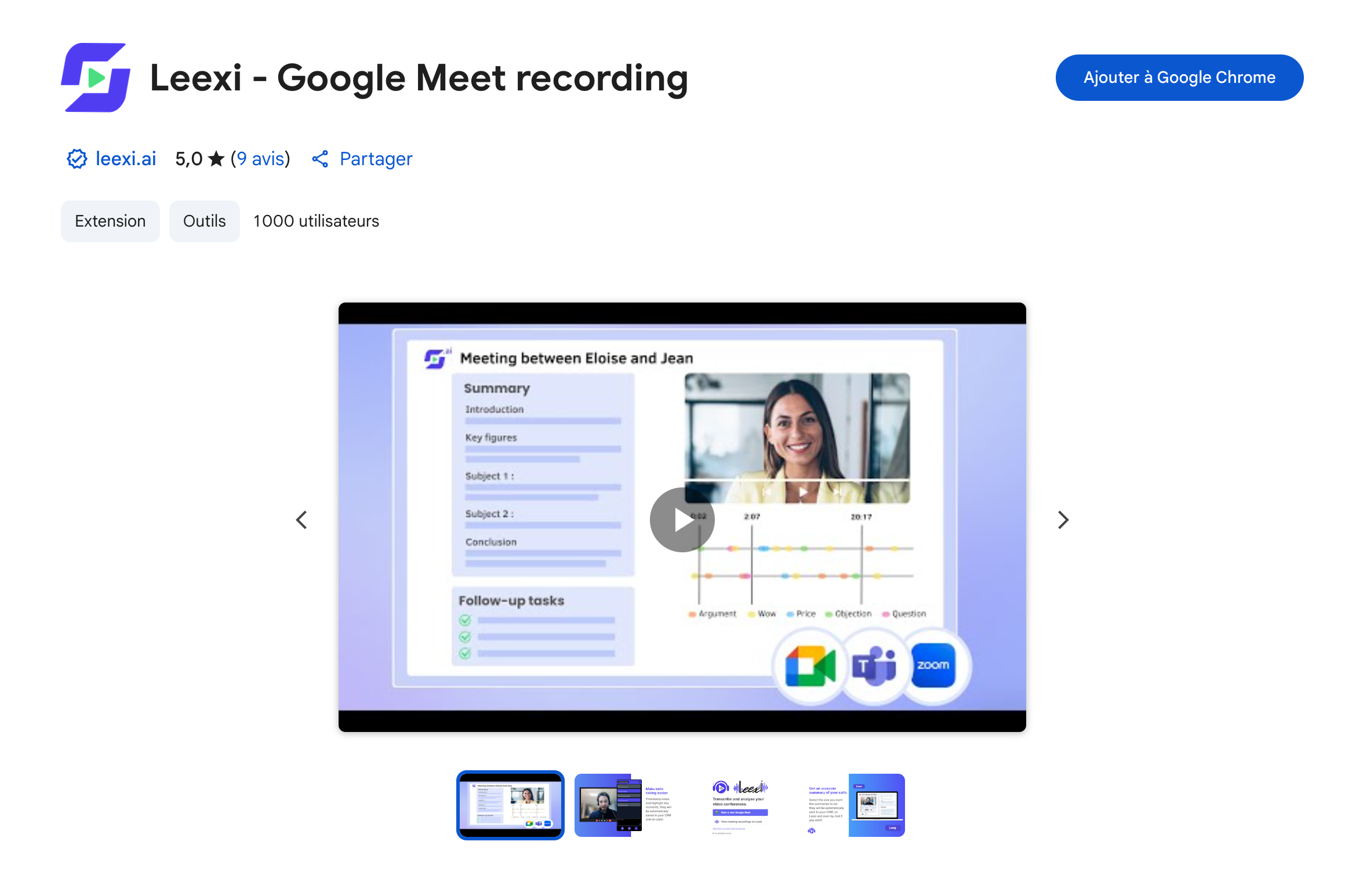
Install the Leexi Chrome extension to record your Google Meet meetings directly from your browser.
| Who is this for? | Required permissions and licenses |
|---|---|
| • All users who use Google Meet in the Chrome browser. | • Required license: depending on your plan, check availability in Settings > Integrations. • Each user installs the extension in their own browser, no special role is required. |
How to use it
Open the extension page
Go to the Leexi - Google Meet recording - Chrome Web Store page.
Add the extension to Chrome
Click Add to Chrome.