Getting Started
Data Security
Understand the main security settings available in Leexi to protect access to calls and accounts.
Definition: Security in Leexi rests on several layers: authentication, access rules, call sharing, and company settings suited to your level of requirements.
Feature video
No video is available at this time.
| Who is this for? | Required permissions and licenses |
|---|---|
| • Administrators who structure access to data. • Companies that need to strictly govern the sharing of calls and AI content. | • SSO is available starting from the Business and Enterprise plans. • Access rules are available starting from the AI Meeting plan. • Security settings require appropriate admin permissions depending on the page involved. |
How to use it
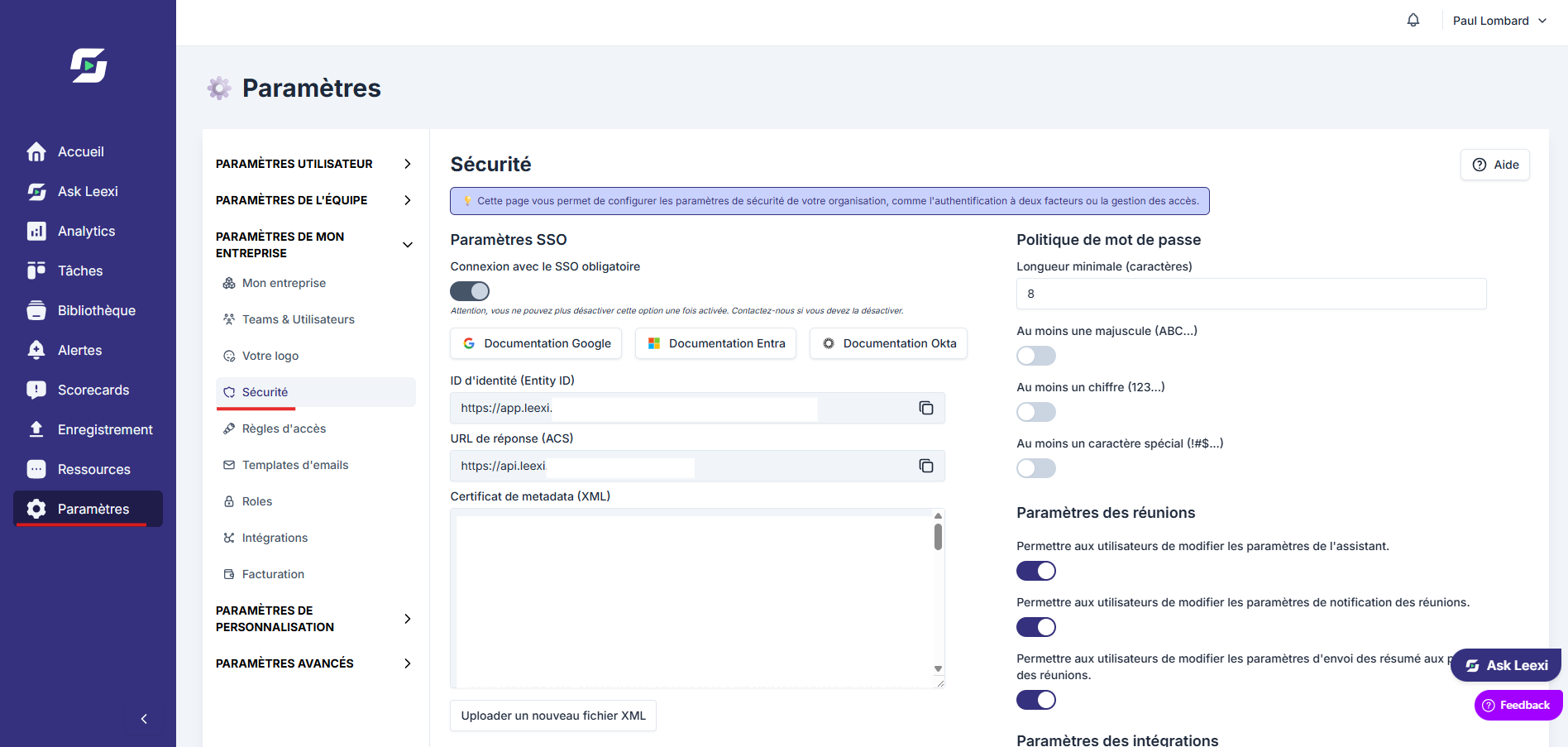
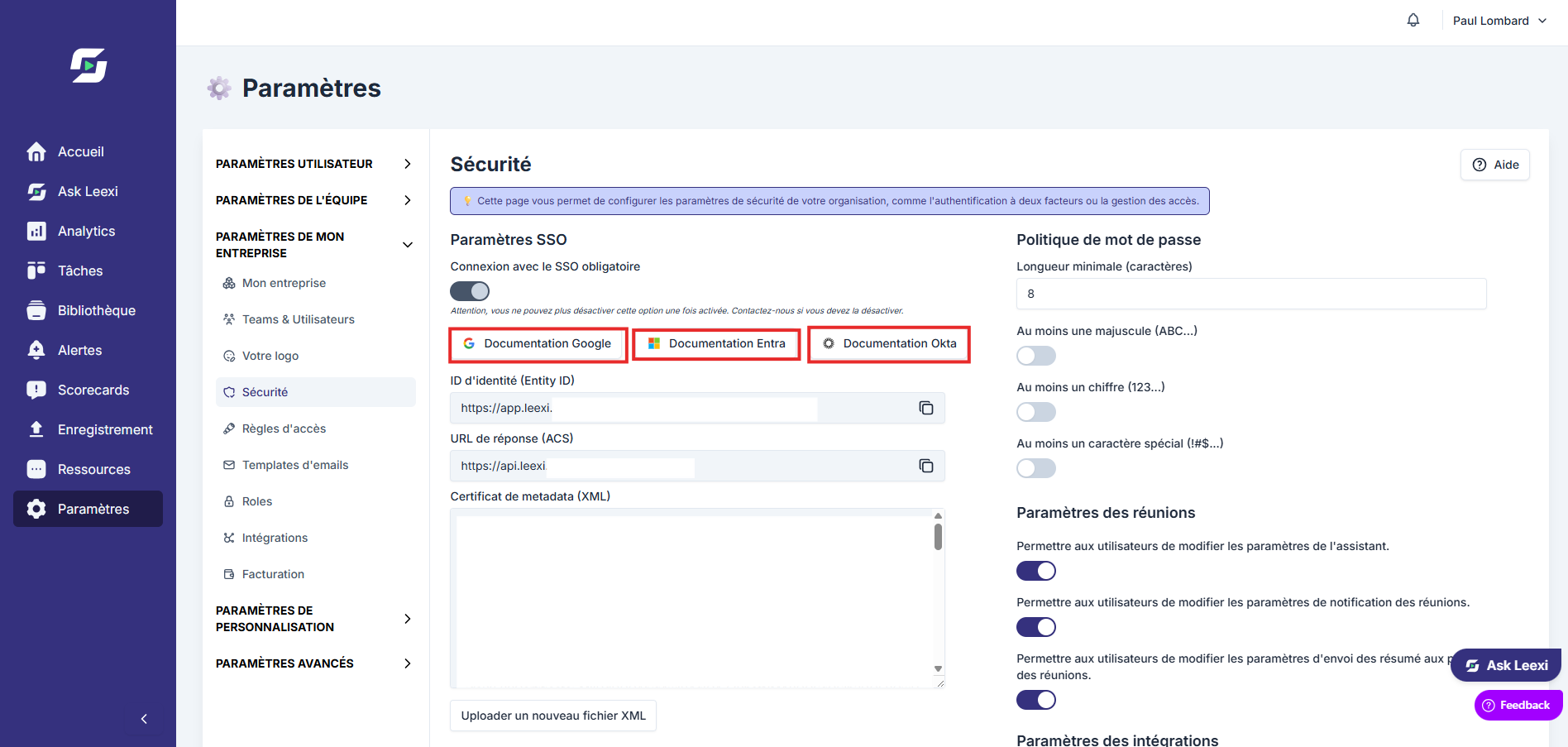
Set the authentication policy
Choose whether your organization uses a local password, SSO, or both, depending on how you operate.
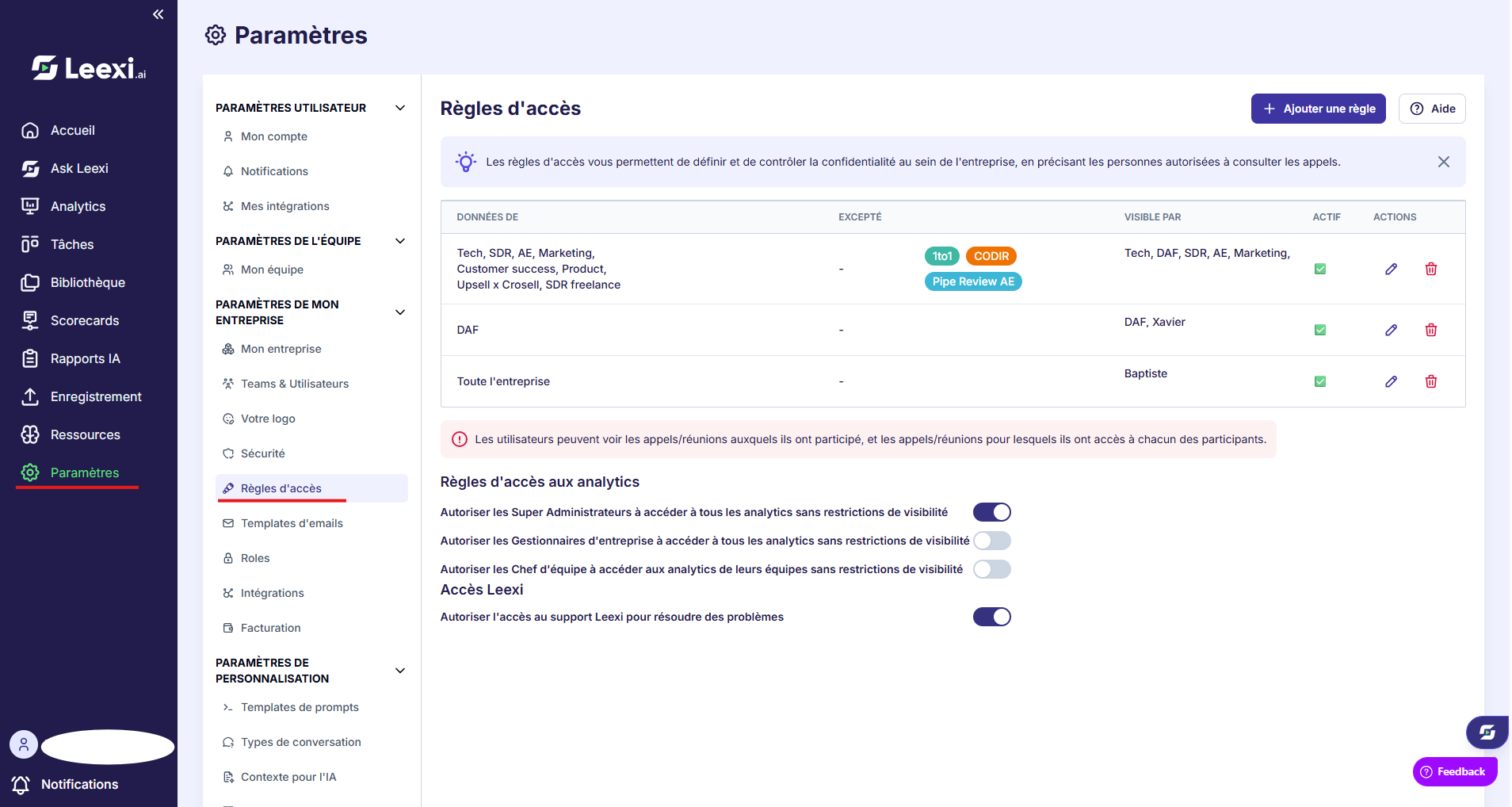
Configure access rules
Determine which teams or users can view calls outside their usual scope.
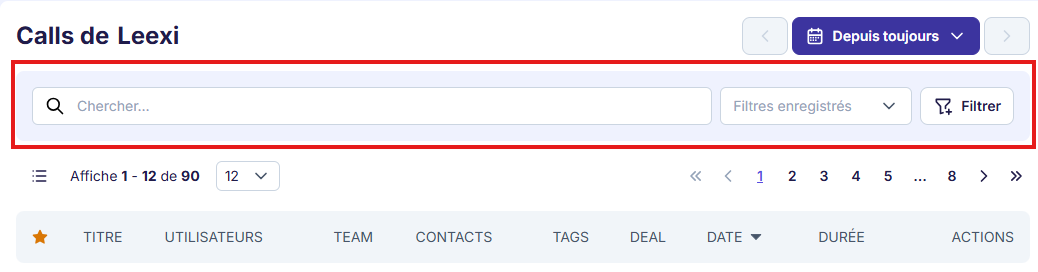
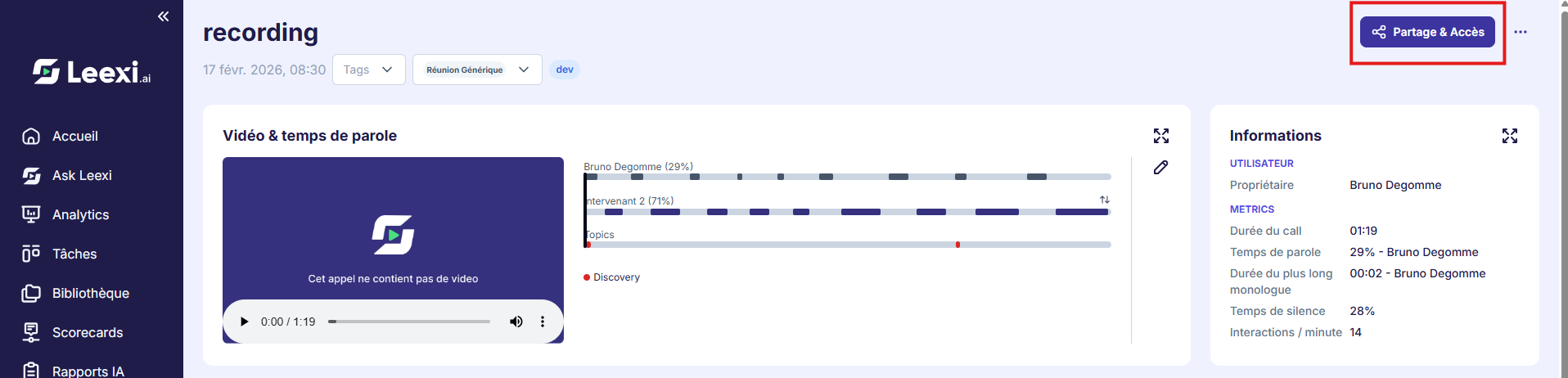
Govern call sharing
Use each call's sharing and access options to control internal or external opening.
Review sensitive integrations
Regularly check the active integrations and the permissions granted to services connected to Leexi.
Going further
- Roles drive the overall permissions within the app.
- Access rules make it possible to open up visibility without overhauling the entire role structure.
- External sharing should be reserved for useful cases and kept under control.
Frequently asked questions
No. SSO is part of the Business and Enterprise features.
No. Roles define permissions, while access rules open up or organize visibility over calls.
Things to watch out for
- An access rule adds visibility. It's not meant to remove rights already granted.
- External sharing links should be time-limited whenever possible.
- Regularly check who holds the highest-level rights in your organization.