General Settings
Email templates
Adapt the emails sent by Leexi to your organization while keeping a consistent framework.
Definition: Email templates let you adjust some of the content sent by Leexi, for example around pre-meeting communications or activity-related messages.
Feature video
No video is available at this time.
| Who is this for? | Required permissions and licenses |
|---|---|
| • Administrators who want to harmonize communications sent by the platform. • Teams that need to adapt the tone or certain content visible to their users. | • Email templates are accessible on all plans. • Managing templates depends on the team or company email editing rights. • The exact level of access depends on your role and scope (team or company). |
How to use it
Open the Emails page
Go to Settings > Emails if your role authorizes you to edit this content.
Identify the relevant template
Choose the email template to adapt based on the targeted user journey. The available templates notably include:
- GDPR pre-meeting email: automatically sent 1h30 before a meeting starts to all participants, informing them that it will be recorded. You can edit its content or disable it.
- Post-meeting summary email: sent after the meeting to the organizer or participants depending on your settings.
- Bot warning message: text displayed in the meeting chat when the bot joins. You can edit this message or disable its sending from the assistant customization page.
Edit the relevant content
Adjust the text, signature, or certain visible elements according to what the platform allows you to customize.
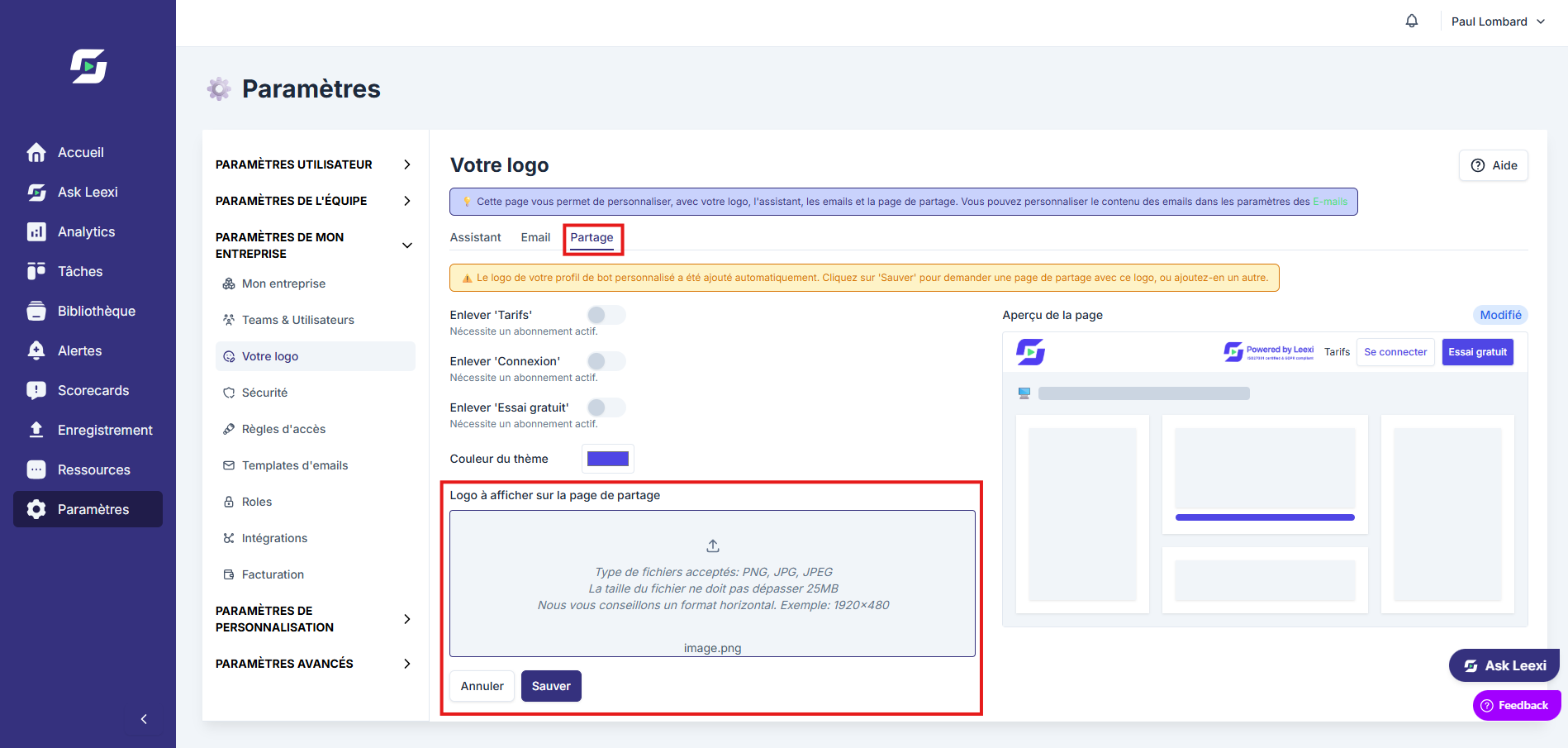
Check the rendering
Check the readability of the template before rolling it out more broadly.
Going further
- This page complements the bot's visual customization.
- Templates should stay simple, clear and easily identifiable by recipients.
- Good email harmonization strengthens adoption without changing the product's core.
Frequently asked questions
People with email editing permissions at the team or company level.
No. The exact possibilities depend on the templates exposed by your interface.
Things to watch out for
- Avoid messages that are too long or ambiguous in automated emails.
- Always test the rendering before a broad rollout.
- Keep a logic consistent with the assistant's overall branding.