General Settings
Security settings
Configure the company's main security rules in Leexi.
Definition: The security page centralizes authentication settings, account protection, and part of the sensitive options related to data access.
Feature video
No video is available at this time.
| Who is this for? | Required permissions and licenses |
|---|---|
| • Administrators responsible for access policy. • Companies that want to strengthen governance around accounts and calls. | • This page requires company admin permissions. • SSO is available from the Business and Enterprise plans. • Settings vary depending on your modules and active integrations. |
How to use it
Open the Security page
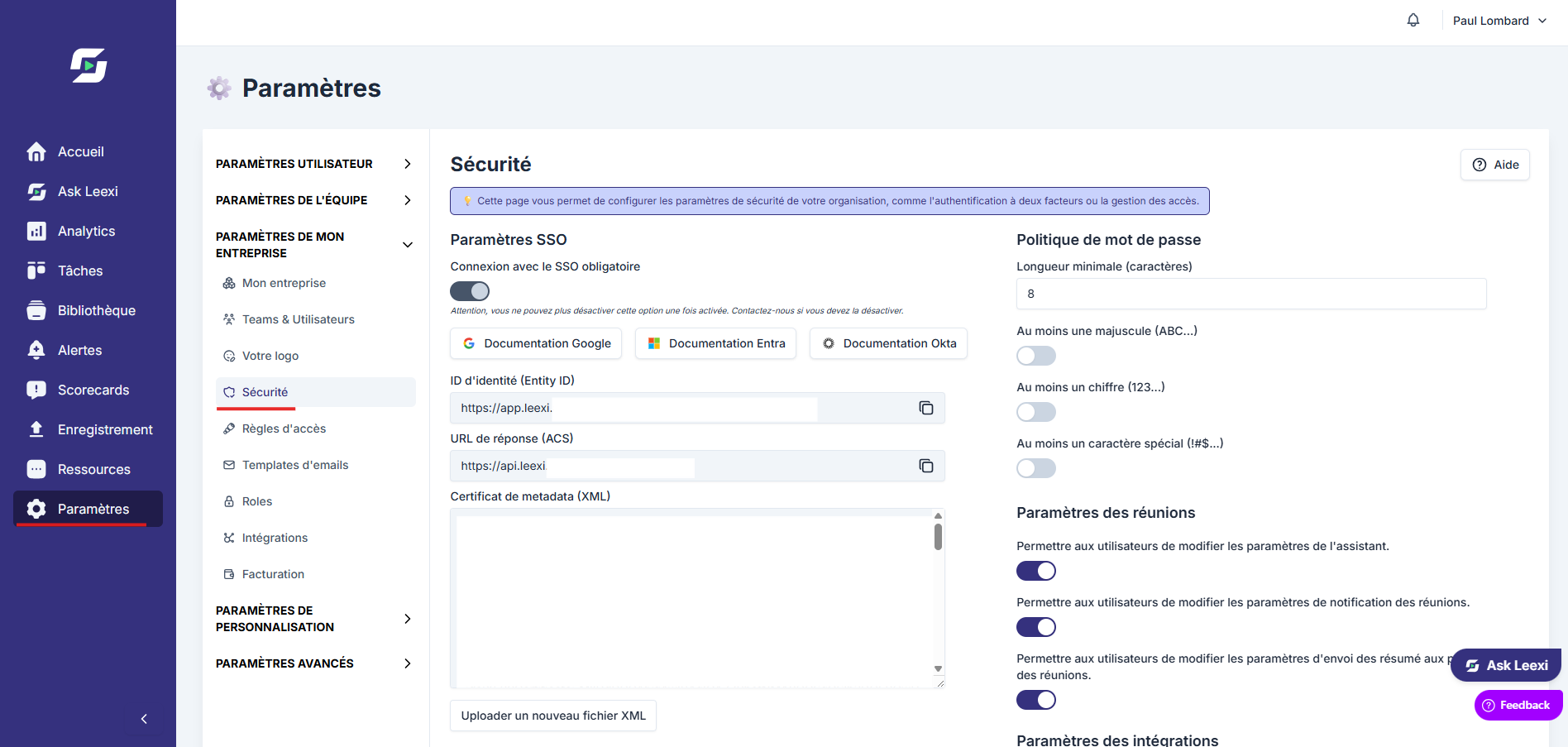
Go to Settings > Security if your role authorizes it.
Review authentication
Check the options available on the Security page:
- SSO settings: force users to log in exclusively via SSO (Single Sign-On)
- Password policy: impose a minimum complexity level for local account passwords
- Meeting settings: allow or forbid users from changing their own meeting and notification settings
- Integration settings: allow or forbid users from setting up integrations themselves

Complete with the right pages
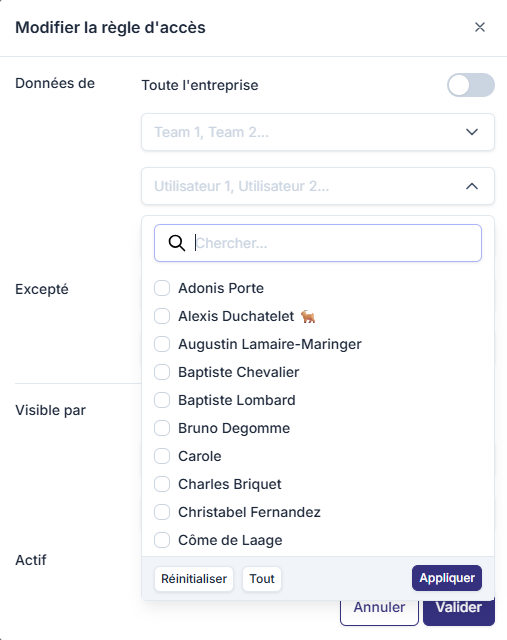
Then use Access rules, Roles and SSO to finalize your security model.
Going further
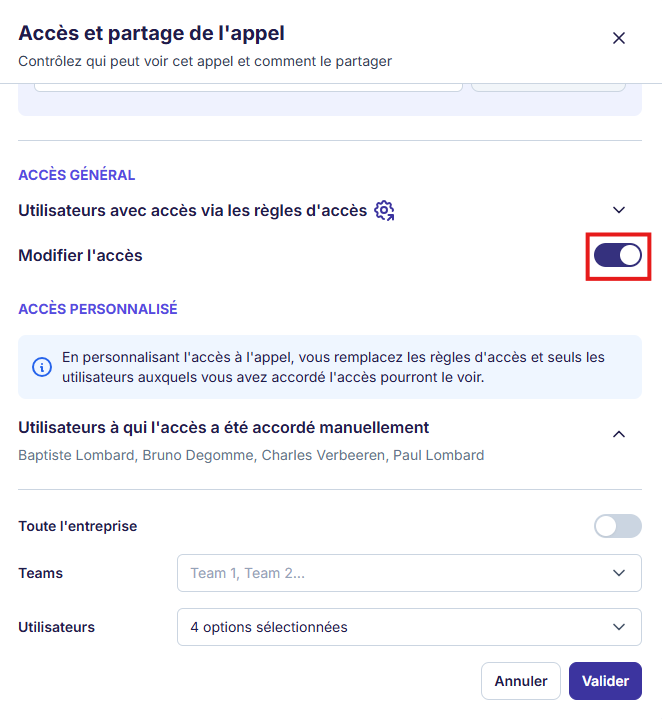
- Security doesn't rely on a single page: it combines roles, access and sharing.
- A higher plan can unlock additional control mechanisms.
- Active integrations should be reviewed at the same level as user accounts.
Frequently asked questions
No. Roles and access rules remain essential to frame actual visibility.
Yes, in addition to the dedicated page that details how it works.
Things to watch out for
- Avoid changing several security layers without checking the overall effect.
- Poorly scoped roles can undermine a well-designed security policy.
- Keep a limited number of administrators with the most sensitive rights.