Getting Started
Creating an Account and Inviting Users
Add teams, assign licenses, and manage roles from Teams & Users.
Definition: The Teams & Users page lets you organize your company in Leexi, add users, attach them to a team, and assign them the right access levels.
Feature video
No video is available at this time.
| Who is this for? | Required permissions and licenses |
|---|---|
| • Teams rolling out Leexi across a company. • People managing headcount, licenses, and access rights. | • All licenses can be assigned from this page. • Creating and editing users is restricted to administrators authorized to manage users, such as the User Administrator and Super Administrator. • Managing teams is restricted to administrators authorized to manage teams. |
How to use it
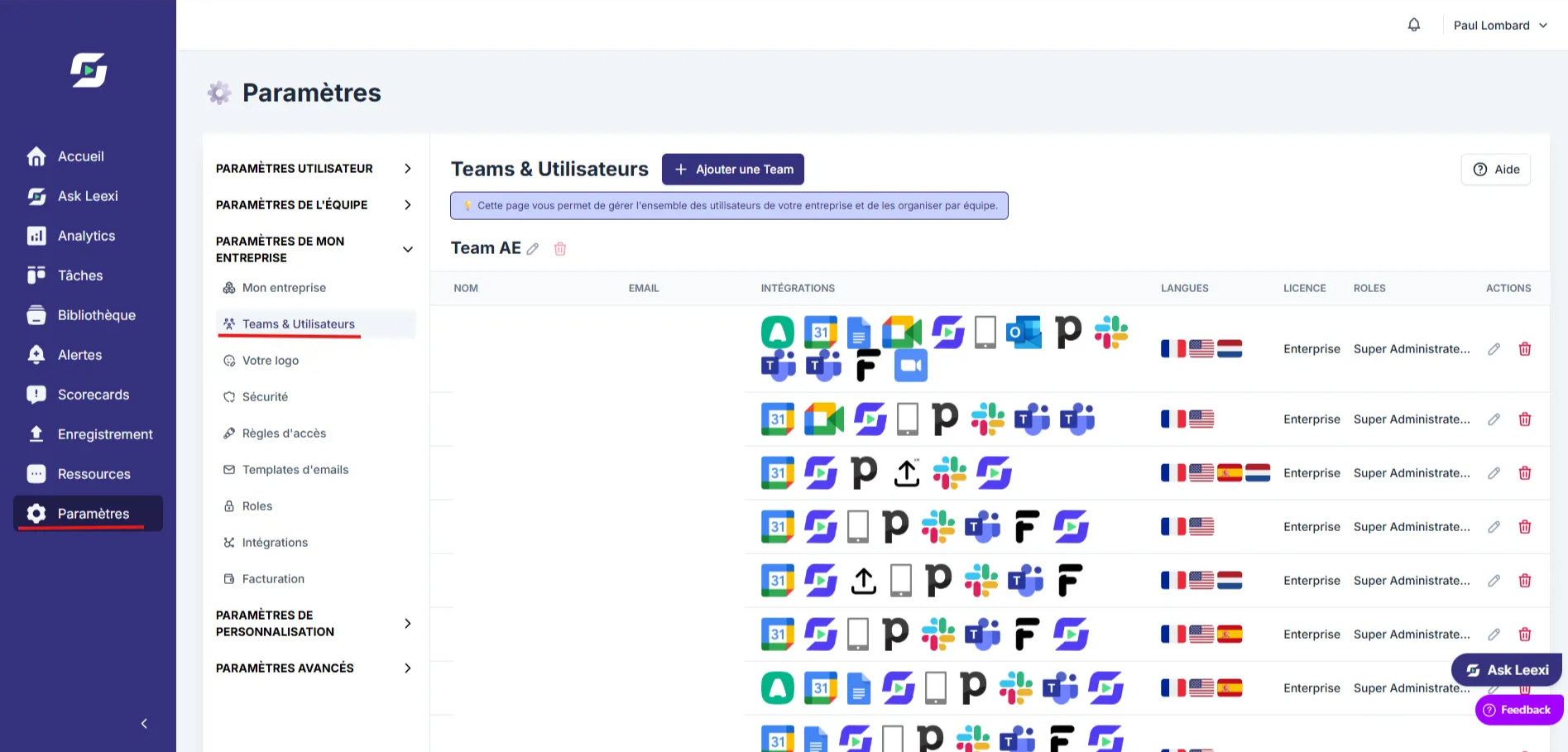
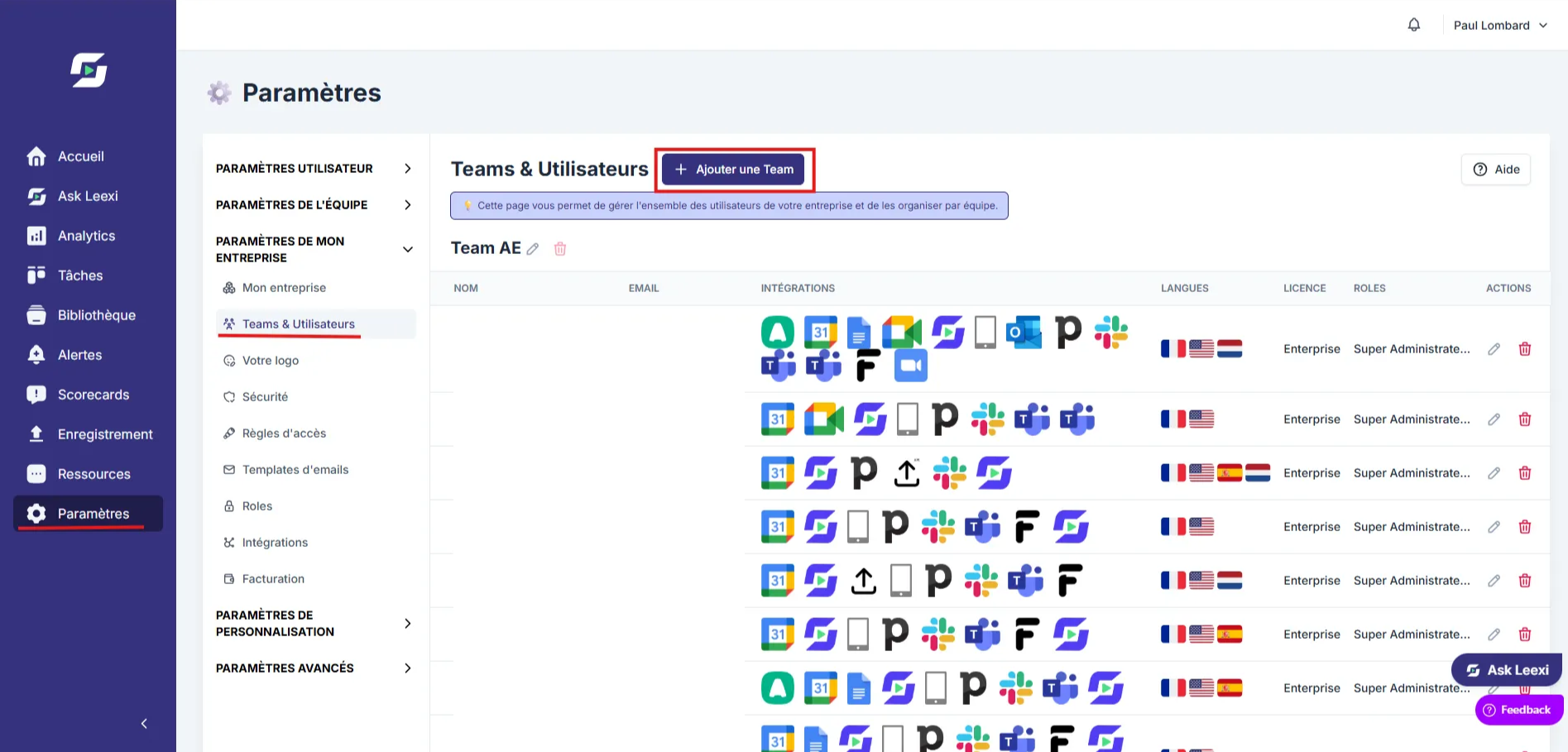
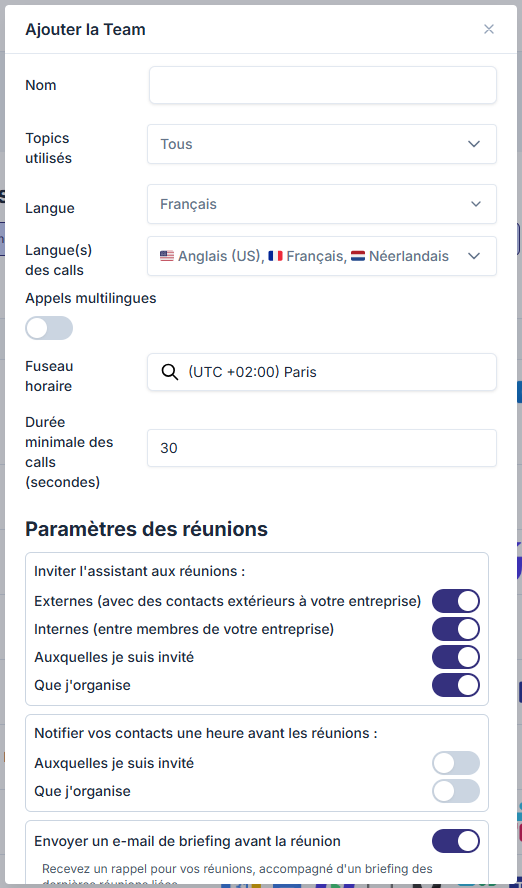
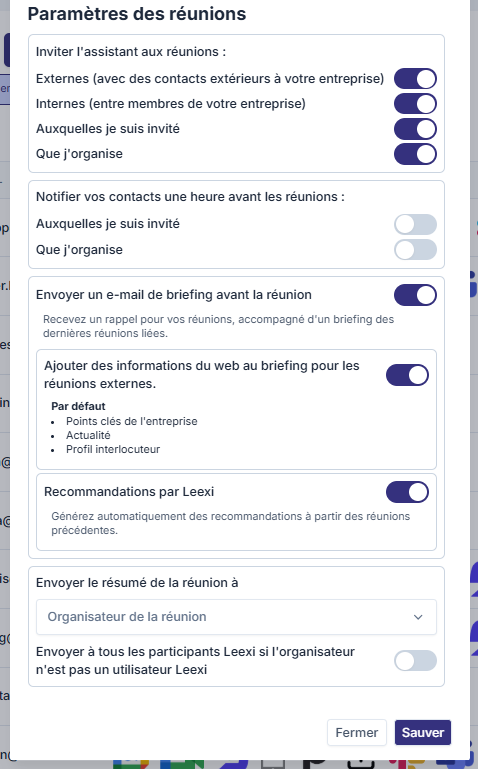
Create a team
Add a team with its name, time zone, language, and default call settings.
Invite a user
Enter the email, team, license, and roles of the person to invite.
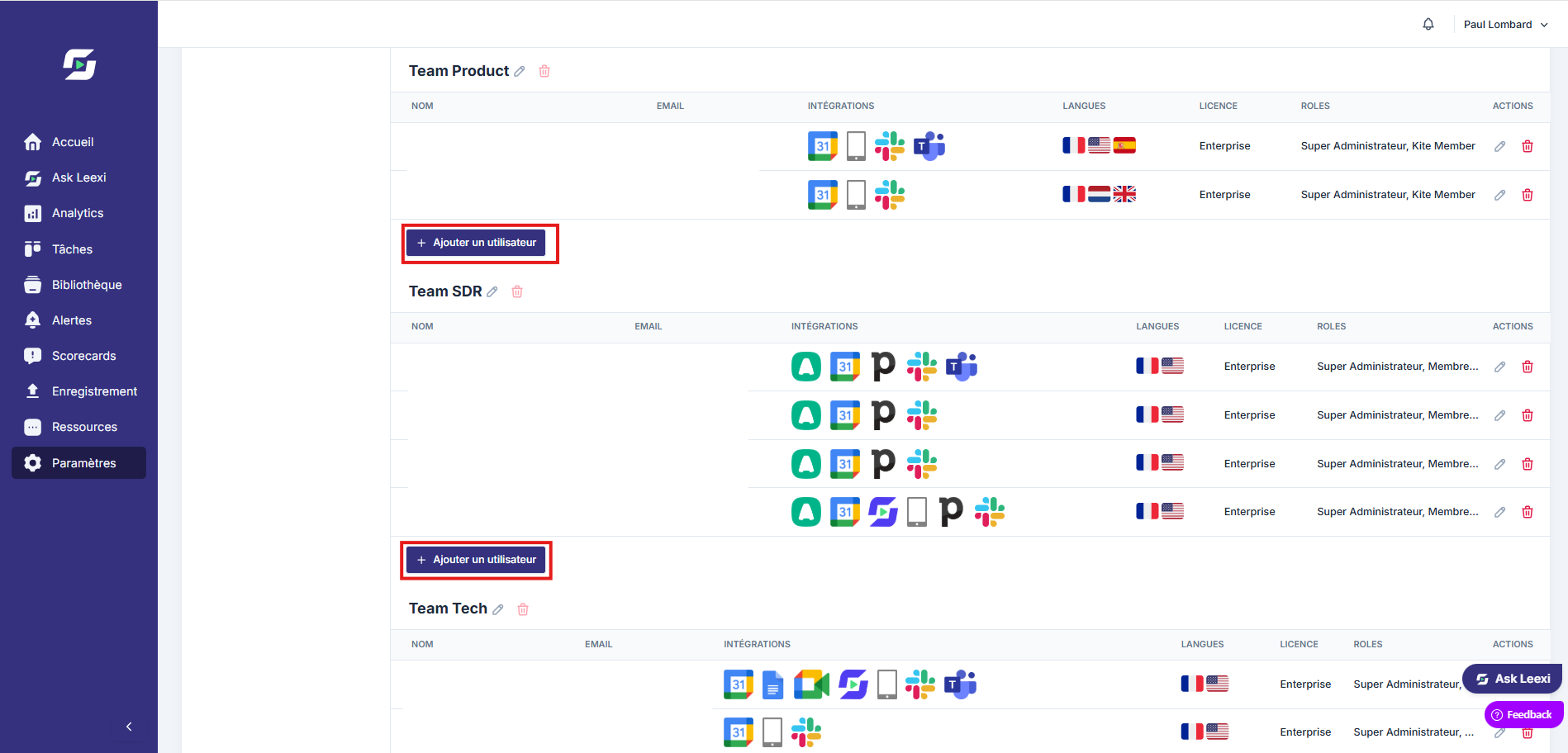
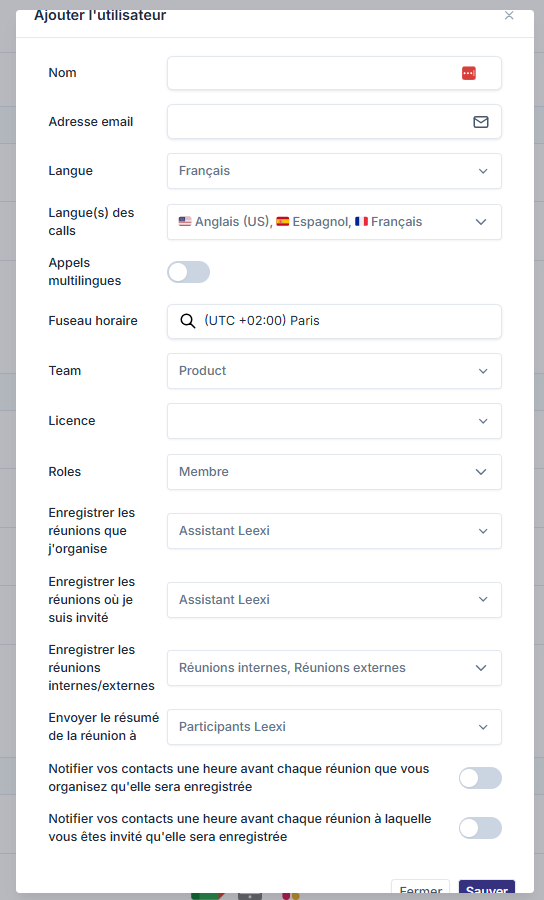
The invitation form includes the following fields:
- Name: user's first and last name
- Email: professional email address
- Platform language: display language of the Leexi interface
- Call language: main language of this user's meetings
- Multilingual calls: check if the person takes part in meetings held in multiple languages
- Time zone: time zone the user works in
- Team: the team they are attached to (required)
- License: Guest (free, limited access), Starter, AI Meeting, Business, or Enterprise depending on your subscription
- Role: determines the user's access within Leexi
- Recording settings: meetings to record automatically and summary recipients
To add a user, you must attach them to a team. If you want to group all users together without distinction, create a default team beforehand.
Check granted rights
Review the combination of assigned roles to make sure each user has the right level of read, admin, and configuration access.
Adjust recording settings
Set meeting capture preferences and related notifications at the team or user level.
Reactivate if needed
Deleted users can be reactivated from the dedicated section without recreating an account from scratch.


Going further
- A user can hold multiple roles when this fits your internal organization.
- The chosen license directly drives the features available in the app.
- Team managers can then fine-tune certain settings without going through a super admin.
Frequently asked questions
The role most directly tied to this action is the User Administrator. The Super Administrator also covers this need.
Yes. The license and roles can be modified after the account is created.
Things to watch out for
- The role does not replace the license: it determines permissions, not the product plan.
- Incorrect rights assignment can open access to sensitive company settings.
- Check team settings before inviting in bulk to avoid inconsistent settings.
- The email address used for the Leexi account must be the same one used in the calendar and for VoIP calls, otherwise the bot won't correctly detect meetings.