Call page
Video subtitles
Display subtitles on call videos to make reviewing and sharing content easier.
Definition: Video subtitles use the call transcript to make it more accessible and easier to share or review. Subtitling isn't real-time but appears after the transcript is created. You must first translate the transcript, then access the translated subtitles.
Feature video
No video is available at the moment.
| Who is this for? | Required permissions and licenses |
|---|---|
| • Users who review calls in video form. • Teams working on multilingual content or who need better reading comfort. • Managers who want to coach a colleague on a call in a language they don't understand. • Teams who want to make calls more accessible to people with hearing impairments. | • Displaying subtitles depends on having a usable transcript. • Translation or language-variant uses require advanced translation features available on the higher plans. • Exact availability depends on the plan and the active configuration on your workspace. |
How to use it
Open the call video
Access a call with video content and an available transcript.
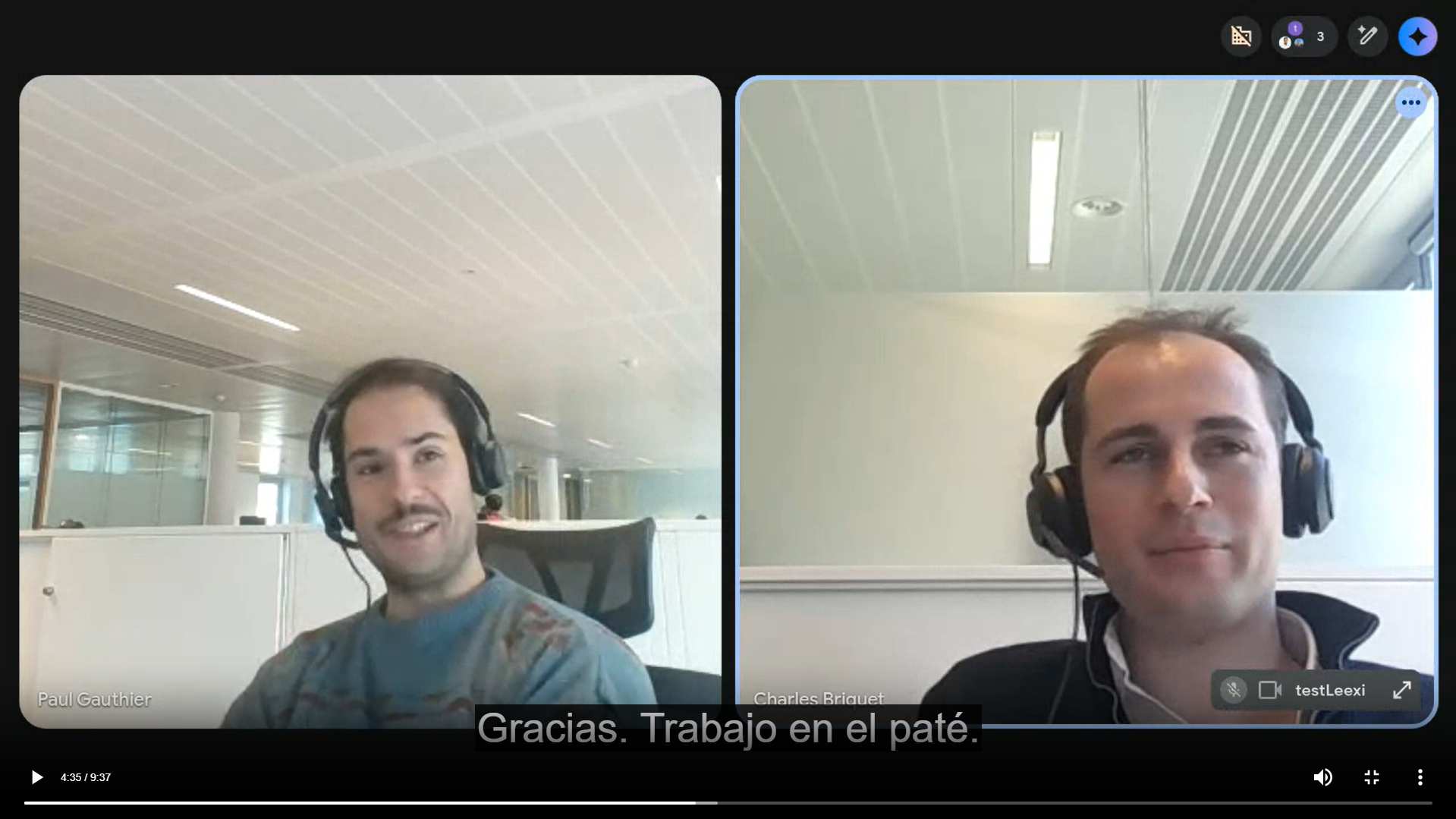
Enable subtitles
Use the display option provided in the player if it's available on your workspace.
Generate the transcript in the desired language
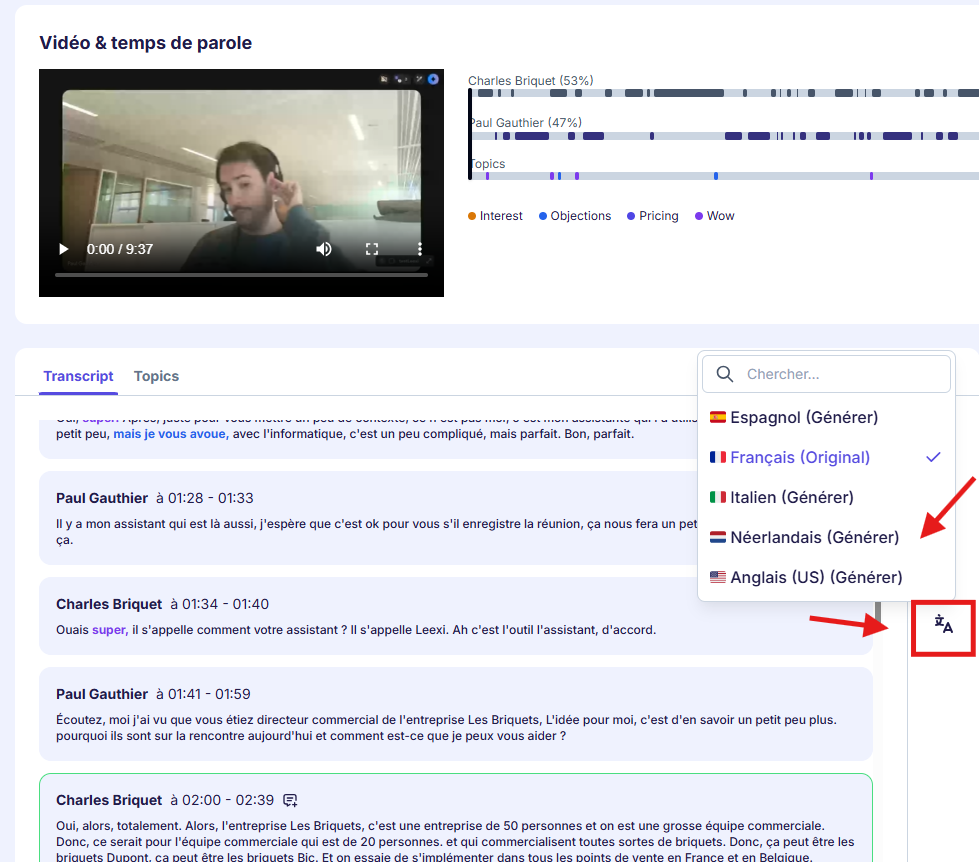
To enable subtitles in another language, start by generating a new translated transcript. From the call page, to the right of the generated meeting notes, click the language selection button. The translation will start immediately.
Choose the right language
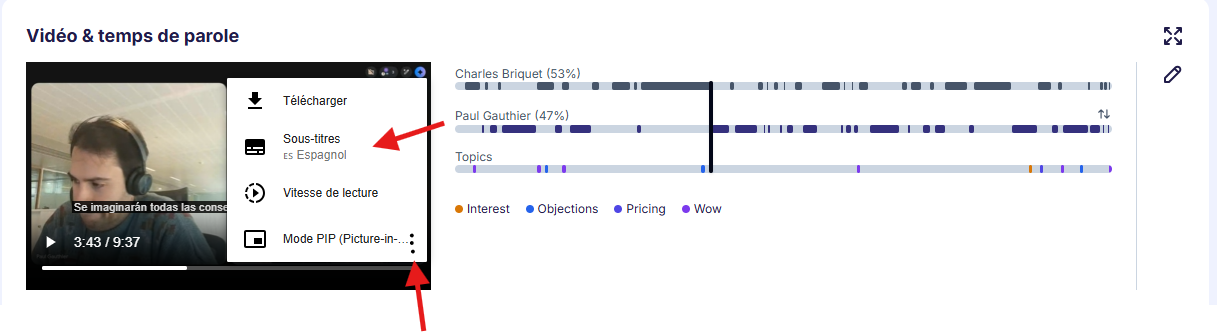
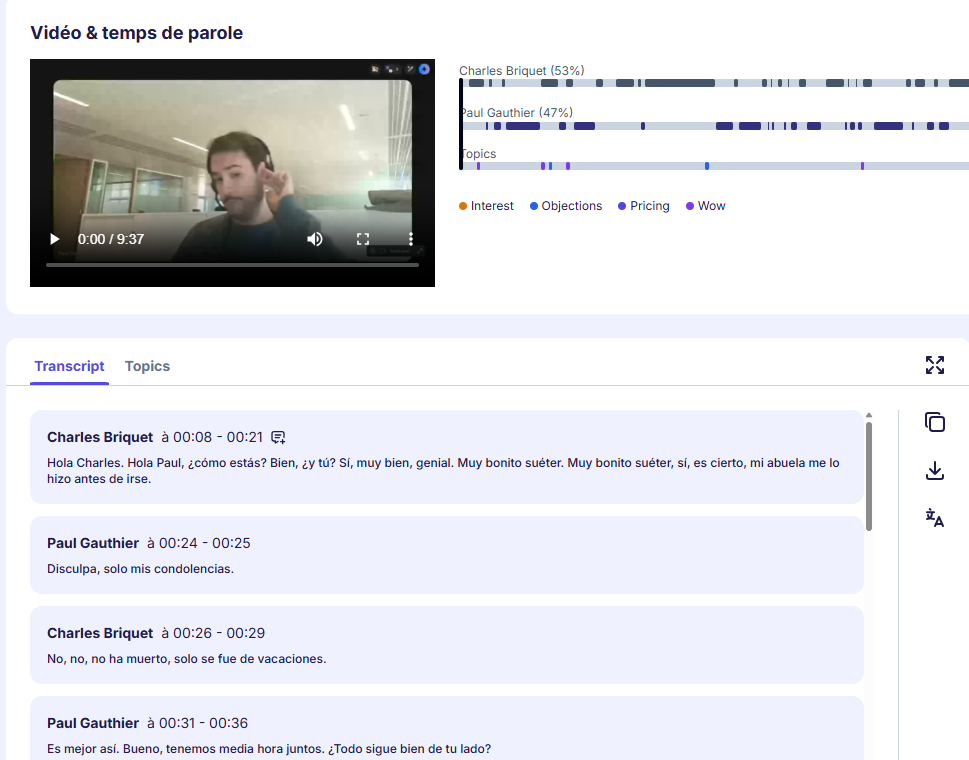
Once the translation is complete, click the player's three dots and select the desired subtitle language.

Check the final readability
Check the rendering before sharing the clip or video with a third party.
Going further
- Subtitles make quick review and content accessibility easier.
- A good-quality transcript directly improves subtitle quality.
- Translation options aren't equivalent across all plans.
Frequently asked questions
This depends on the translation features enabled on your plan and workspace.
No. They complement it in the video player, but the transcript remains the most detailed source to work from.
Things to watch out for
- An imperfect transcript will show in the subtitles.
- Subtitle translation isn't necessarily available on all plans.
- Check the final rendering before any external sharing.
- It's now possible to translate a call into several languages simultaneously (this limitation has been lifted).