AI Meeting
Ask Leexi
Query your calls in natural language to find information, compare meetings, and speed up analysis.
Definition: Ask Leexi is the conversational assistant on the platform. It lets you ask questions about your calls, synthesize information, and save time on recurring analyses.
Feature video
No video is available at this time.
| Who is this for? | Required permissions and licenses |
|---|---|
| • All users who want to explore their calls faster. • Managers and business teams looking for cross-functional answers without manually re-reading each call. • Users who want to draft or edit emails and meeting notes from call content. | • Ask Leexi is available on AI Meeting, Business, and Enterprise plans. • Its use is not limited to administrators. • Answers remain limited to calls and information you already have access to. • Ask Leexi is powered by Azure France OpenAI GPT-4.1 Mini. Data is stored in Europe (Paris) and is not used to train the AI, in compliance with GDPR. |
How to use it
Open Ask Leexi
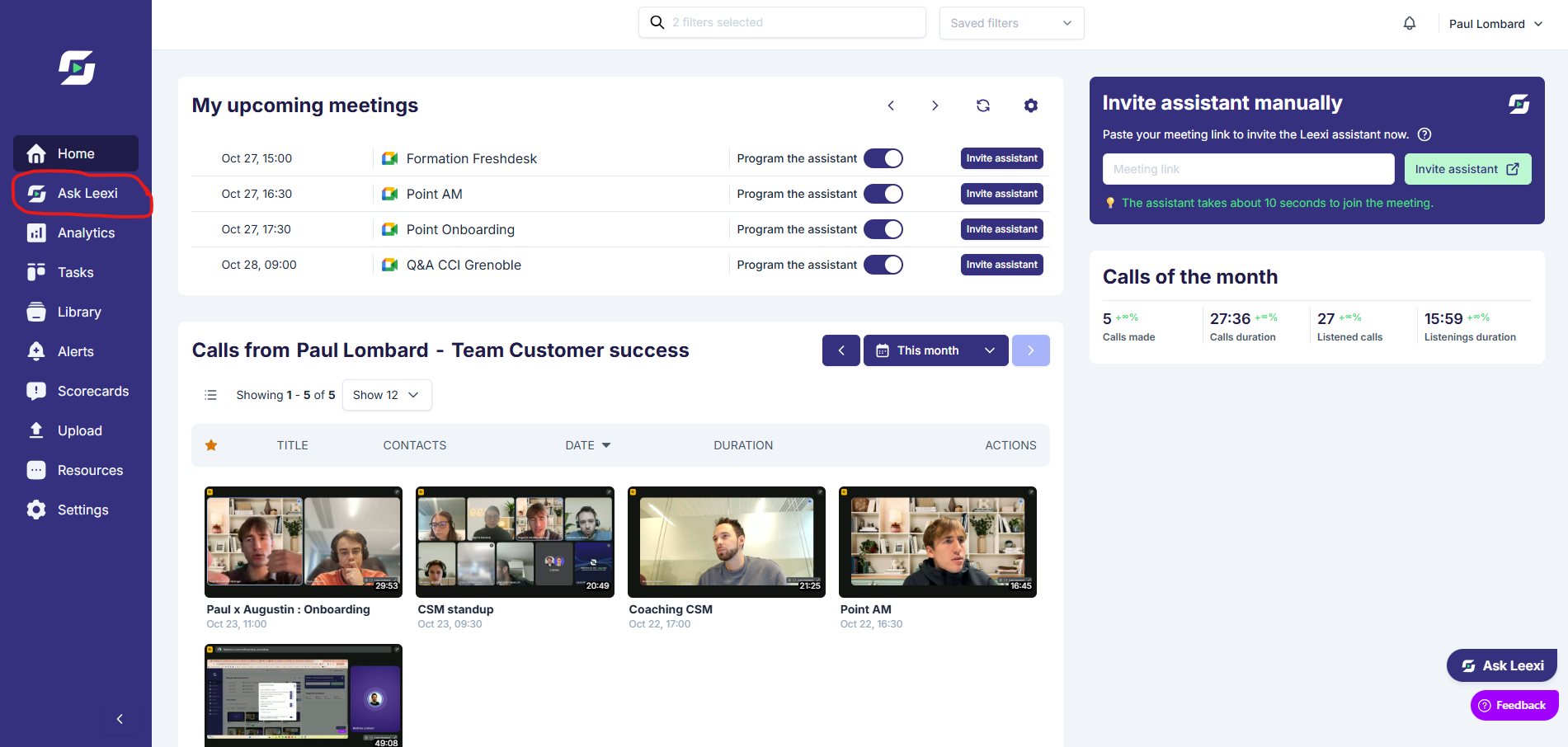
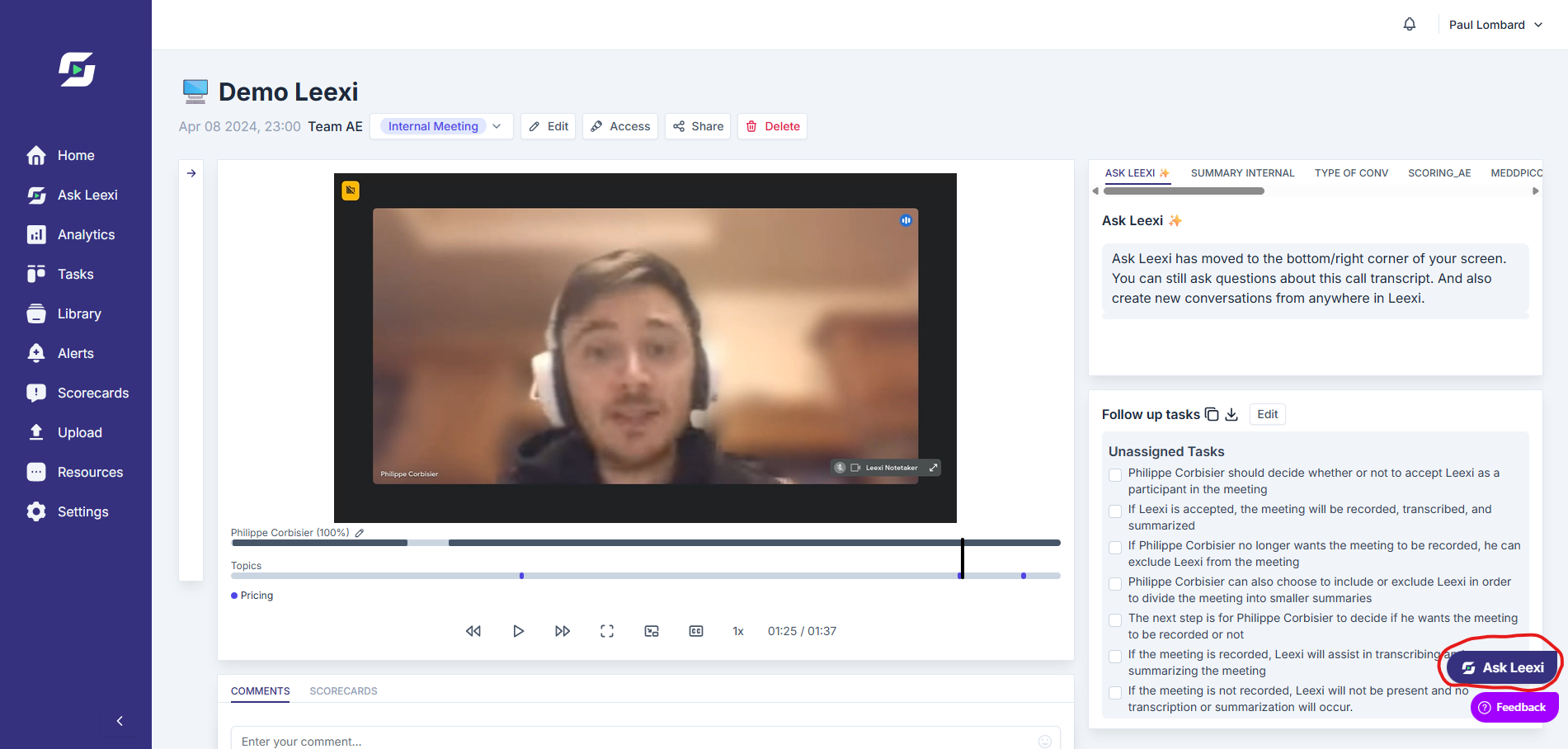
Access the dedicated space or the widget available from compatible work pages.
Ask a clear question
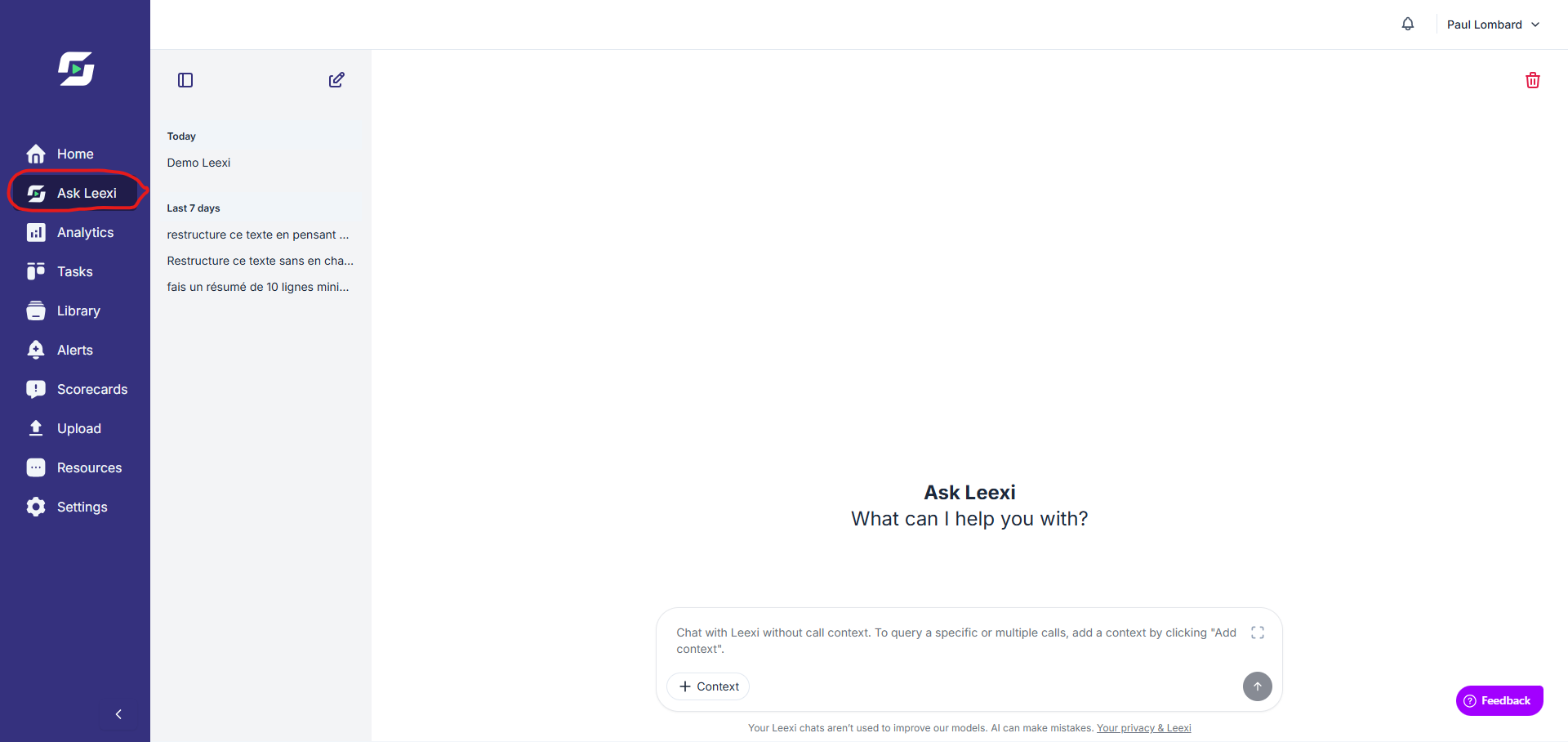
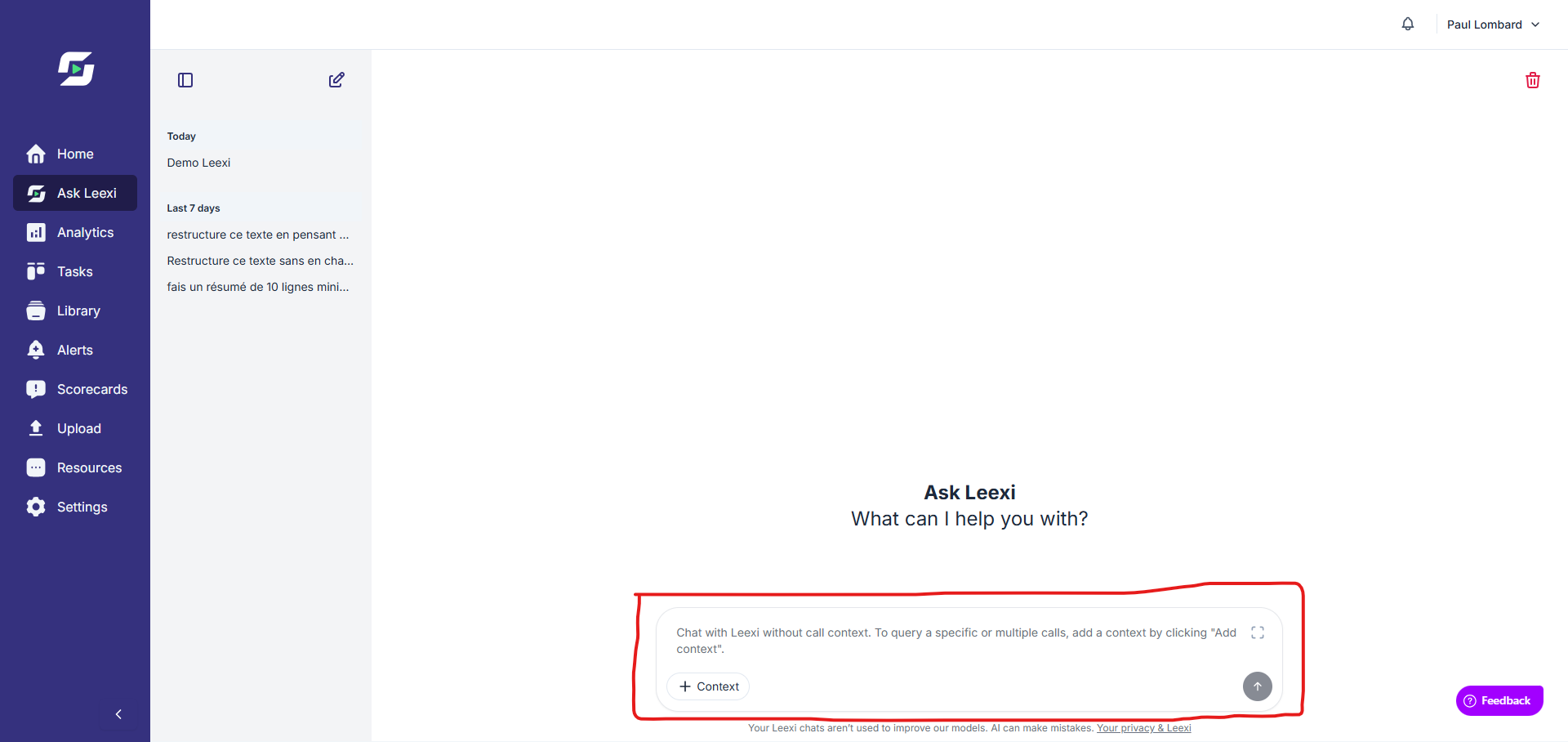
Query a call, a list of meetings, or a specific context with a concrete request. You can also ask general questions without providing context, for writing assistance requests for example.
Query multiple calls simultaneously
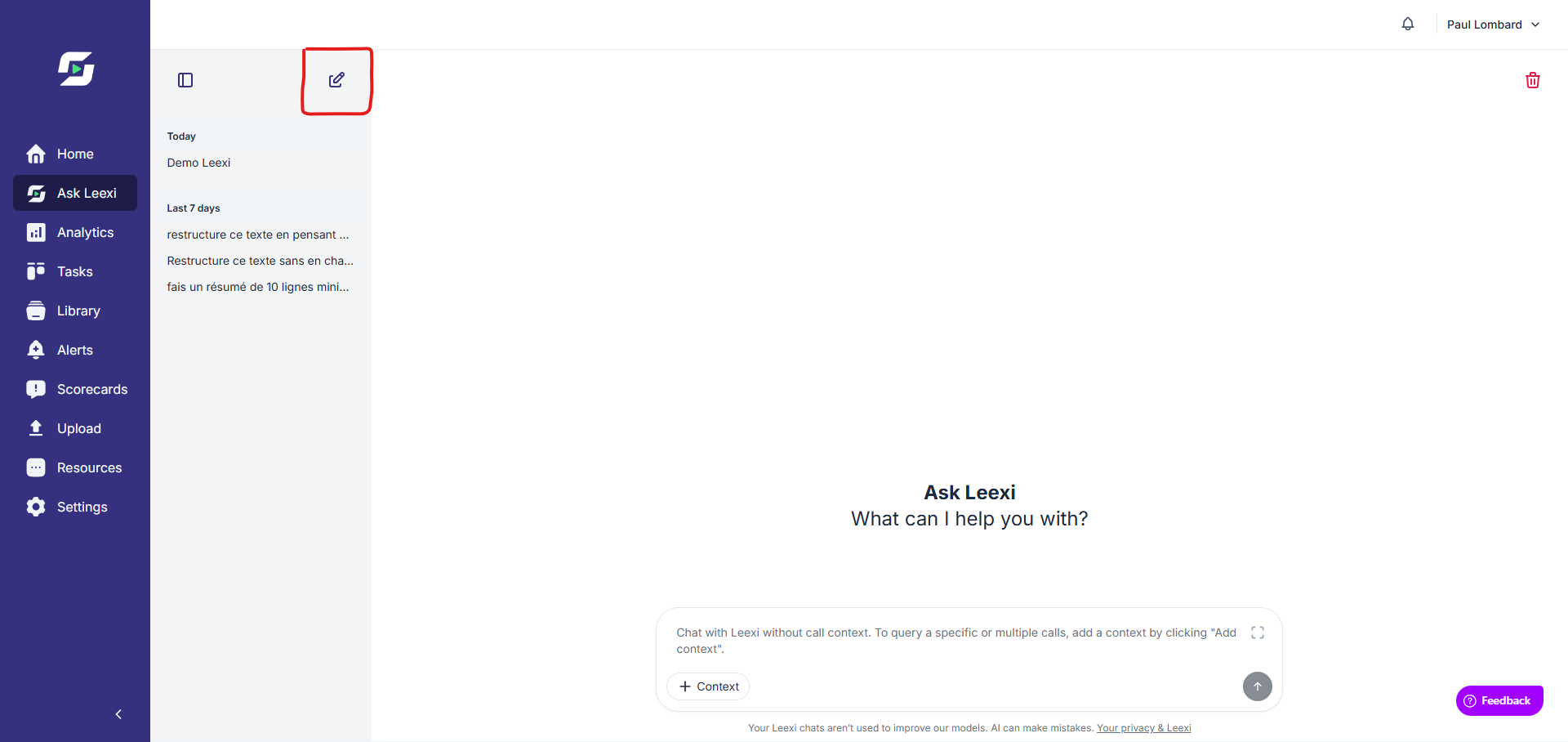
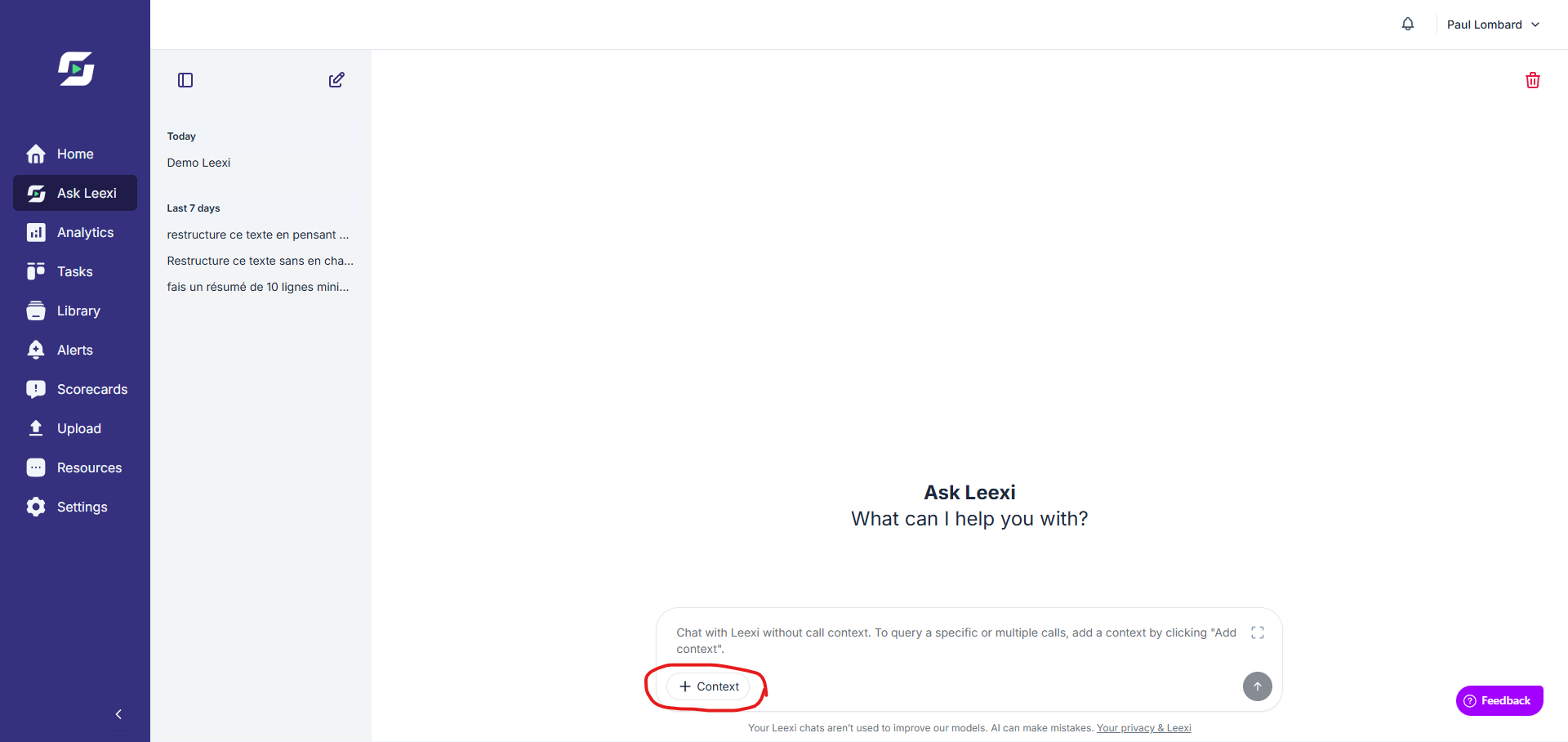
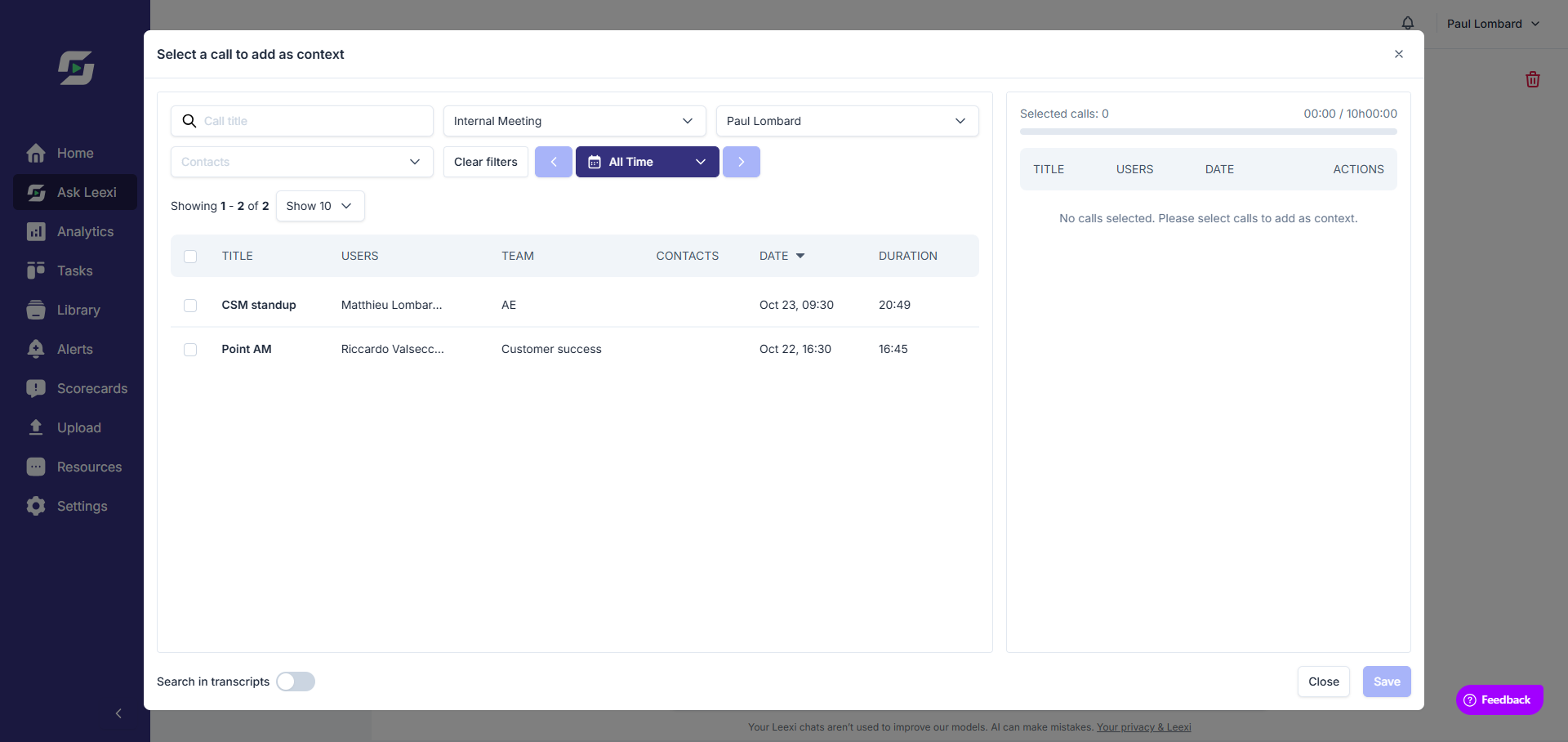
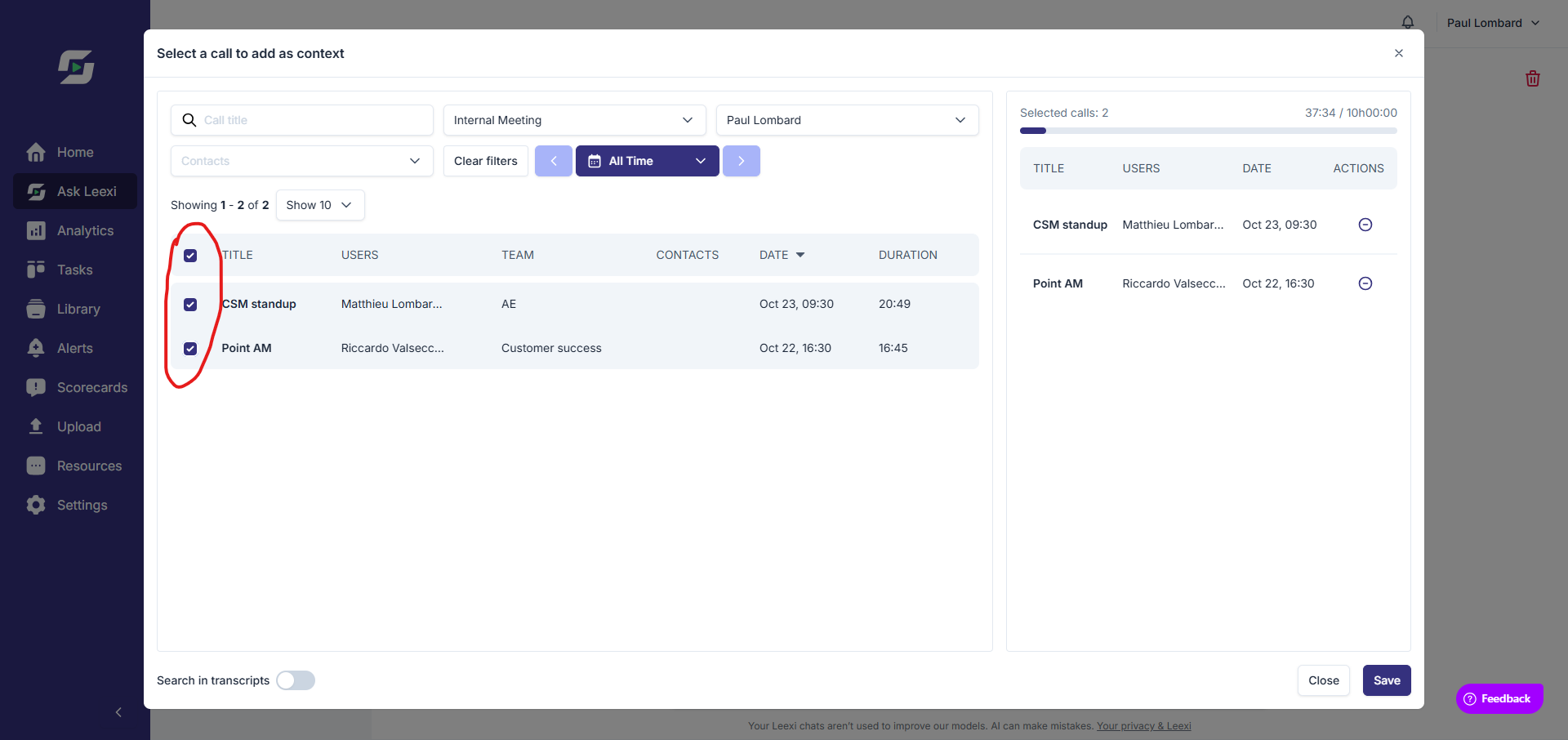
Ask Leexi allows you to analyze multiple calls at the same time, up to a total of 10 hours of recordings. Use the "+ Context" button to select multiple calls and compare meetings over an extended period.
Review the answer
Check the provided synthesis and return to source calls to verify important points.
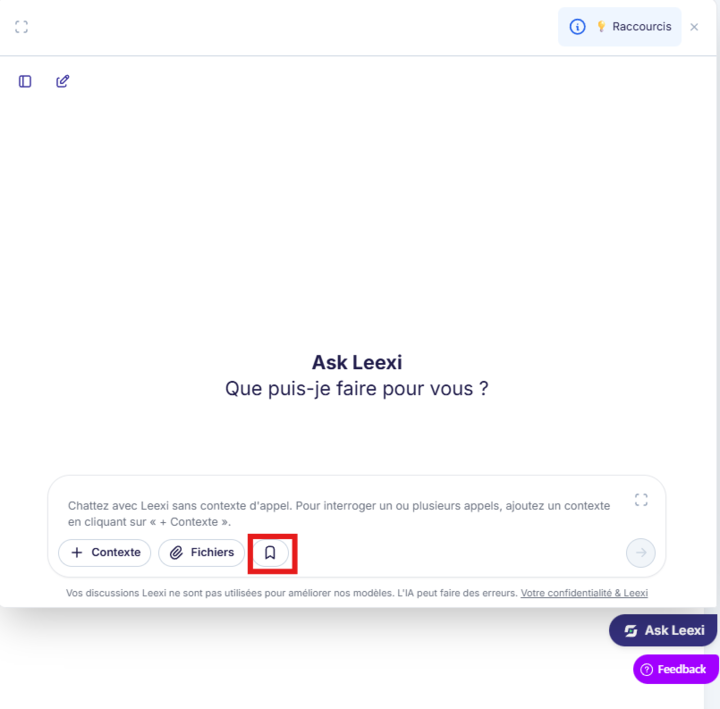
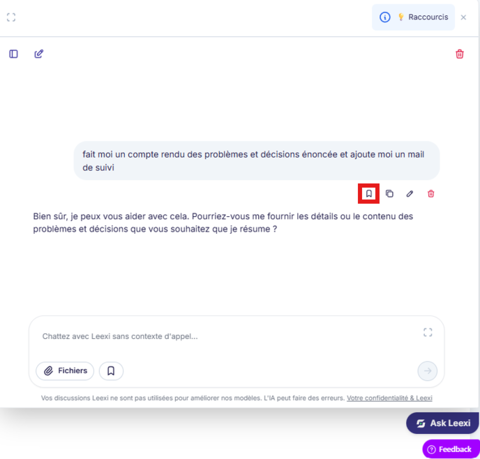
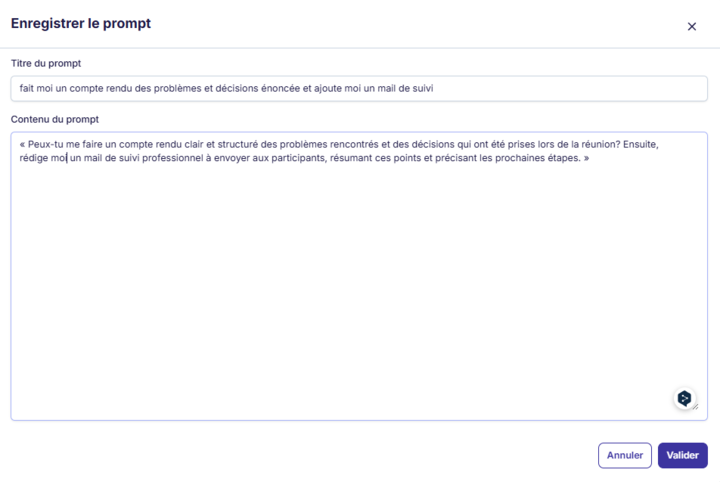
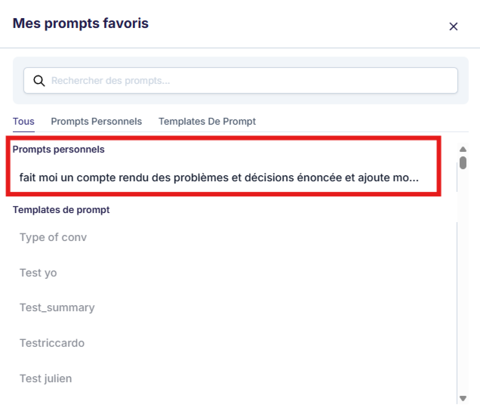
Reuse useful questions
Turn your good formulations into team habits to save time.
Going further
- Ask Leexi is particularly useful for comparing multiple calls or finding a specific point without re-reading the entire transcript.
- The quality of your question directly influences the quality of the answer.
- It complements search, the library, and custom prompts without replacing them.
- Ask Leexi can also help draft, edit, or improve emails and meeting notes from call content.
- The AI's knowledge is limited to information available through June 2024 for general questions unrelated to a call.
Frequently asked questions
No. It stays within your usual visibility scope.
That's not recommended. Human validation is still necessary before sensitive distribution.
Yes. Ask Leexi can help write, edit, or improve emails and meeting notes. For meeting notes based on a call, make sure to provide the call as context via the "+ Context" button.
Click "+ Context" in the chat window, then select the desired call. The AI will then have access to the complete transcript and can answer precisely.
Things to watch out for
- A question that's too broad often gives a response that's too general.
- Responses should be reviewed before external sharing or important decisions.
- Exact availability depends on your plan and workspace context.
- For accurate answers about a call, it's necessary to provide context by selecting the call via "+ Context". Without this, the AI doesn't have the call's specific information.