AI Meeting
Task management
Track every action detected or entered in Leexi to manage post-call follow-up at scale.
Definition: Task management gathers actions from calls into a more cross-functional management view, to distribute, track, and prioritize work after each meeting.
Feature video
No video is available at this time.
| Who is this for? | Required permissions and licenses |
|---|---|
| • Teams who want to track actions beyond a single call. • Managers who need a more global view of post-call follow-up. | • Available on AI Meeting, Business, and Enterprise plans (member or team lead role). • Availability depends on the AI modules active on your plan. • Access to tasks follows your visibility scope on source calls. • CRM or external syncs require the appropriate integrations and licenses. |
How to use it
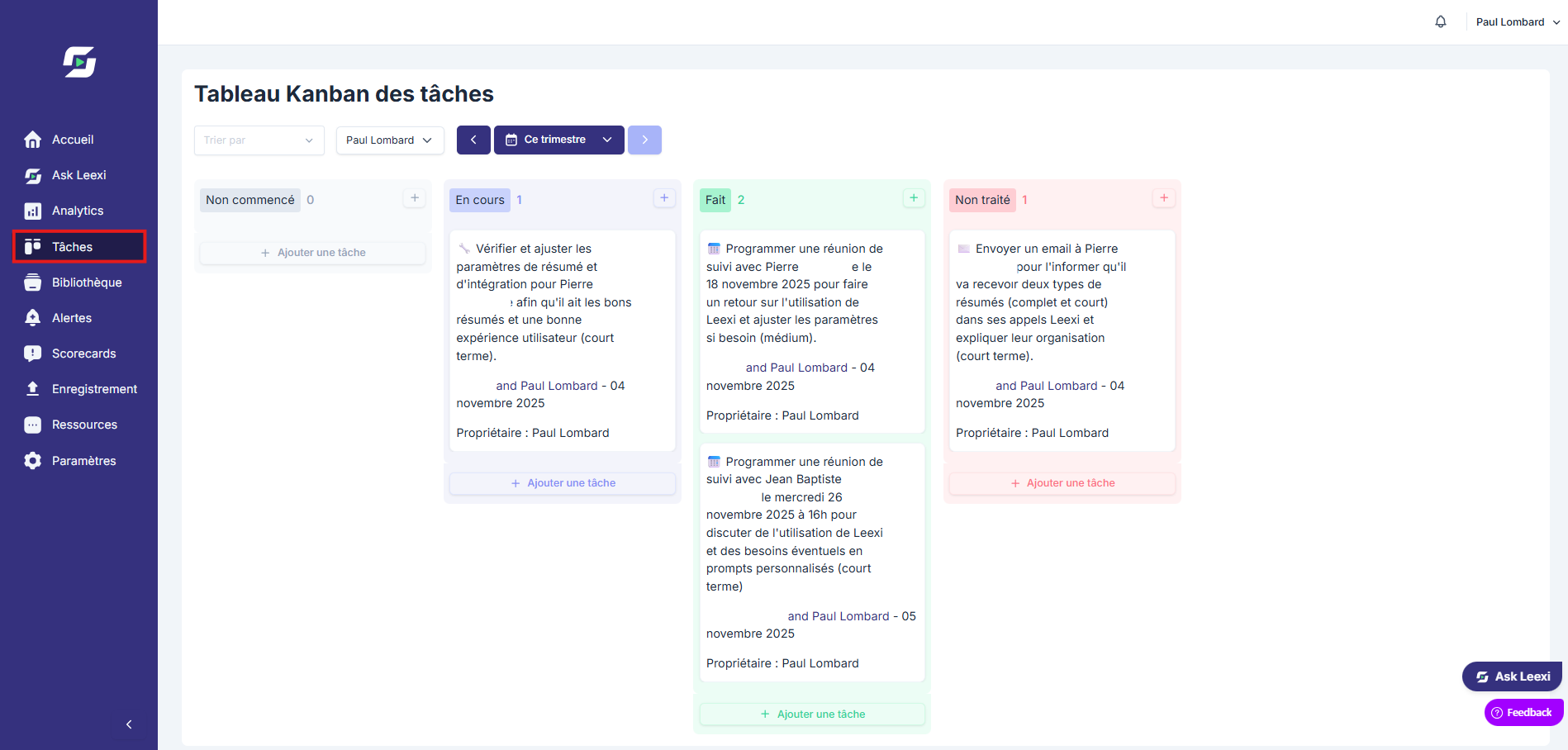
Open the management view
Access the space that centralizes detected tasks and manual actions.
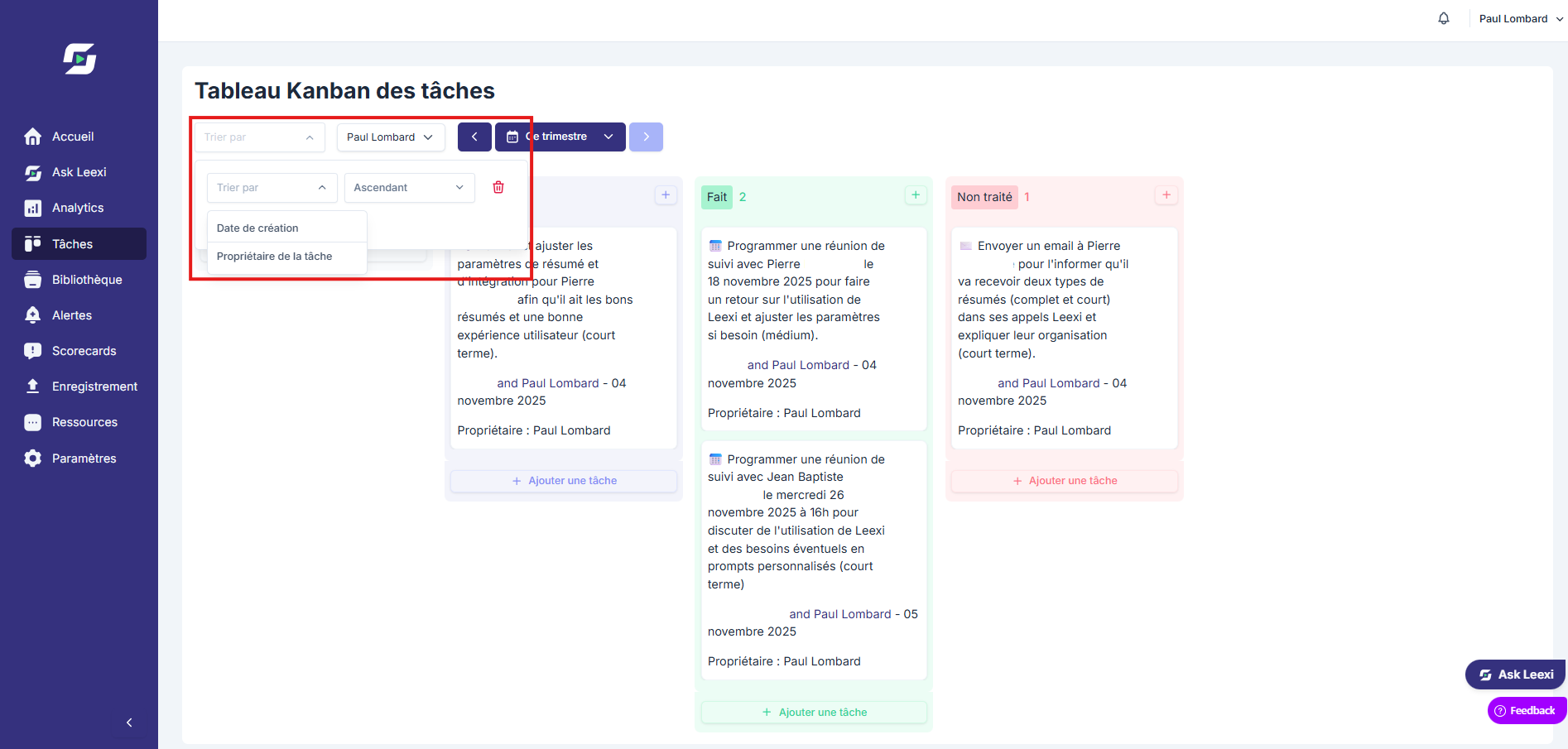
Filter by owner
Isolate tasks by user, team, date, or status as needed.
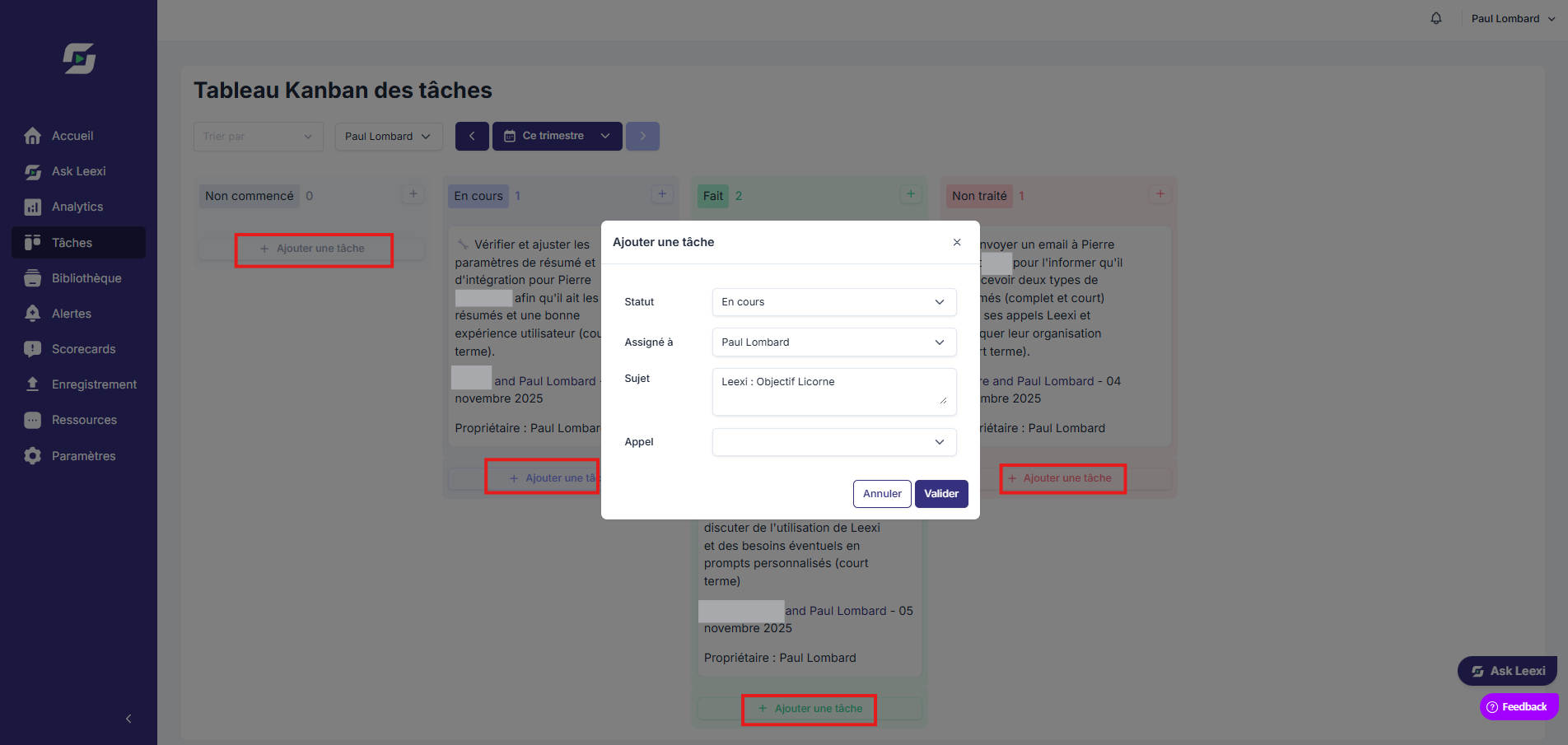
Correct and prioritize
Adjust the content, assignment, or processing order when needed.
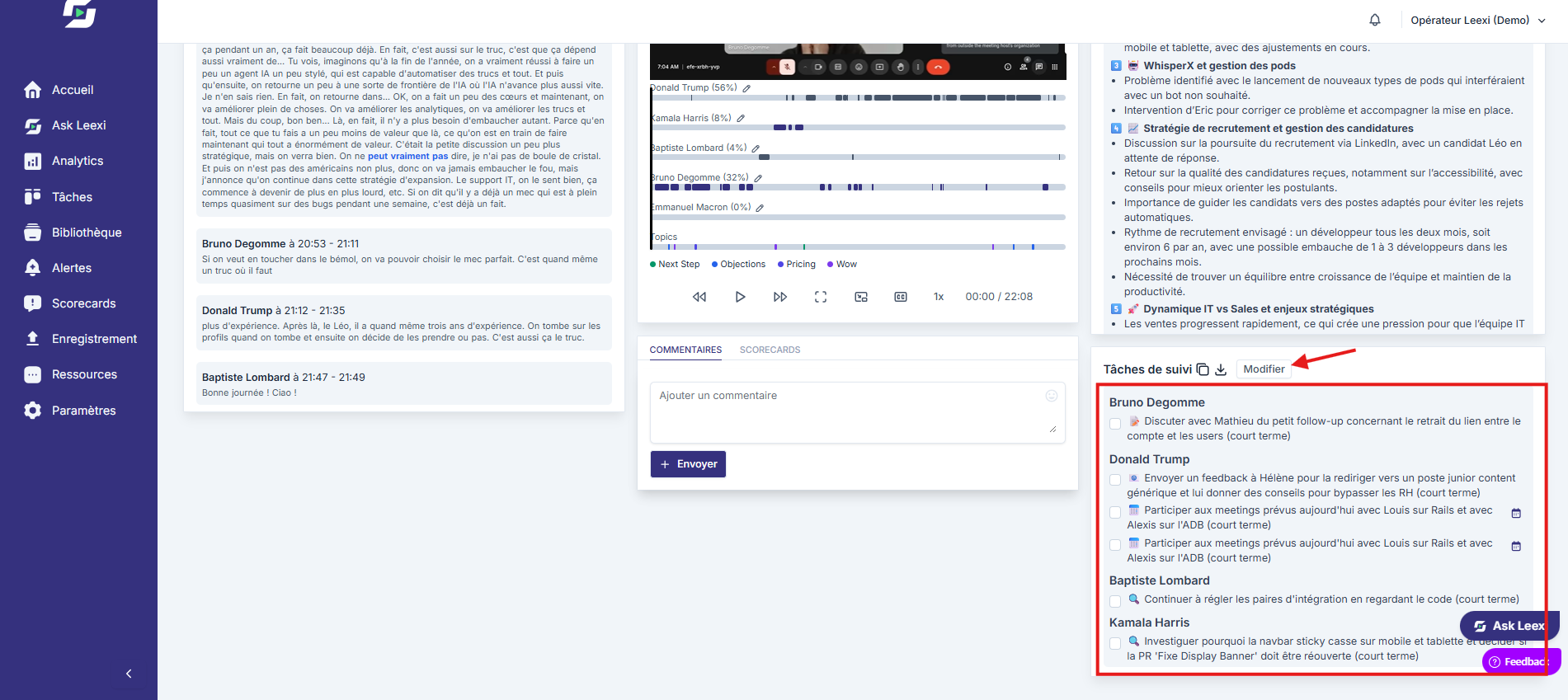
Push into your workflows
Complete the loop with your integrations or team routines to turn these tasks into concrete follow-up.
Going further
- This view complements local task editing from the call page.
- It helps prevent follow-up actions from staying scattered across multiple calls.
- Its value increases when calls are well qualified and linked to the right business context.
Frequently asked questions
Yes. From the task board, you can add a task by specifying its status, the assigned person, its content, and the related call if needed.
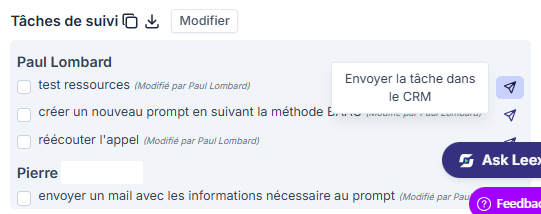
Yes, for certain CRMs. Tasks can be sent directly to Pipedrive, Salesforce, and HubSpot depending on active integrations.
Things to watch out for
- An automatically detected task should still be reviewed before critical use.
- Global views don't grant more access than your rights on source calls.
- Automation doesn't replace clear owner accountability.