General Settings
Company settings
Understand how Leexi settings are organized and quickly find the right admin page.
Definition: Leexi settings are organized into major blocks to separate user, team, company, customization and advanced admin settings.
Feature video
No video is available at this time.
| Who is this for? | Required permissions and licenses |
|---|---|
| • Administrators who structure how Leexi is used within their company. • Managers who need to quickly find the right configuration page. | • The pages shown depend on your permissions. • The company, customization and advanced blocks are only visible if your roles grant access to the corresponding settings. • Some additional pages appear only if certain integrations or modules are active. |
How to use it
Identify your settings block
Use the sidebar to distinguish between user, team, company, customization and advanced settings.
Member settings (personal settings)
Every user accesses their own settings:
- My account: display name, password, meeting settings.
- My notifications: manage notifications sent by Leexi.
- My integrations: personal integrations (Calendar, CRM, VOIP, etc.). For company-level integrations, go to the company settings.
Manager settings
- My teams: overview of team members, their integrations, and saved languages. You can add a user via the "Add a user" button.
Administrator settings
Access company pages according to your permissions:
- My company: global company settings (language, meeting settings). Also includes a storage section to choose the data retention period.
- Teams & Users: view of all users, their integrations, languages and license types. Lets you edit teams and add users.
- Your logo: customize the AI NoteTaker assistant to match your company's colors. Also lets you edit the email template sent before meetings and the assistant's GDPR message.
- Security: SSO management, password policy, meeting settings (allowing or not allowing users to change their own settings), integration settings.
- Access rules: configure privacy and visibility on calls.
- Email templates: edit the email sent before and after meetings.
- Roles: exhaustive description of each configurable role in Leexi.
- Integrations: manage company-level integrations.
- Billing: change the billing interval and plan (Starter, AI Meeting, Business, Enterprise).
Open the right page
For example, go to My company, Teams & Users, Security, Roles, Integrations or Billing depending on your need.
Manage customization
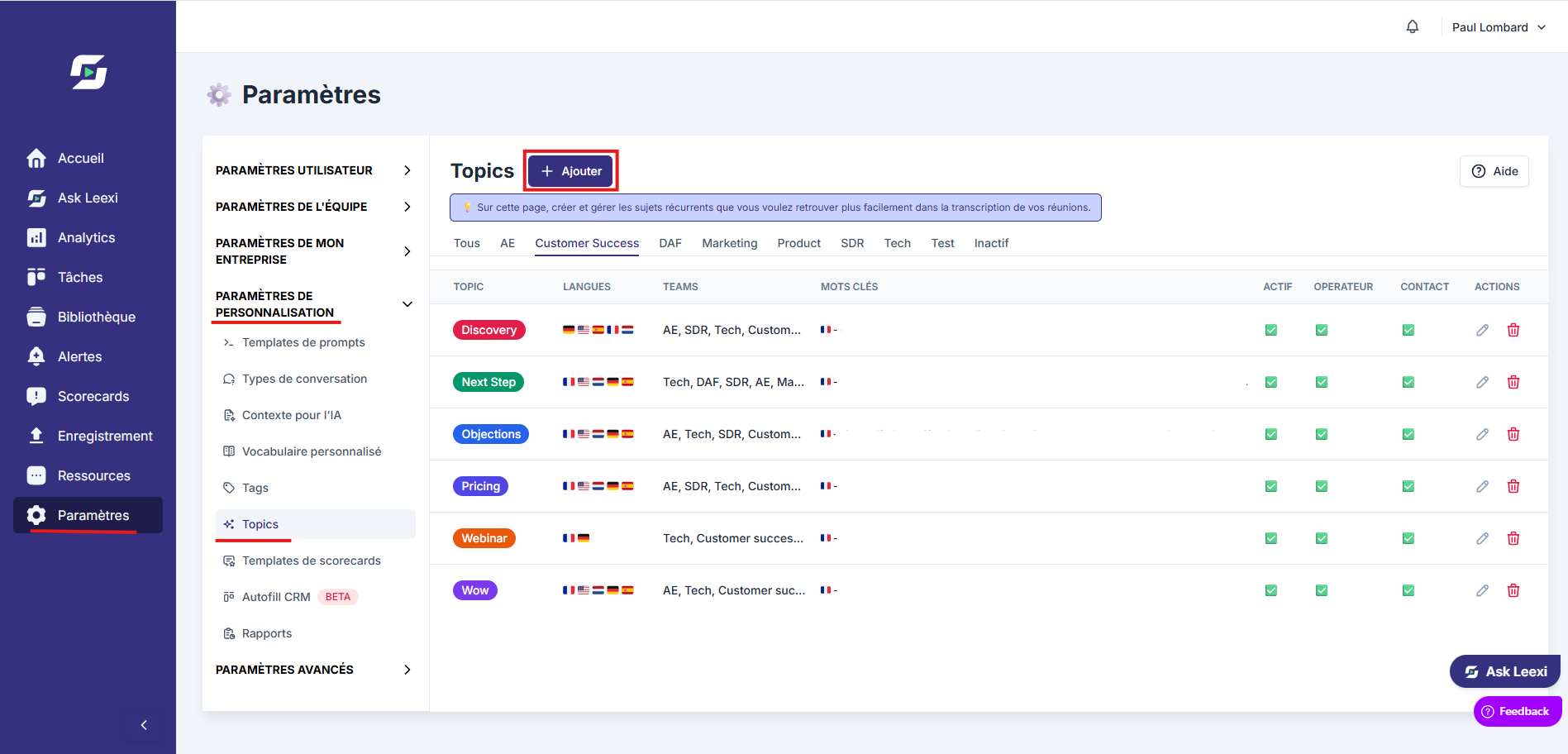
In the customization section you'll find the following elements:
- Prompt templates: create and edit prompts linked to a conversation type.
- Conversation types: a feature that lets the AI detect the type of call.
- Context for AI: add context to calls while respecting GDPR rules, linked to conversation types.
- Custom vocabularies: force the transcript toward specific terms (names of people, companies, etc.).
- Tags: organize calls with tags usable as filters.
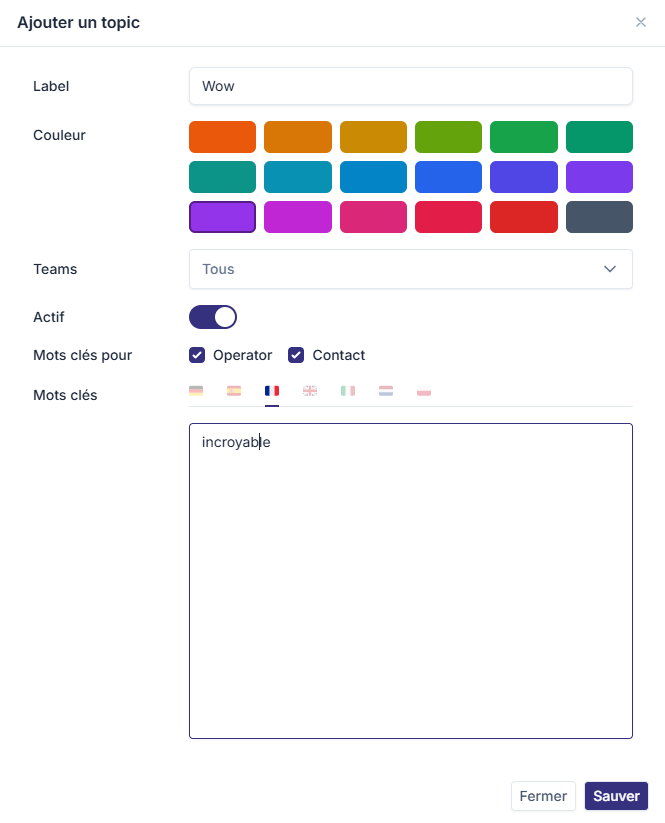
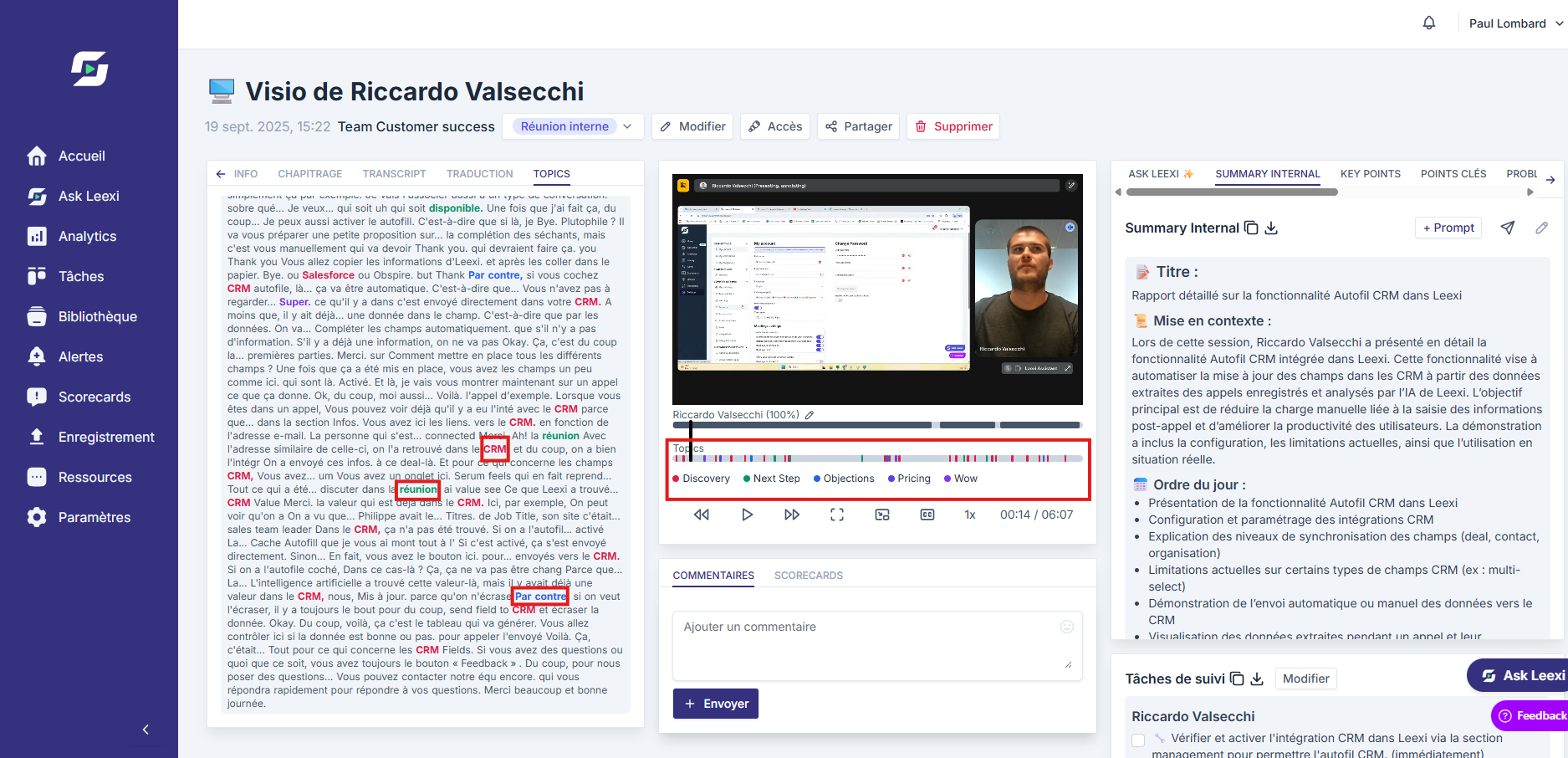
- Topics: keywords spotted in the transcript to identify aspects covered or missing.
- Scorecard templates: evaluate call performance (manual or automatic).
- CRM Autofill: AI-driven automatic completion of certain CRM fields.
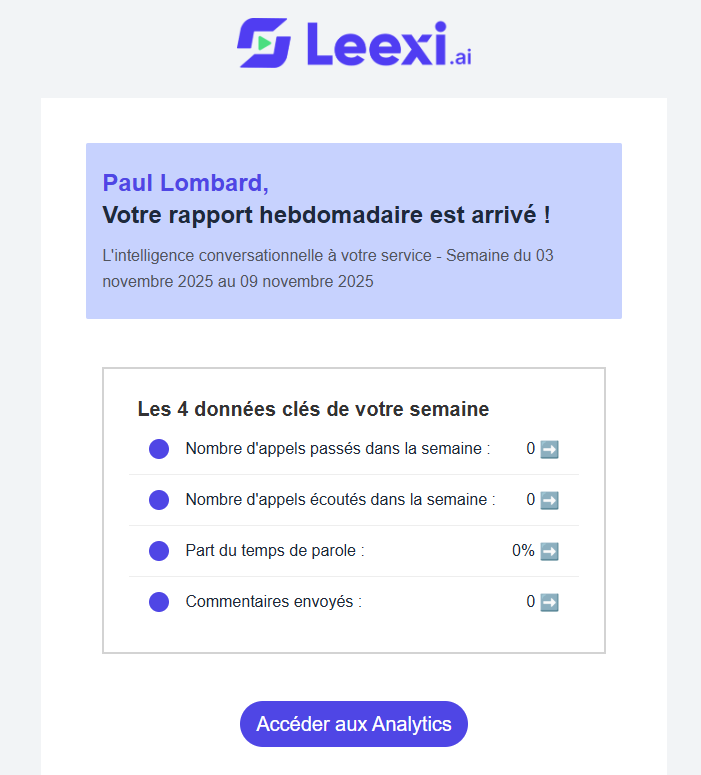
- Reports: a weekly report is sent to the team lead by email.
Check the advanced options
Use the API keys, webhooks or audits pages when your scope of responsibility requires it:
- API keys: manage APIs and integrations with other platforms.
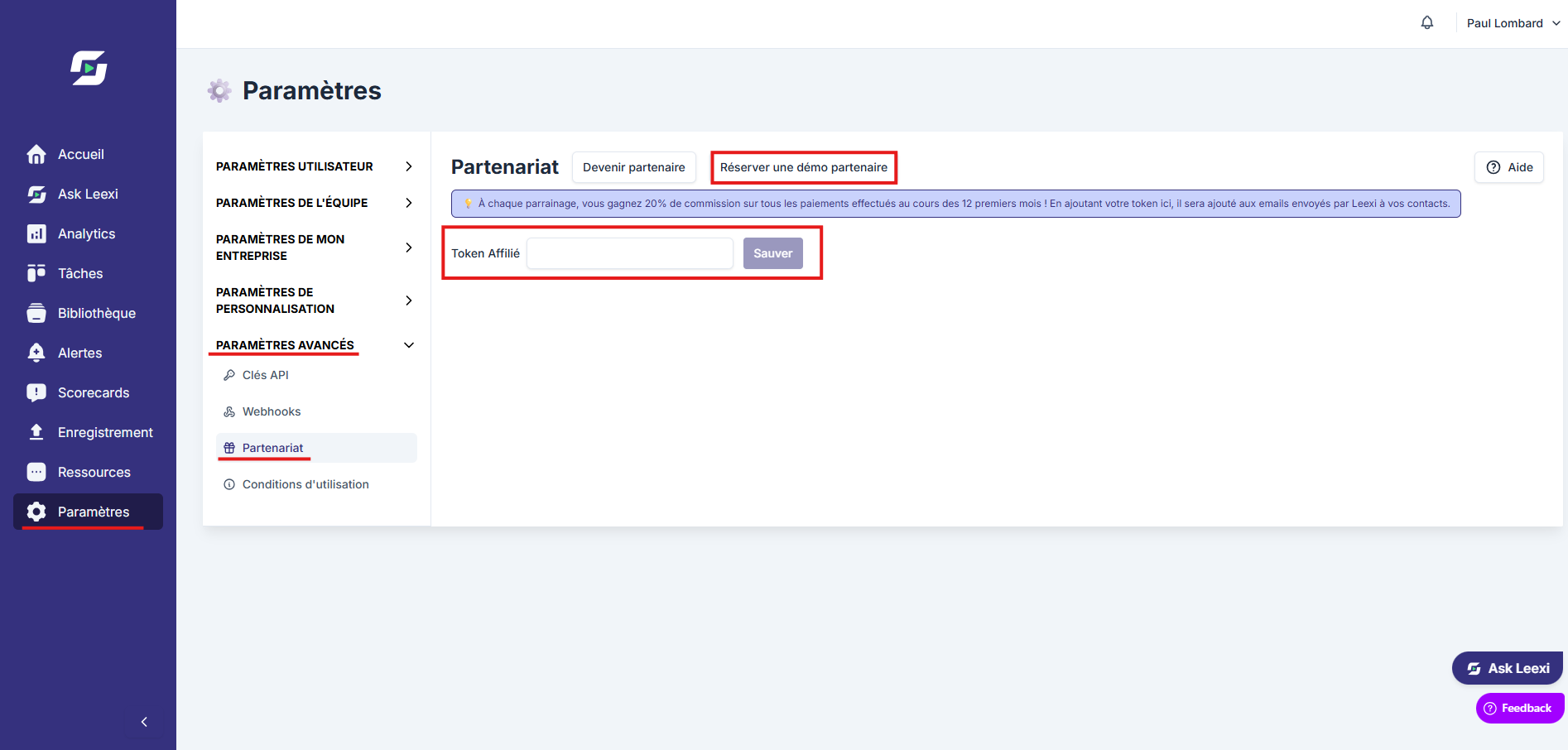
- Partnership: enter your affiliate token to be recognized as a Leexi partner.
- Terms of use: download the terms and conditions in PDF format.
Going further
- The settings structure follows the permissions declared in Leexi roles.
- The same person can see different blocks depending on the combination of their roles.
- Active CRM integrations also unlock certain customization settings.
Frequently asked questions
Because they are conditioned by your permissions or by the activation of specific modules.
Yes. Personal preferences do not automatically open access to company settings.
Things to watch out for
- Don't confuse product roles with sharing or visibility settings.
- Some pages are visible but only useful if an integration is already active.
- A wrong settings route is often a sign of missing permissions rather than a bug.