General Settings
SSO
Centralize authentication in Leexi with your company identity provider.
Definition: Single Sign-On, or SSO, is an authentication method that lets users securely access multiple applications and services with a single set of credentials. Instead of entering a dozen passwords a day, you only need to enter one, without compromising your security.
Feature video
No video is available at this time.
| Who is this for? | Required permissions and licenses |
|---|---|
| • Companies that want to industrialize authentication and have only one password for all their applications. • Security and IT administrators who manage user access. | • Feature available from the Business and Enterprise plans. • Configuration requires administration rights over the company account's security. • The identity provider must be ready on the IT side before starting. |
How to use it
Confirm plan eligibility
Confirm that your subscription includes SSO.
Open the security settings
Access the SSO configuration from your company's security pages.
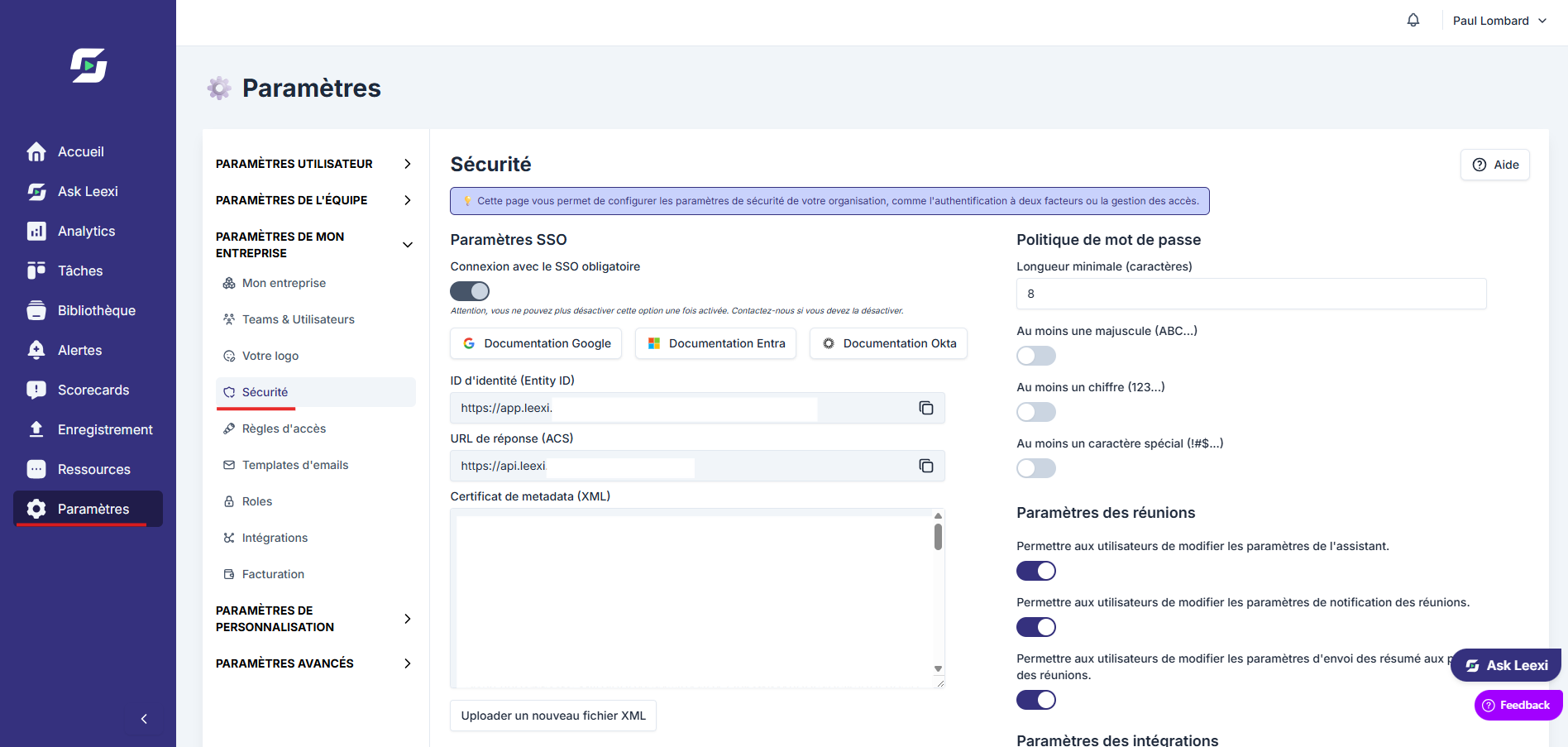
Enter the identity information
Configure the exchange settings expected between Leexi and your identity provider.
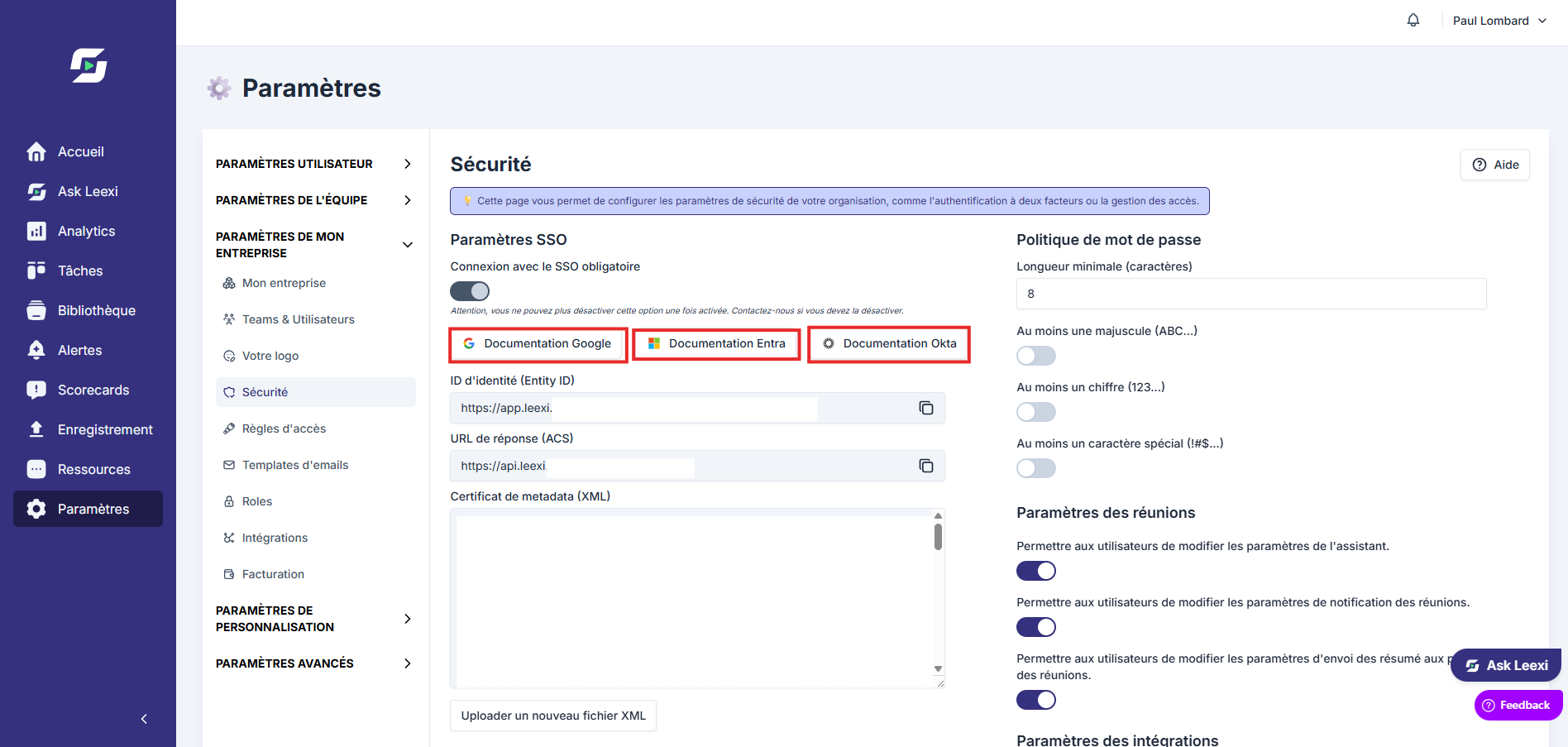
Behind the configuration tabs, you'll find documentation with all the steps to configure SSO according to your provider:
Test with a limited scope
Check the connection on a few accounts before a full rollout.
Going further
- SSO makes large-account rollouts and compliance policies easier.
- It combines with your existing Leexi roles: it does not replace them.
- Google, Microsoft or other provider integrations must be scoped with your IT team.
Frequently asked questions
No. The Business plan is required at minimum.
Contact Leexi support at support@leexi.ai to look into compatibility with your provider.
No. It replaces the login method, not permission management within the application.
Things to watch out for
- Misconfiguration can block your users' access.
- Always test on a small group before rolling out broadly.
- Keep administrators able to access the system during the transition phase.