Call page
Sharing a call page
Open a call internally or externally with the right level of access and the right content scope.
Definition: Sharing lets you distribute a call, a link, or certain associated content to colleagues or external contacts without giving them more access than necessary.
Feature video
No video is available at the moment.
| Who is this for? | Required permissions and licenses |
|---|---|
| • Users who need to distribute a call to a third party. • Managers who want to share a transcript, a summary, or a recording with control. • Recruiters who want to share the summary and replay of an interview with a candidate. • Sales reps who want to share the meeting notes of a meeting with a client. | • Sharing depends on permissions on calls. • More limited profiles don't necessarily have access to all sharing options. • Certain forms of external sharing may also depend on your company's security settings. |
How to use it
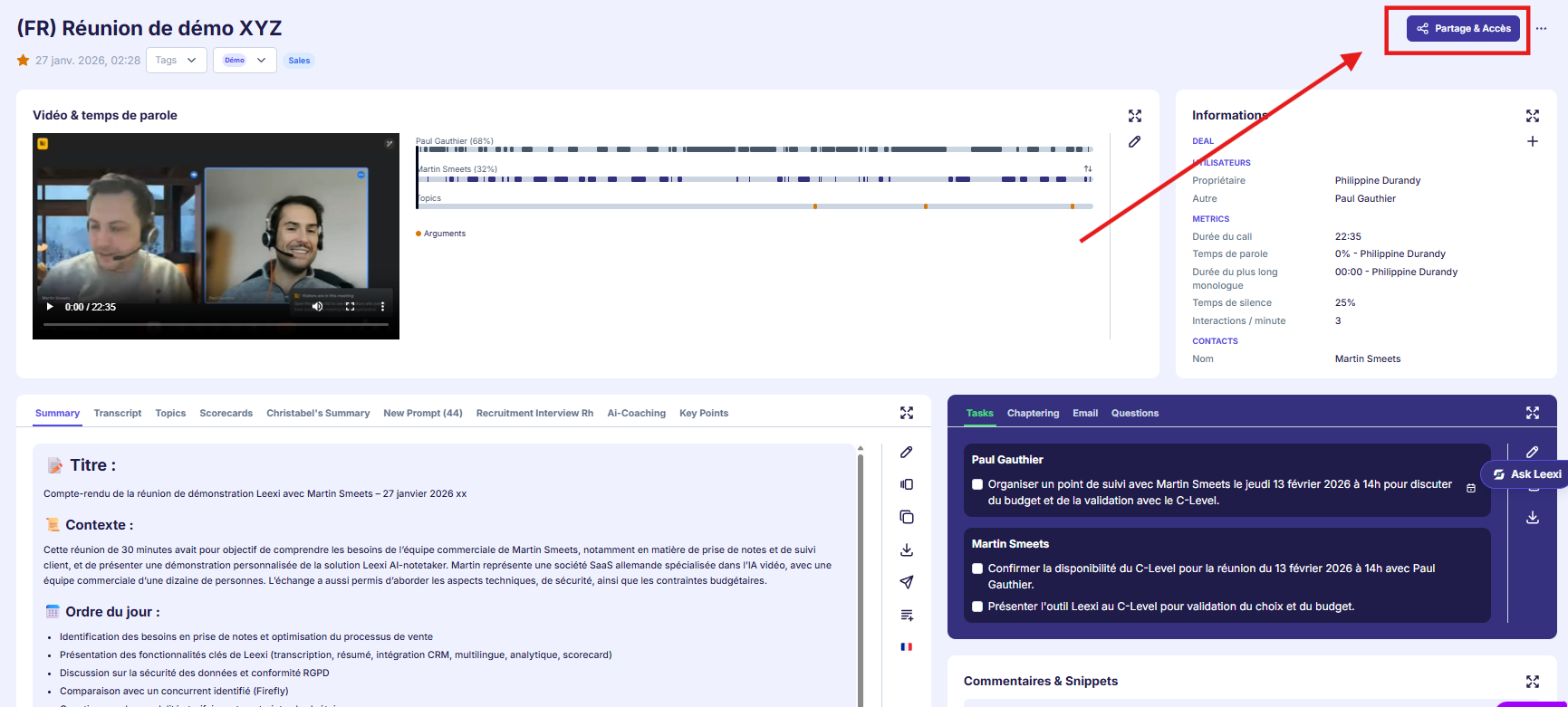
Open the call page
Access the call to be shared from your history, the library, or search.
Choose the sharing mode
Three options are available:
- Download the call to share it as a file (internally or externally).
- Share the call page internally.
- Share the call page with an external person by selecting the data to display and the link's expiration date.
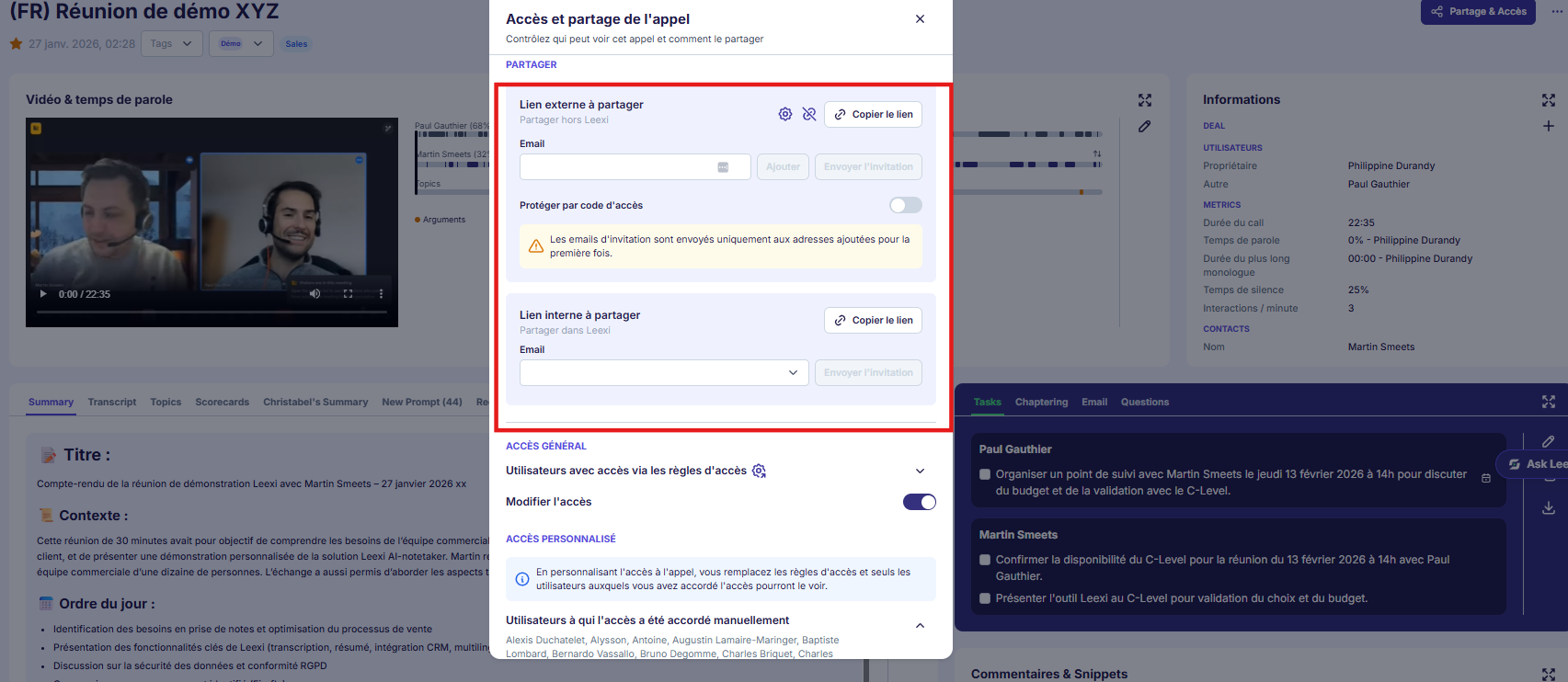
Define the exposed content
Select the elements to make visible, for example the transcript, the summary, or the recording.
Frame the distribution
Add an expiration date or restrictions when the context justifies it.
Copy and send the link
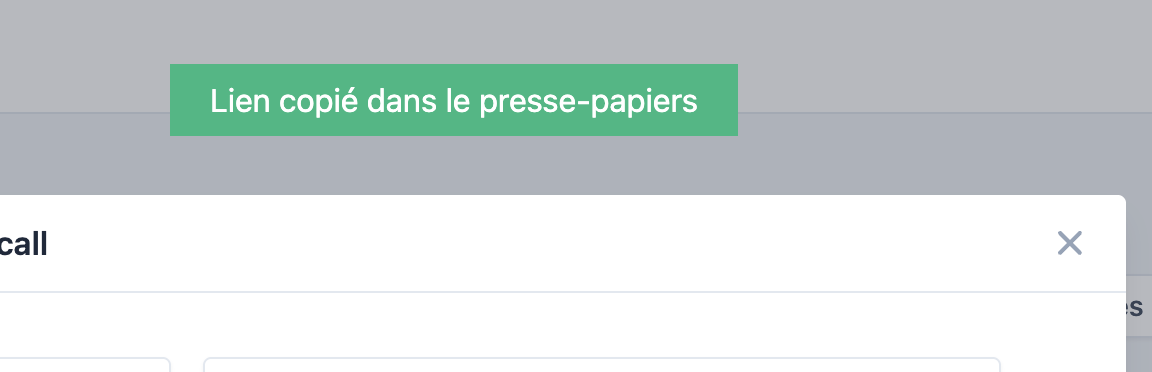
Click the generated URL; it will be automatically copied to the clipboard.
Going further
- Good sharing relies on the right level of information, not on maximum openness.
- This page is useful both for client follow-up and for internal coaching.
- External links can complement CRM, email, or reporting workflows.
Frequently asked questions
Yes, depending on the options exposed by your sharing interface.
No. Sharing depends on the permissions attached to your role.
Things to watch out for
- Don't share more content than necessary.
- Use an expiration date when the link should remain temporary.
- Always review AI content before an external send.