General Settings
Integrations
Connect your business tools to Leexi to automate the capture, distribution and synchronization of data.
Definition: Integrations connect Leexi to your calendars, video conferencing tools, CRMs, note-taking tools, notification channels and webhooks to streamline your workflows.
Feature video
No video is available at this time.
| Who is this for? | Required permissions and licenses |
|---|---|
| • Administrators who want to automate workflows around calls. • Operations, CRM and IT teams that orchestrate data between tools. | • Managing integrations is reserved for administrators authorized to manage integrations. • Advanced CRM integrations and certain automations require higher plans, notably Business or above. • Calendar integrations remain available from the lowest plans. |
How to use it
Open the Integrations page
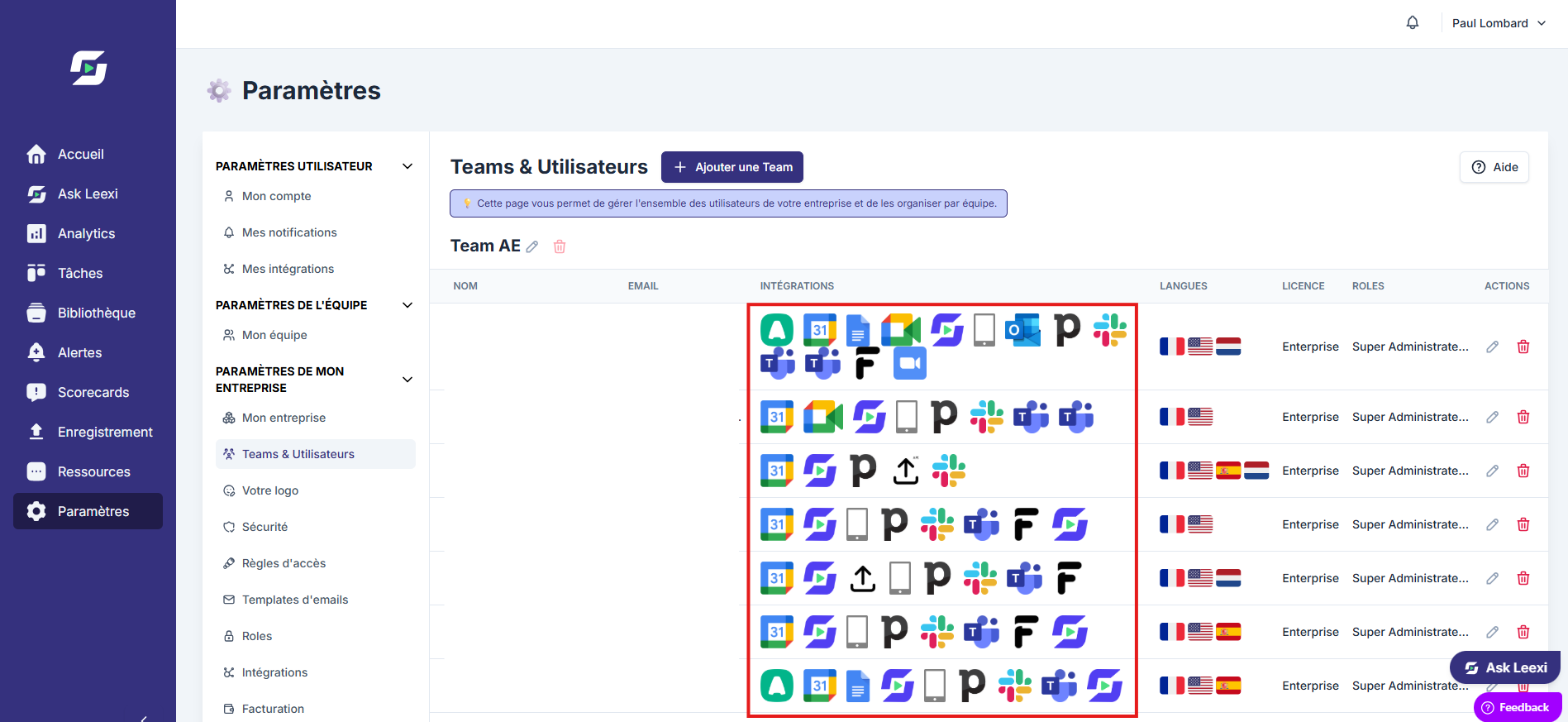
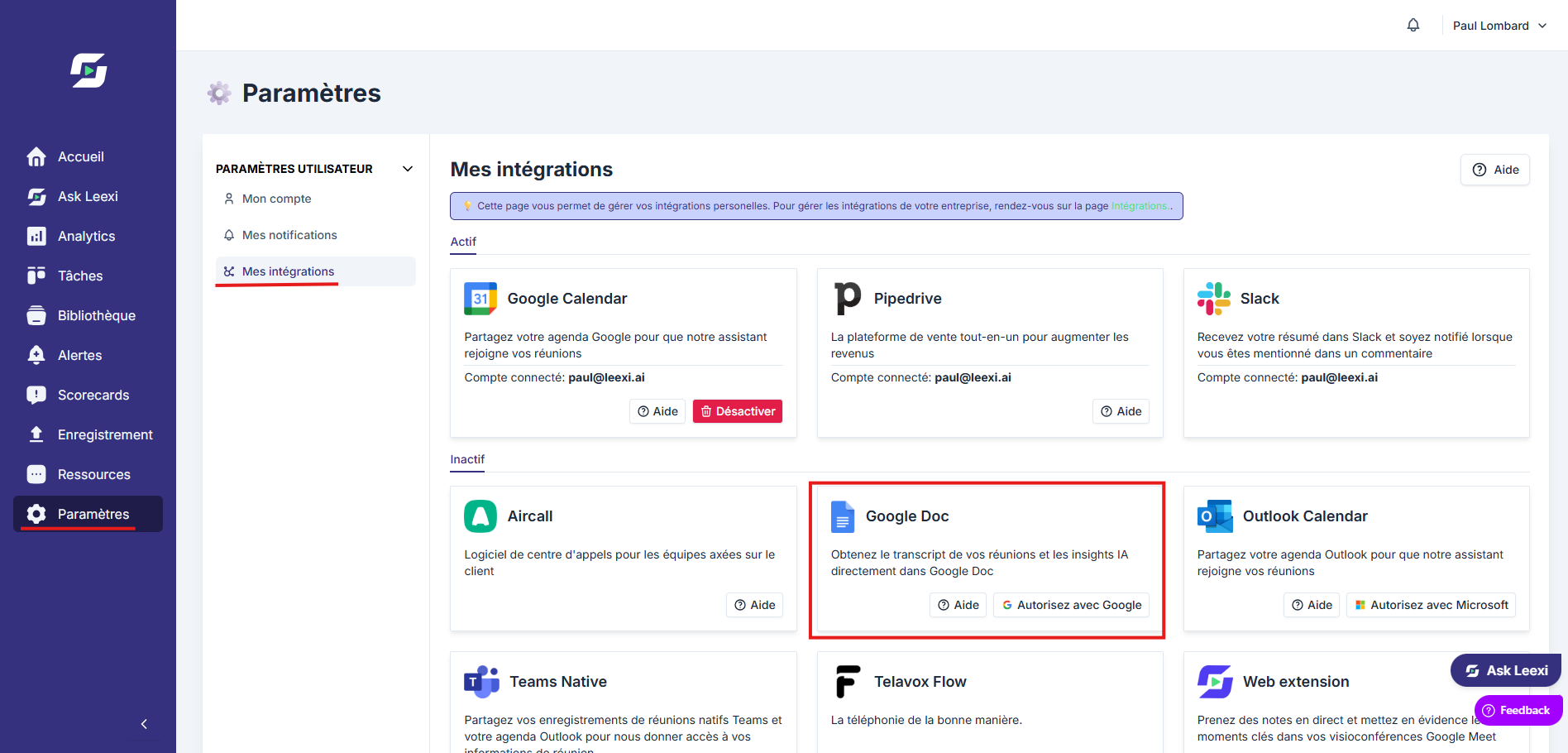
Go to Settings > Integrations to display the connectors available in your scope.
Connect the target tool
Launch the authentication or configuration for the relevant connector.
Check the expected flow
Confirm that data comes through correctly into Leexi or is properly synchronized to the external tool.
Complete with related settings
If needed, finalize configuration on the CRM Autofill, notifications, webhooks or document sharing side.
Going further
Leexi supports calendar, video conferencing, CRM, ATS, VoIP, notes, communication, migration and external MCP integrations:
| Integration type | Integrations |
|---|---|
| Calendar | Google Calendar, Outlook, Exchange |
| Video conferencing (bot) | Google Meet, Microsoft Teams, Zoom, Webex, Jitsi, Apizee |
| CRM | HubSpot, Salesforce, Pipedrive, Microsoft Dynamics, Zoho, Odoo, Sellsy, Tribe CRM, Attio, AdminPulse |
| ATS | RecruitCRM (Business and Enterprise plans) |
| VoIP | Aircall, Ringover, CloudTalk, 3CX, Vonage, Allocloud, Keyyo, Imagicle, HubSpot VoIP |
| Notes and storage | Google Drive, Sharepoint, Notion |
| Communication | Slack, Microsoft Teams (notifications) |
| Migration | Fathom, Fireflies, Gong (import existing recordings) |
| External MCP | ChatGPT, Copilot, Dust, Claude (paid), Cursor |
- The Google Drive integration (Business and Enterprise plans) is an individual setting: once enabled, a "Your Leexi Recordings" folder is automatically created in your Google Drive and populated with your call notes. Notion and Sharepoint work the same way.
- Webhooks can also emit technical events to your own systems.
Frequently asked questions
Yes, but you lose a large part of the automation around capturing and circulating information.
Depending on your plan, your permissions or your client context, some integrations may not be visible.
Things to watch out for
- An active integration should be tested on a real case before generalizing its use.
- The rights granted to the external connector should stay limited to what's needed.
- Remember to check customization or reporting pages that depend on certain CRM integrations.