Call page
Editing follow-up tasks
Review, correct, and reassign the actions detected by Leexi after a call.
Definition: Follow-up tasks summarize the next actions identified during the call. You can check them, rephrase them, and assign them before distribution.
Feature video
No video is available at the moment.
| Who is this for? | Required permissions and licenses |
|---|---|
| • Users who manage follow-up after a call. • Managers who want to ensure the reliability of actions before sharing or synchronization. | • Follow-up tasks are tied to the AI capabilities available on your plan. • Editing depends on your permissions on calls and their associated content. • External synchronizations remain conditional on active integrations. |
How to use it
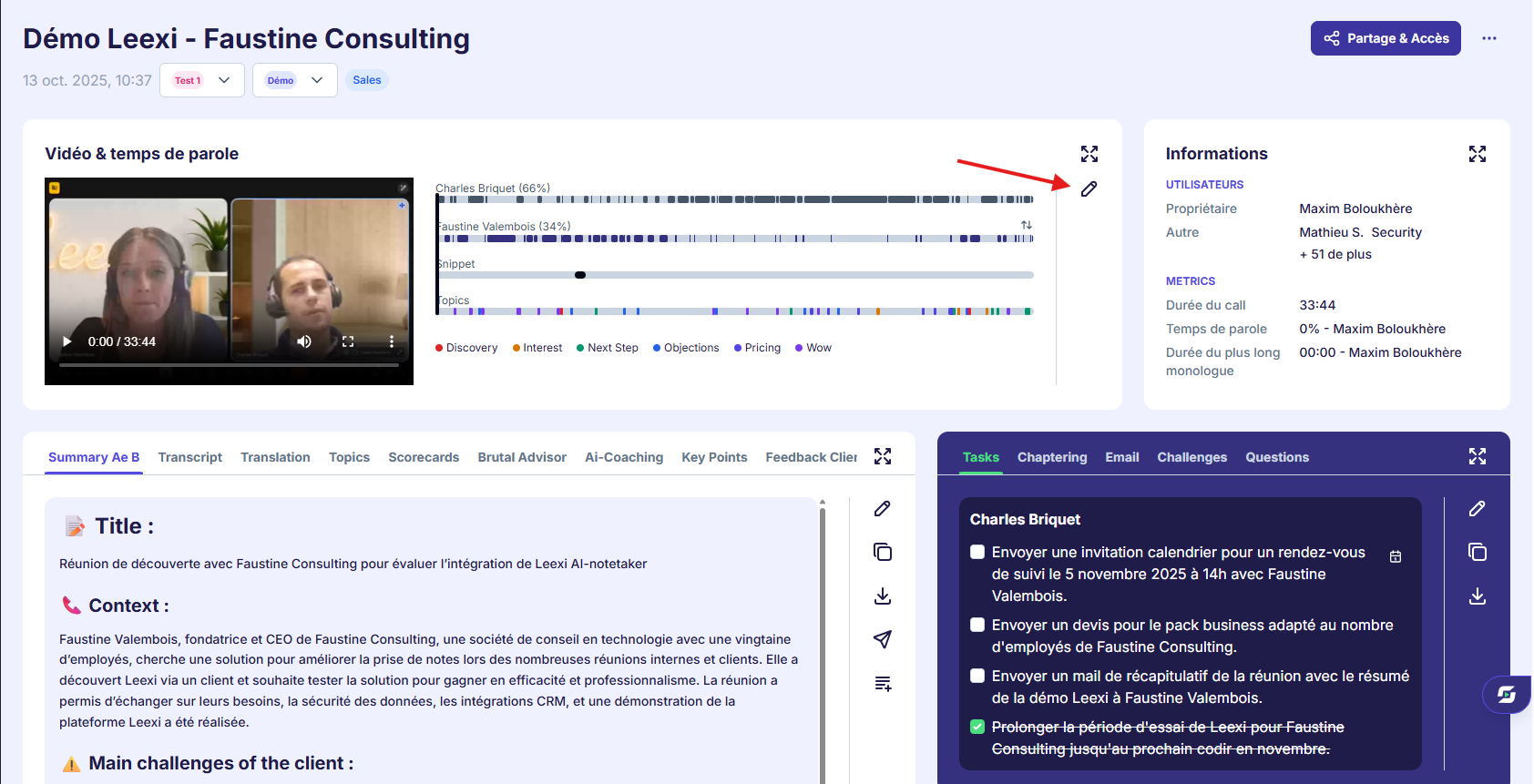
Open the tasks section
From the call page, review the list of actions detected by Leexi.
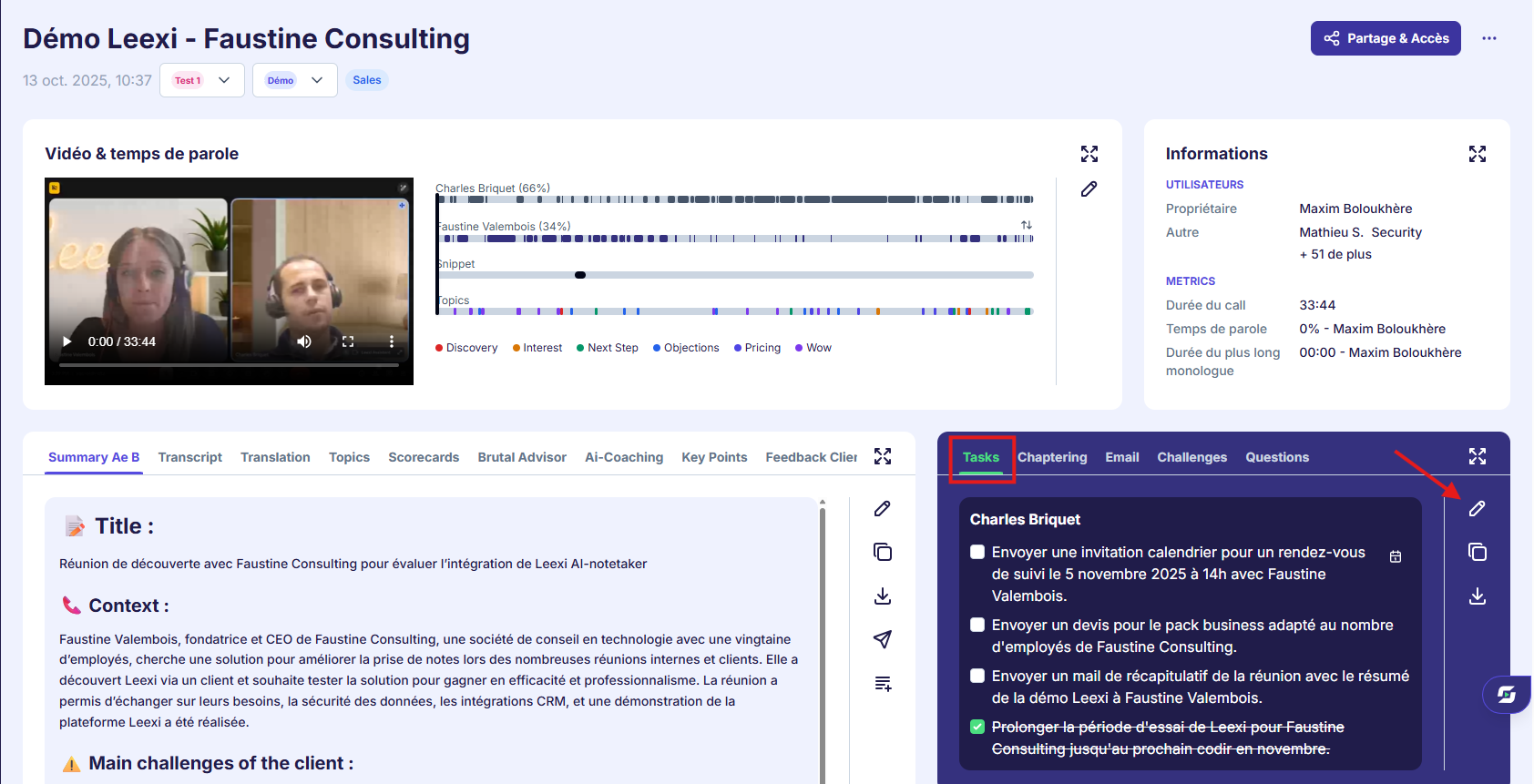
Correct the content
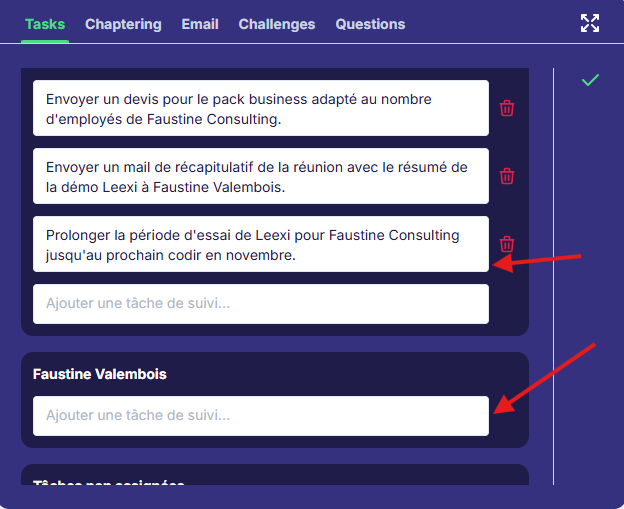
Rephrase, clarify, or remove tasks that don't match reality.
Reassign if needed
Assign the right person responsible for the action to ensure reliable follow-up.
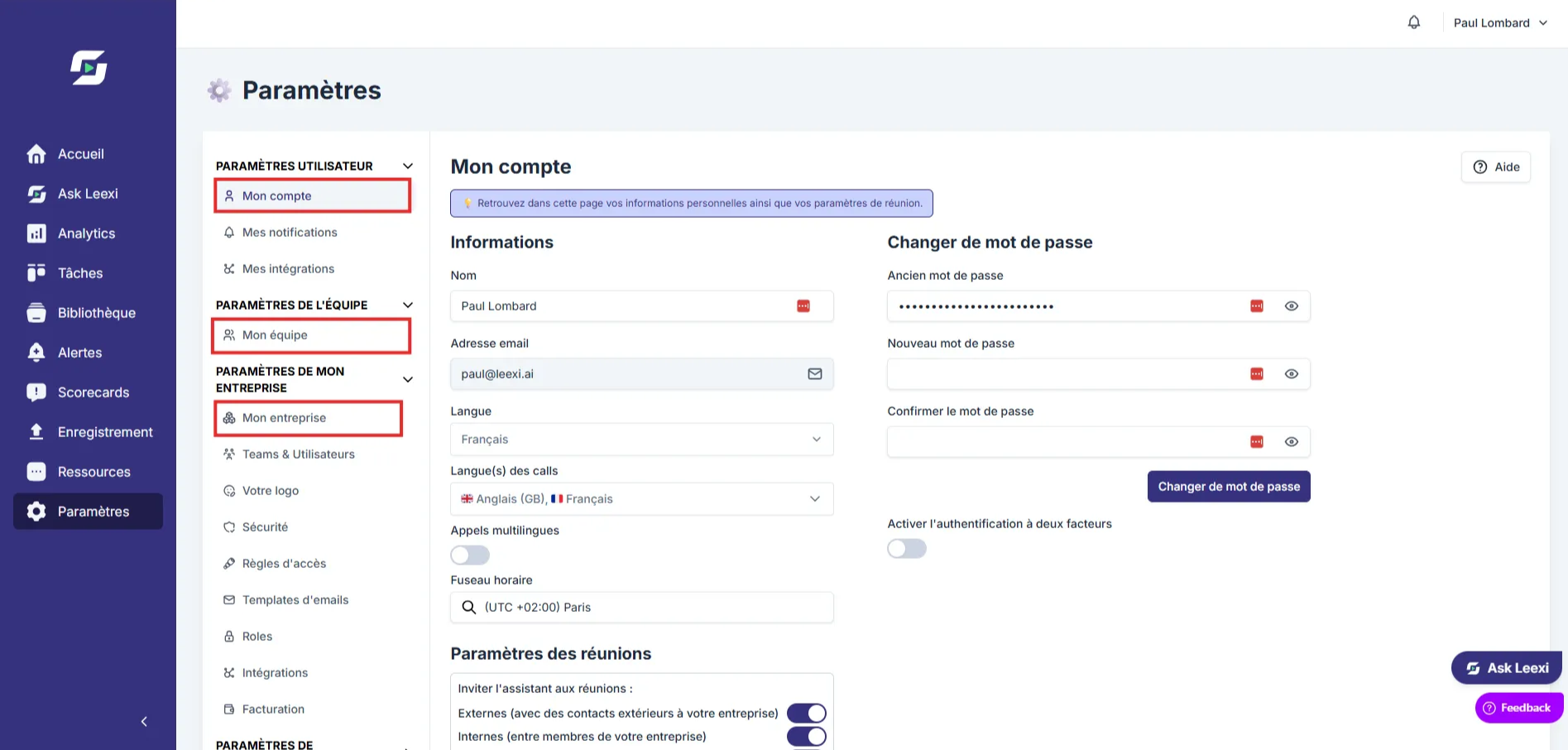
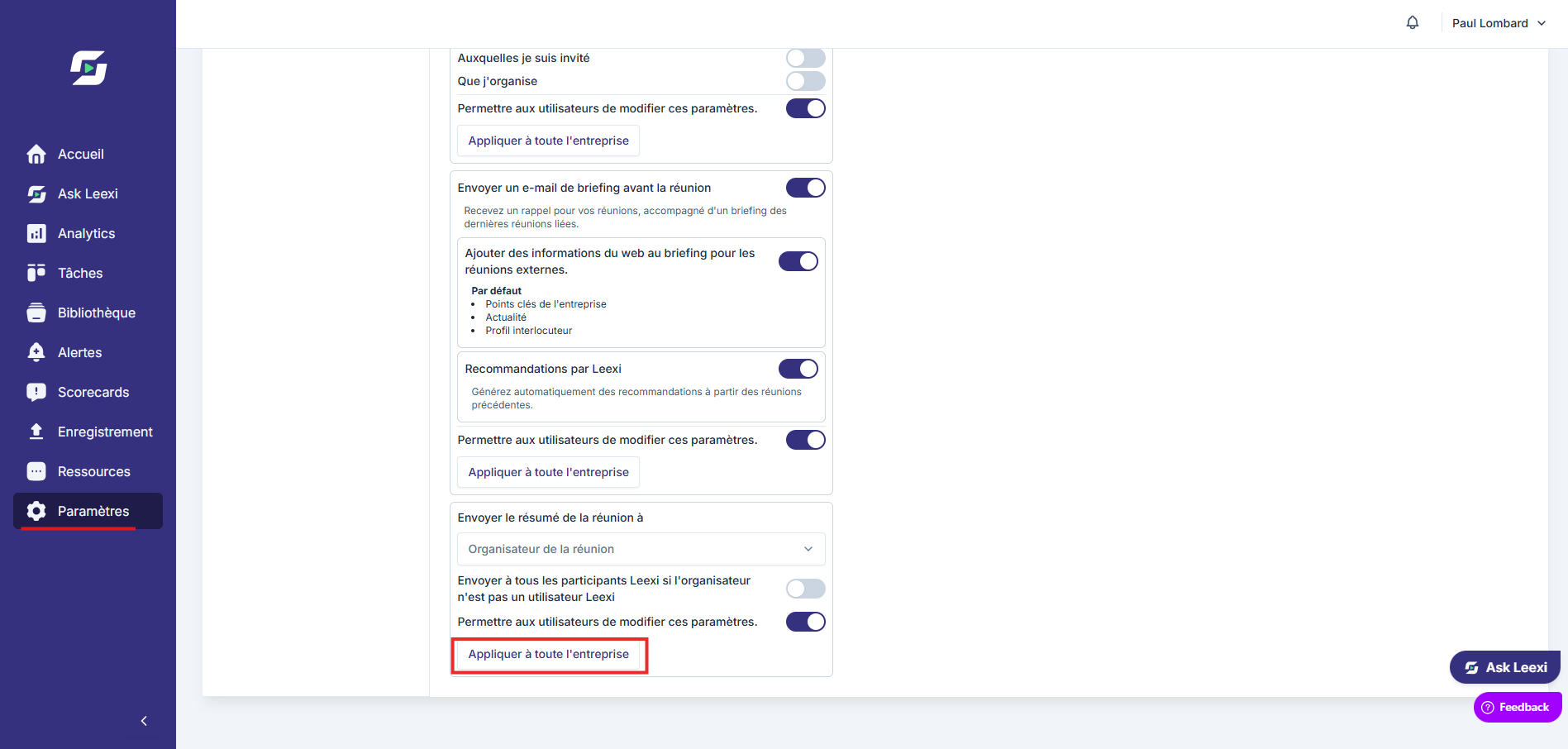
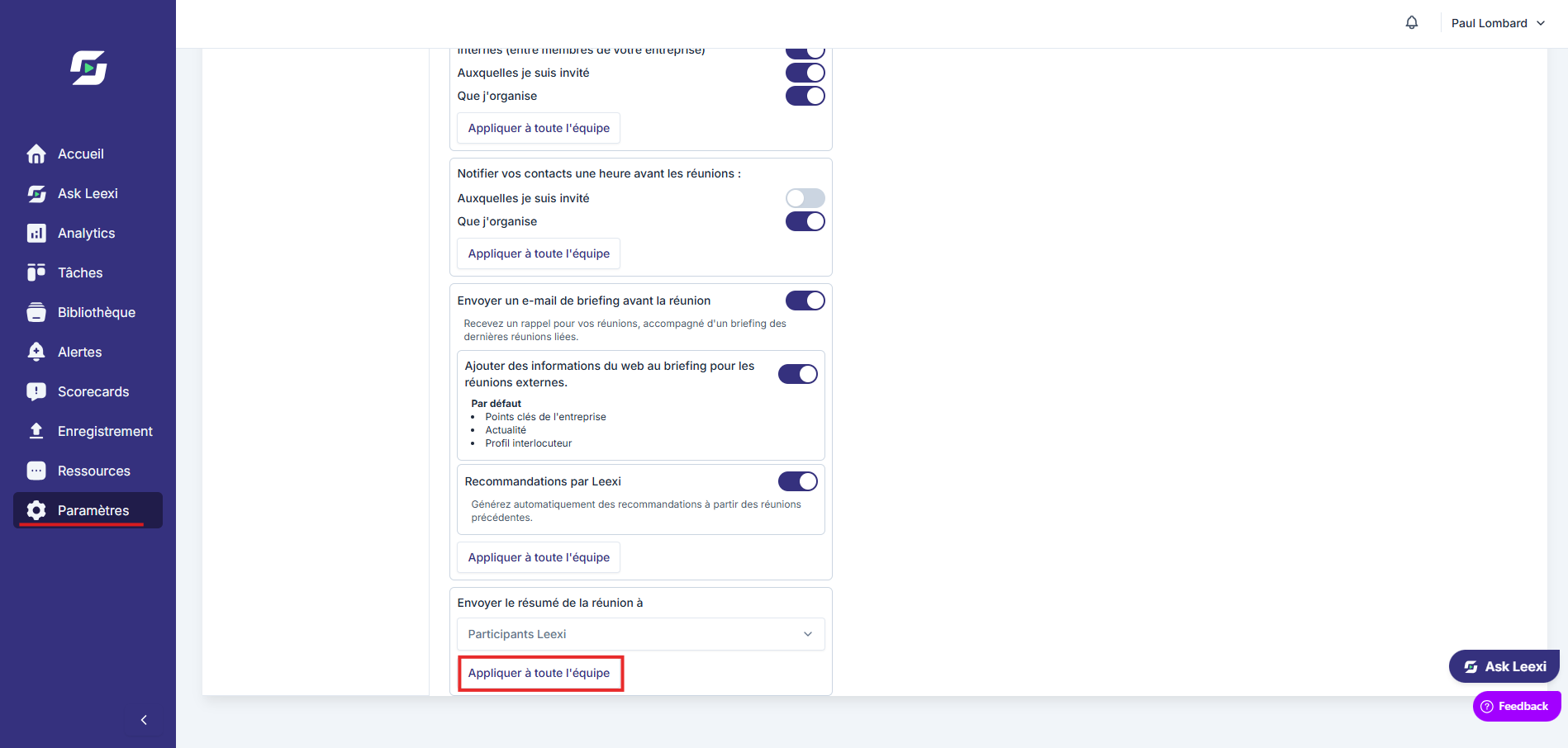
Share or synchronize
Once the list is validated, distribute it in your tools or use it in your internal workflows.
Going further
- Good task hygiene keeps AI-generated follow-ups from losing credibility.
- Tasks can feed other views, such as cross-team monitoring or CRM integrations depending on your configuration.
- The better a call is framed, the more actionable the follow-up suggestions are.
Frequently asked questions
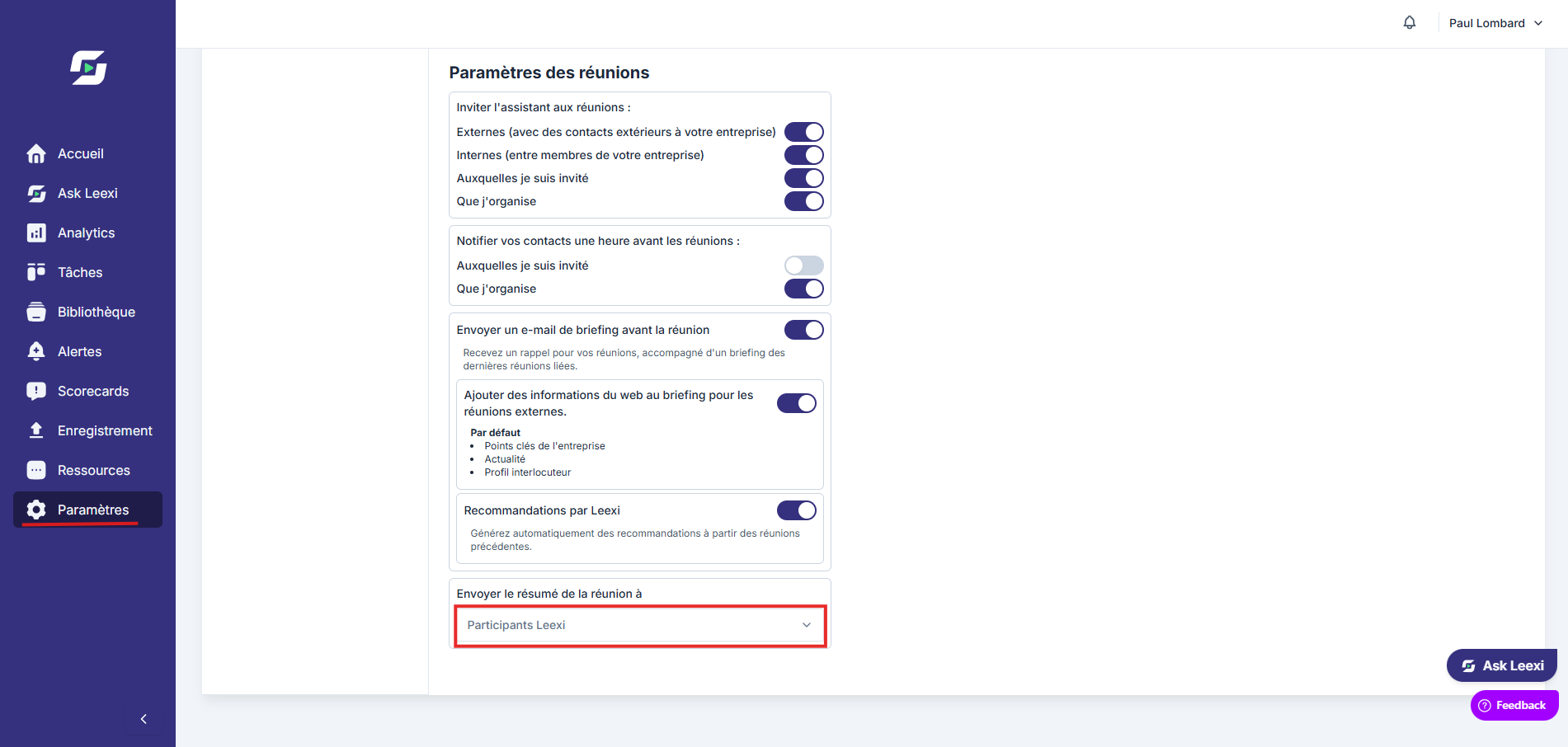
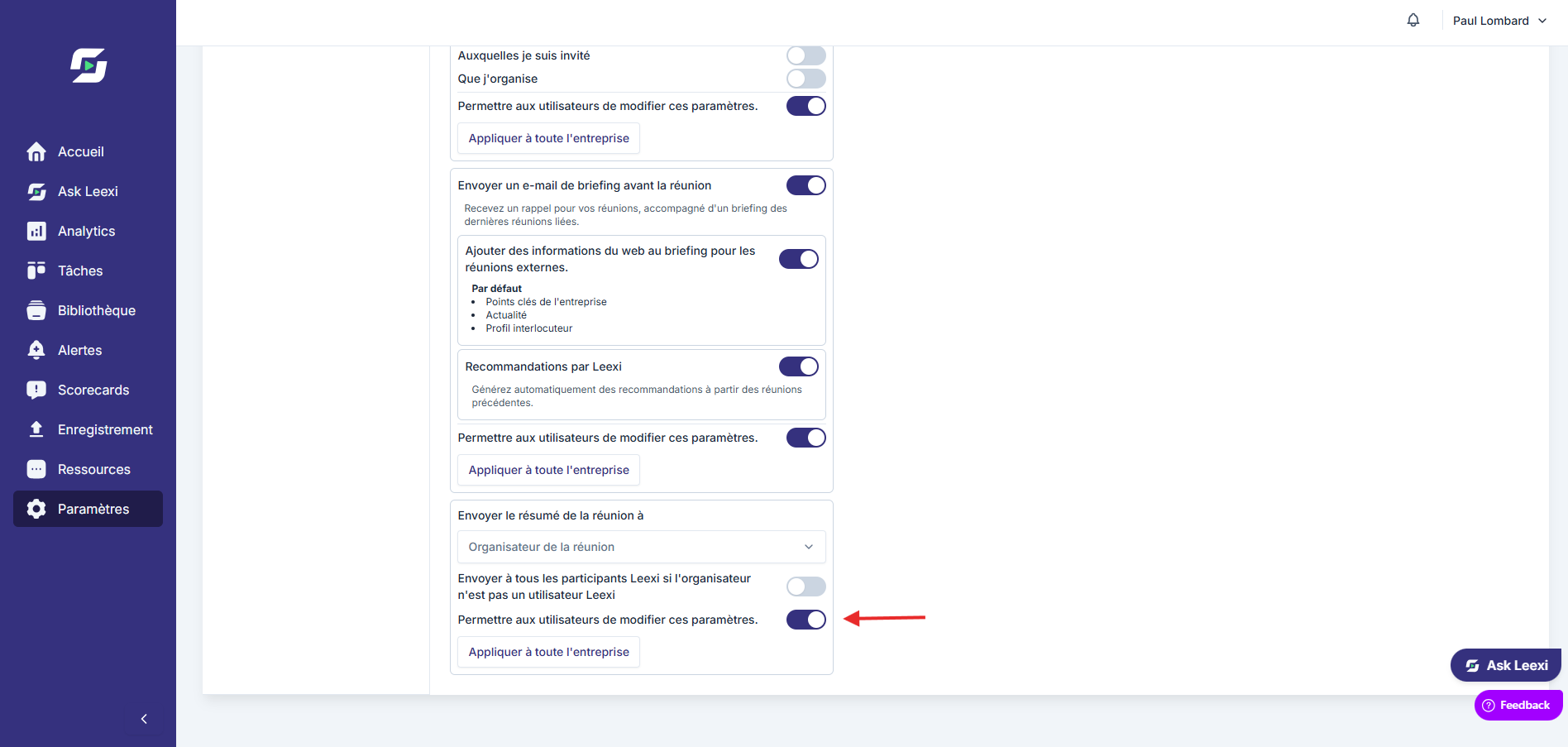
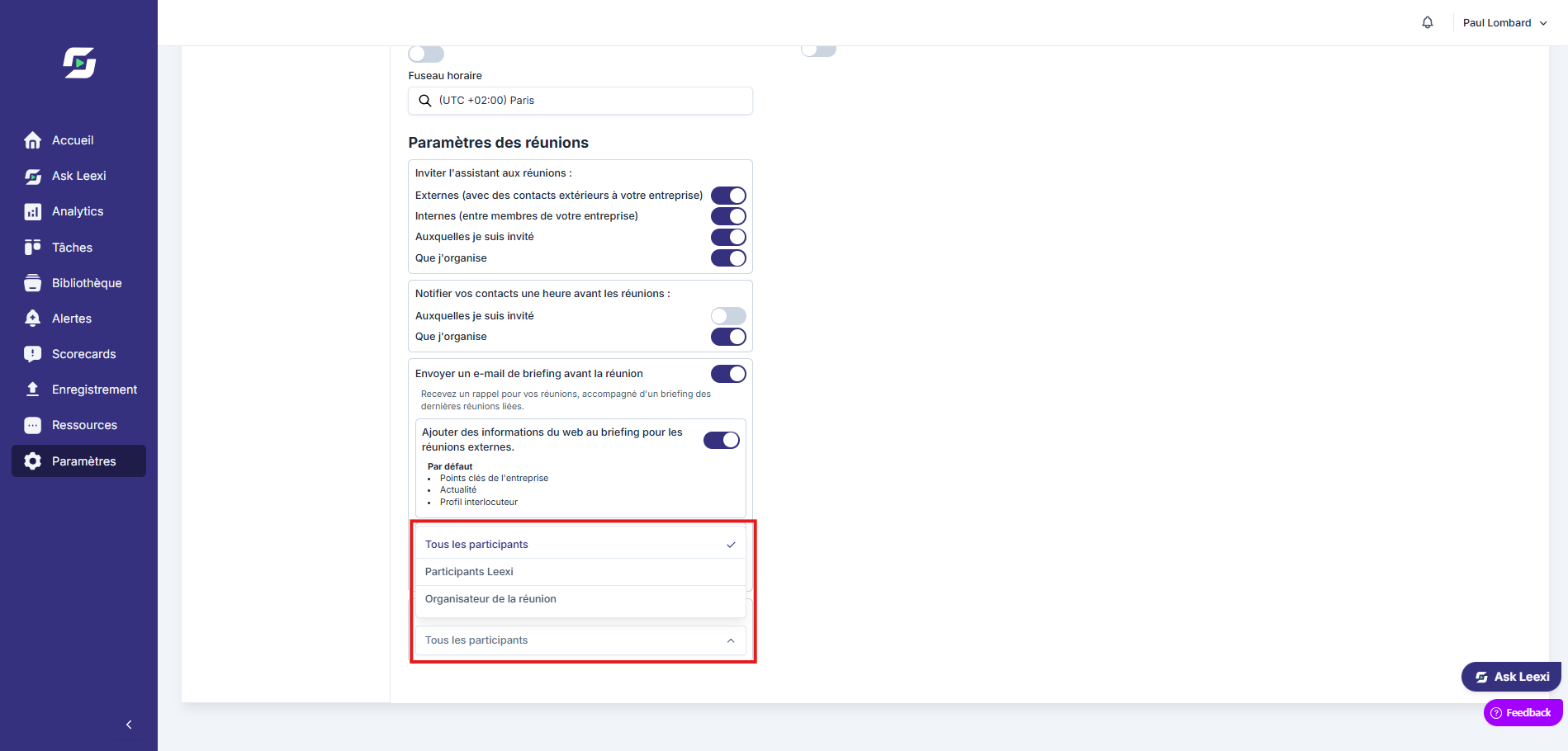
Yes. It's even recommended to lock down the quality of the follow-up. To be able to edit tasks before sending, you must disable automatic summary sending. If automatic sending is enabled with the "All participants" option, tasks can no longer be edited once sent.
No (Business and Enterprise licenses only). Follow-up tasks are sent as a note in the CRM at the end of the meeting. When you edit follow-up tasks in Leexi, the changes do not apply to the note already present in your CRM.
Not systematically. The behavior depends on the integrations and the workflow in place.
Yes. When you edit a speaker's name directly from the call page, it results in a change in the follow-up tasks.
To reassign a task: copy the content of the incorrectly assigned task, create a new task (assigned to the right person), then paste the content into the new task.
Things to watch out for
- Don't distribute an unreviewed task in a critical process.
- A local reassignment in Leexi doesn't guarantee the same effect in all external tools.
- Detected tasks don't replace human judgment.